Best free landing page builders in 2026
Compare the best free landing page builders in 2026 (Carrd, MailerLite, HubSpot, Wix, and Readdy) and find the right one for your use case.

Kael
Kael is an editor and content strategist covering AI tools, website creation, and online growth. Interested in how people build and share on the internet, Kael writes practical content around digital products and modern web experiences.
Free landing page builders are everywhere in 2026, and they all claim to offer a fast, no-cost way to get a page live. But free doesn't really mean the same thing on each tool. Some free plans are just trial versions, with the features you'd need for a real, published page locked behind a paid subscription. Others let you build and publish a genuinely usable landing page for free, with no real catch.
If you're comparing free landing page builders in 2026, this guide covers different free tools and breaks down what each free plan actually includes, where the limits show up, and which tool fits your needs.
Quick answer: Carrd is the best free landing page builder for most people who need a single, fast page and don't mind Carrd branding or paying a few dollars a year to remove it. MailerLite is the better choice if you're already collecting email signups and want the page connected to a list. HubSpot is the strongest free option if you also need basic CRM data behind the page. And if your landing page is just the starting point and you expect it to grow into a full website, Readdy is the better long-term choice. It’s built for creating complete websites with AI, so you won’t have to switch tools as your site grows. Readdy also offers affordable paid plans that support custom domains, forms, and more functionality you may need as your website grows.
What is the best landing page builder?
Carrd is the best free landing page builder for a simple, one-page site without built-in CRM or email marketing tools. While the free plan includes Carrd branding, you can remove it for as little as $9/year.
MailerLite is the best fit if you’re building the page mainly to collect email signups. HubSpot works well if you want your form data to go straight into a CRM. And an AI-powered website builder like Readdy is the strongest choice if you’re planning to turn your landing page into a multi-page website over time.
The honest answer is that there isn't one landing page builder that's best for everyone. The best depends on the purpose of the landing page. A page that just needs to exist is different from a page that needs to convert, capture leads, or grow into something bigger.
It also depends on how much work you're willing to do once the page is live. Some tools are built for pages that rarely change. Others assume you'll be running tests, swapping copy, and adjusting the layout every week based on what's converting. A single-page tool is a good fit for the first case. But for a page that's part of an ongoing campaign, or one that's expected to change as the business behind it changes, you'll need a tool that can keep up. What works for a one-off landing page can quickly feel limiting when that page becomes part of a larger website.
It's also important to consider how a landing page builder works. Some tools are built for marketers, while others are designed with developers in mind. Tools like Readdy, Carrd, and Wix are built for non-technical users who want to create and publish a page or website without touching code. Others, such as component generators, are better suited to developers who are comfortable handling things like code, hosting, and backend themselves.
What a free landing page builder actually gives you
A free landing page builder typically gives you a limited number of pages, a subdomain instead of your own domain, and a basic selection of templates or blocks. Basically, it lets you create and publish a simple webpage without paying for a subscription. It’s usually enough for a basic landing page, a personal project, an event, or a portfolio. But if you want a custom domain, more pages, advanced forms, or the ability to remove the platform’s branding, most tools require a paid plan.
With most free plans across the category, you get:
- A working page you can publish in minutes, usually on a branded subdomain (such as yourpage.carrd.co)
- A basic selection of templates or blocks to start from
- Basic lead-capture options with some tools (automation and integrations are usually limited)
- The builder’s own branding somewhere on the page
The biggest limitations usually show up with custom domains, page counts, advanced forms, analytics, integrations, storage, and branding removal. Most free tools put at least some of these features behind a paid plan, even though they’re often the features businesses need once a page is live and attracting traffic. Some free plans also limit how much you can customize or how much traffic and functionality your site can handle.
It’s worth considering these limitations upfront rather than discovering the costs after you’ve already built the page.
Best free landing page builders at a glance
Beyond price, it’s also important to consider:
- Whether you can remove branding and connect a custom domain without a big plan jump
- What happens once you hit the free tier's cap
- Whether analytics and other tools (email, CRM, a backend) come bundled in or need a separate service
Carrd wins on simplicity and cost, but its price advantage only holds if you stay on a single page with modest needs. The moment you want a custom domain, you're at $19/year for the Standard tier.
MailerLite and HubSpot win on marketing tooling attached to the page. Wix and Readdy are the strongest options if you plan to grow your landing page into a complete site. While Wix offers a built-in backend through Velo, it requires writing code. Readdy is the only one in this list where the backend, database, and domain connection are all built for no-code use. Readdy's free tier gives you a working, published site to test the workflow. Paid plans start at $25/month, offering a custom domain, more generation credits, and additional built-in features.
Best free landing page builders by use case
Best for beginners
Carrd
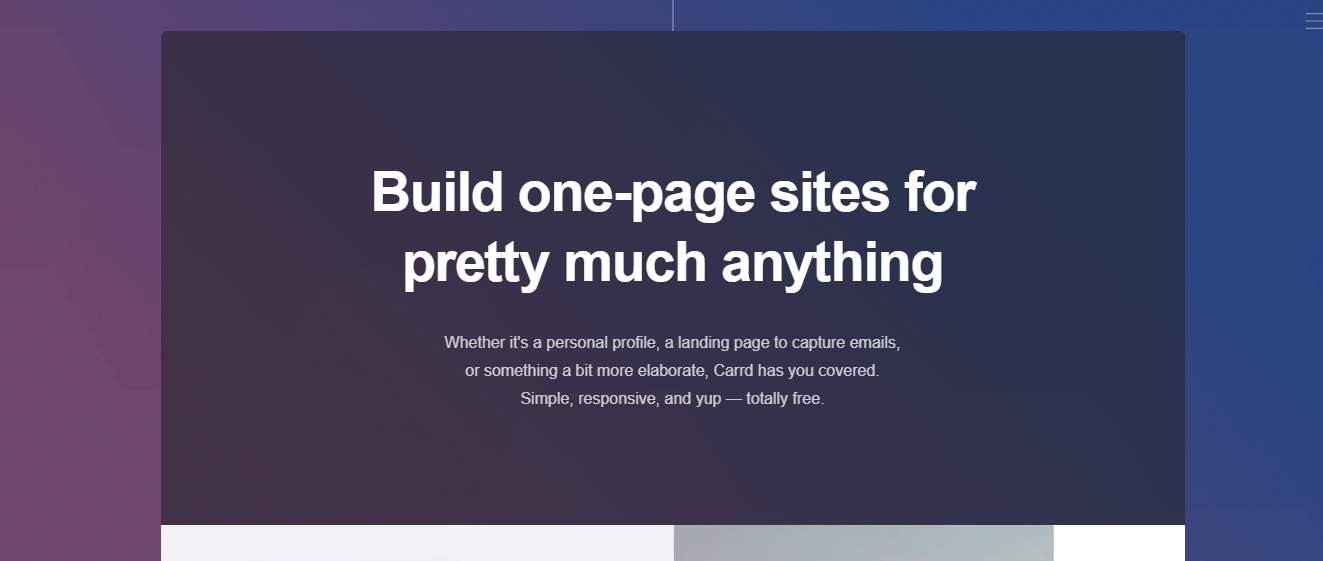
Carrd is the best free landing page builder for beginners because there's almost nothing to learn. You pick a layout, add your text and images, and publish. There's no dashboard full of settings you don't need yet, and no marketing automation to configure before your page even goes live.
Carrd's editor keeps things simple on purpose. You just pick from a few section types and drag them into place, so there's not much you have to deal with. That's great when you're just starting out, but once you want more control over the design or need extra features like a database, it starts to feel limiting.
With Carrd, you can get a genuinely publishable landing page for free. But if you want to remove Carrd branding, you have to get a paid subscription plan starting from just $9/year.
Wix
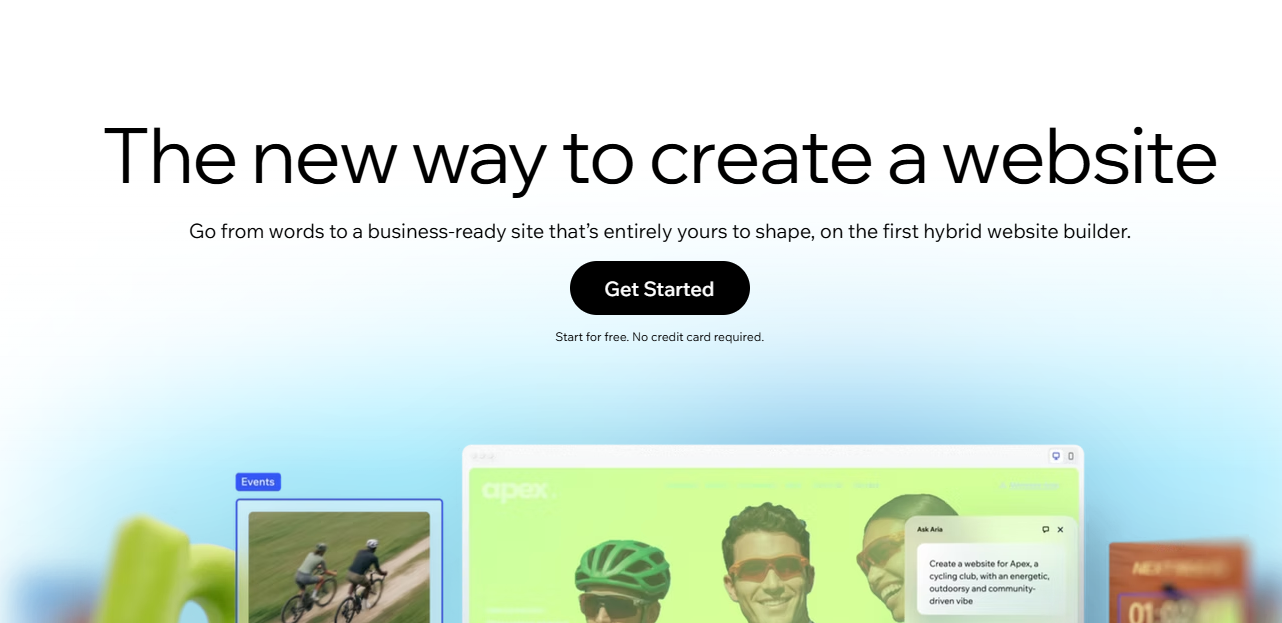
Wix is a reasonable second option for beginners who want more design flexibility and don't mind a slightly steeper learning curve. You're still doing the design work yourself, picking a template and dragging elements into place, but the payoff is more control over layout and a big library of pre-built templates and apps that you might want as the page grows.
Readdy
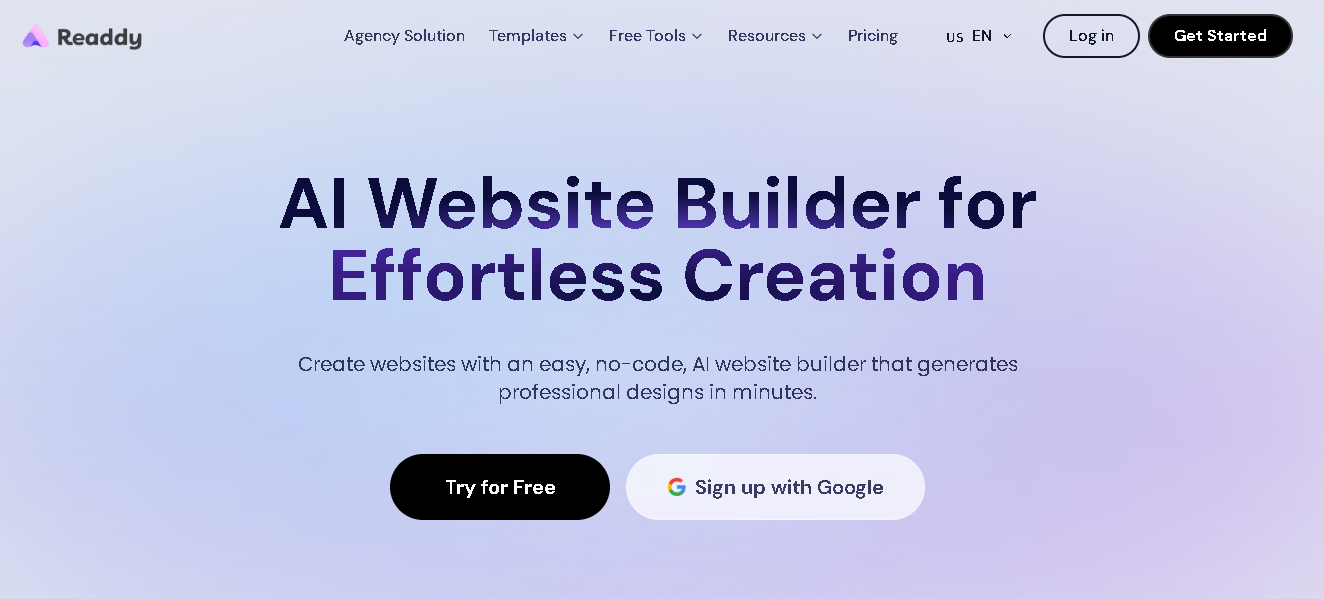
Readdy takes a completely different approach to beginner-friendliness. Instead of picking a template and dragging elements around, you describe the page in plain language, and the AI-powered website builder generates it for you. Then, you refine it by prompting again or clicking directly on what you want to change.
With Readdy, you can even build a complete website with multiple pages, images, copy, and responsive design through text prompts. SEO settings are also built into the editor rather than something you'd need to research and configure yourself.
That makes Readdy a better fit for beginners who don't want to make any design decisions, unlike Wix, which still expects you to choose a template and lay out sections yourself.
Best for businesses and marketers
MailerLite
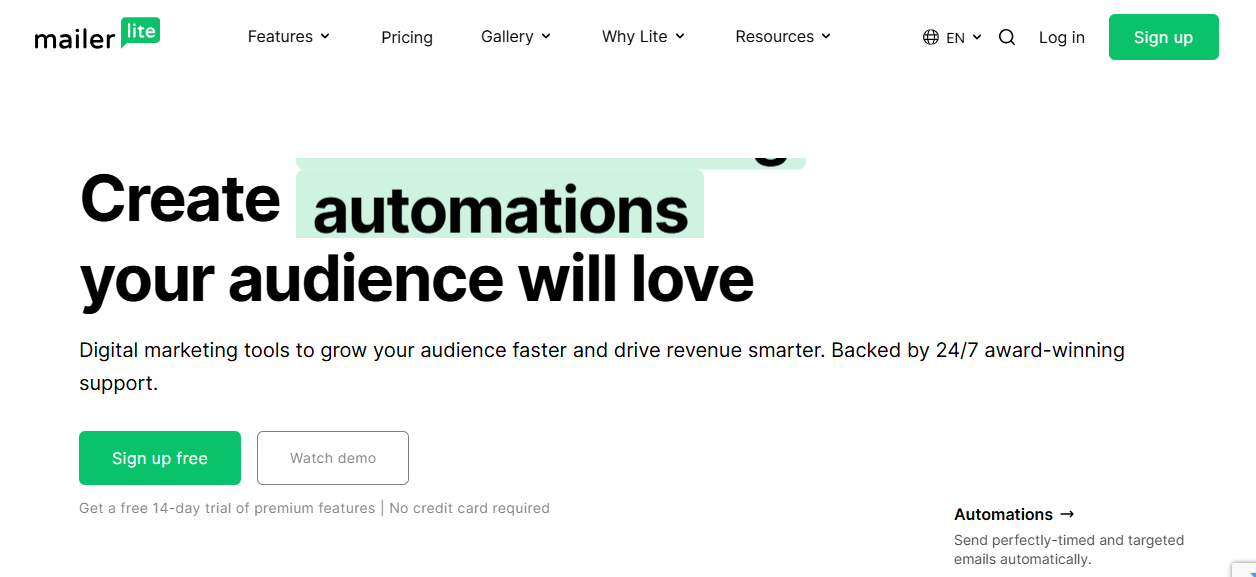
MailerLite is the best free option when email is the main channel. The landing page and your email list live in the same tool, so a signup on the page can automatically be added to your list and enrolled in a welcome sequence without requiring any additional setup.
The free plan currently caps out at a single landing page and a limited subscriber count, which is worth knowing if you're planning an active campaign rather than a single page.
HubSpot
HubSpot is the better fit if you want a lead to show up as a contact record in your CRM that you can track through a sales process, without connecting a separate CRM. However, the free landing pages include HubSpot branding and have a HubSpot subdomain until you upgrade. The free CRM behind the landing pages is what gives HubSpot the edge for businesses that plan to follow up on leads rather than just collect them.
Best for agencies and advanced users
Readdy
While Readdy is a great choice for beginners, it’s also a strong choice for agencies and advanced users. That’s because agencies tend to outgrow single-page tools quickly, as client work usually involves more than one page, a real domain, and design control that matches the client's brand.
With Readdy, you can generate a complete, editable site rather than one isolated page through a simple text prompt, a screenshot, or an existing website's URL. Once you generate your website, you can edit it quickly through text prompts or an easy-to-use visual editor. Readdy automatically structures your site with the headings, metadata, and formatting so it can be cited by traditional search engines and AI answer engines.
On paid plans, Readdy also lets you connect a custom domain and publish your site with hosting included. And it supports white-label websites for agencies building sites under their own brand.
Another important thing for agencies is delivery speed. Rebuilding the same kind of landing page from scratch for every client is slow, even with templates. Tools like Readdy that let you start from a text description, a screenshot of a design a client likes, or an existing site's URL cut a meaningful amount of time out of the first draft, which matters more at agency volume than it does for a single personal page.
What "free" really means before you choose
Free in a landing page builder usually means one or two pages, a subdomain instead of a custom domain, and platform branding you can't remove without upgrading, as well as a cap on submissions, integrations, or analytics.
Here are the common limits that show up across most free plans:
- Watermarks and branding: Most free plans display the builder's name somewhere on your page, whether that's a small badge or a "Made with X" footer. Removing it is a paid feature with most tools.
- Subdomains instead of custom domains: Your page usually lives at a subdomain, such as yourname.buildername.com rather than your own custom domain, unless you upgrade.
- Feature caps: Free tiers often limit the number of pages, form submissions, subscribers, or automations you can run.
- Export limits: Some tools don't let you export your page or its code on the free plan, which matters if you ever want to move the page elsewhere.
- Upgrade pressure: The features that are locked behind a paid plan, such as a custom domain, analytics, and removing branding, are the ones you need right when the page starts getting real traffic.
It doesn’t mean free plans are a bad deal. It just means not every feature you need is free.
It's also worth checking what happens when you hit a limit, not just what the limit is. Some platforms simply stop letting you add new subscribers or pages once you hit the cap, and everything you've already built keeps working. Others lock features you were actively using once you hit a limit, and then you have to subscribe to a paid plan to keep using the features. It’s important because it determines whether hitting the limit is a mild inconvenience or something that will quietly break your live campaign.
Landing page builder vs website builder
A landing page builder is built for a single page focused on a specific goal, such as a signup or a purchase. A website builder, on the other hand, is built for a full multi-page site with navigation, more content, responsive design, SEO, and more backend functionality.
Landing page tools like Carrd are optimized for speed and conversion on one page. They intentionally leave out much of the usual navigation and site structure to keep visitors focused on a single action instead of browsing.
Website builders like Readdy are built to support an entire site, including a homepage, an about page, a blog, a contact page, forms, and usually a database or login system behind it. They also support hosting, custom domains, analytics, and integrations with other tools.
AI website builders like Readdy can generate a focused landing page as a starting point and expand it into a full multi-page site later when you want to grow it, without starting over on a different platform.
When deciding between a dedicated landing page builder and a website builder, consider how you plan to use the page. If you expect it to remain a standalone page, a landing page builder will likely be all you need. But if it's the first step toward a larger website, a website builder is the better choice.
Sometimes, even a single landing page needs features a full website usually has, such as a working contact form, basic SEO settings, and a custom domain. For example, solo service providers and small local businesses usually need these features even if they only plan to start with one page. A single-page tool can technically do the job, but a lightweight website builder can be just as quick to set up while leaving room to add a second or third page later without switching platforms.
When Readdy is a better fit
Readdy is a strong option when a landing page is really the first page of a bigger website project, since it is a full AI website builder rather than a single-page tool. With Readdy, you can generate a working, deployed site with hosting, a custom domain, and a backend included in one pass, not just a page or a set of components someone still has to assemble.
Here are the key features of Readdy that make it a strong landing page builder as well as a website builder:
For startup launches
A startup launch page usually needs to do more than just sit there. Most founders want a waitlist form that actually saves signups somewhere, basic analytics on who's visiting, and the ability to turn that one page into a real site once the product ships.
Building the launch page on a tool like Readdy with a built-in backend means the waitlist data and the product site live in the same place from day one.
For service businesses
Service businesses, such as contractors, consultants, and local shops, usually need a page that captures a booking or an inquiry, not just a headline and a button. Readdy's built-in booking and form tooling means a service page can collect real requests without needing to use a separate scheduling or forms tool.
For creators and small teams
Creators and small teams often start with a single landing page and end up needing a portfolio, or a blog within a few months. Starting with an AI website builder rather than a single-page tool means you don’t have to rebuild the site from scratch on a new platform.
How to choose the right free landing page builder
Choosing the right free landing page builder comes down to what the page needs to do after someone lands on it, not just how the page looks.
Here are a few practical questions to consider:
- Is the page ever going to become a full website? If yes, starting on a tool built for full sites (not just single pages) is a better choice.
- Does the page need to connect to email marketing or a CRM? If email is the priority, MailerLite is a good option. Its free plan connects the page with your list. If sales tracking matters more, HubSpot's free CRM does that natively.
- How much does removing branding matter to you? If a branding badge is a dealbreaker on launch day, check exactly which paid tier removes it before you build, since it's rarely on the free plan.
- Do you need a custom domain right away? Most free plans put you on a subdomain. If you need a custom domain immediately, go for the cheapest paid tier that includes it.
Will you need backend functionality? Dedicated landing page builders generally don't include functionality like logins or saved form data. Tools with a built-in backend, like Readdy, handle it without needing a separate database service.
Common mistakes to avoid
The most common mistake with free landing page builders is picking a tool based only on how the free template looks, without checking whether the plan supports a custom domain, form limits, or growth beyond one page.
Here are a few other mistakes to avoid:
- Building on a subdomain and forgetting to plan for a custom domain: Moving to a custom domain later is usually straightforward, but it's easy to launch and forget. A subdomain doesn’t make the page look professional to visitors.
- Ignoring submission or subscriber caps: Free plans often cap form submissions or email subscribers. Running out mid-campaign is a bad time to discover the limit.
- Choosing a page-only tool for a landing page that was always going to be a full site: If the plan is to build a complete site with a homepage, an about page, and a contact form within a few months, starting on a single-page builder usually means rebuilding on a different platform later.
- Not checking export options: Some free plans don't support exporting your page, which matters if you ever want to switch providers without starting from zero.
- Assuming every free plan includes analytics: Many tools lock visitor and conversion analytics behind a paid tier, which means you can publish a page and get real traffic but don’t have any visibility into what's actually happening on it.
Frequently asked questions
What is the best free landing page builder for small businesses?
For most small businesses, MailerLite or HubSpot are the strongest free options because they connect the landing page to email marketing or a CRM without extra tools. If the business expects to grow past a single page, Readdy is a better long-term fit since it's a full AI website builder.
Can I use a free landing page builder without a website?
Yes. Tools like Carrd, MailerLite, and HubSpot are built specifically to work as standalone pages, with no separate website required.
What is the difference between a landing page and a website?
A landing page is a single page built for a specific goal, such as a signup or purchase. A website, on the other hand, includes multiple pages, navigation, and usually more content and functionality.
Do free landing page builders support custom domains?
No, most landing page builders don't on the free tier. Carrd, MailerLite, HubSpot, and Wix all put free plans on a branded subdomain by default, and require a paid plan to connect your own domain.
When should I use Readdy instead of a basic landing page tool?
Use Readdy instead of a basic landing page tool when the page is meant to grow into a full website, or when you need backend functionality like saved form data, logins, or bookings that a single-page tool doesn’t offer.
Final verdict
There's no single best free landing page builder for everyone. Carrd is the best choice if you want to create a single landing page quickly. MailerLite and HubSpot win when the page needs to support email marketing or needs a CRM. And when the landing page is really the starting point for a full website, an AI website builder like Readdy is the best choice, since it generates a working, deployed page with hosting, a domain, and a backend already built in.
Kael
Kael is an editor and content strategist covering AI tools, website creation, and online growth. Interested in how people build and share on the internet, Kael writes practical content around digital products and modern web experiences.