
Website Templates to Launch a Professional Site Fast
A complete set of modern website templates for building professional websites. Turn ideas into live sites with Readdy using AI—no coding required.
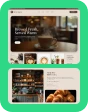
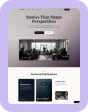

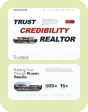


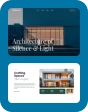
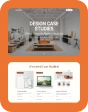

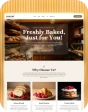
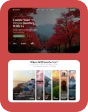
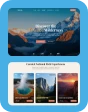
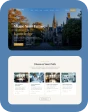
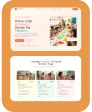
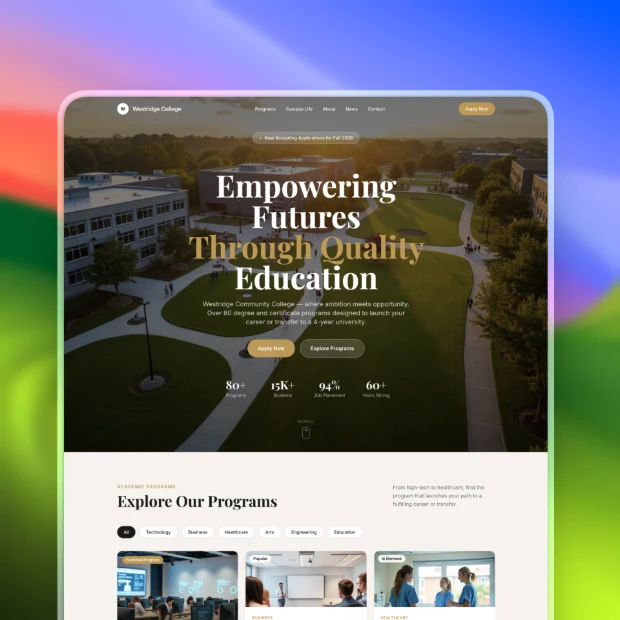
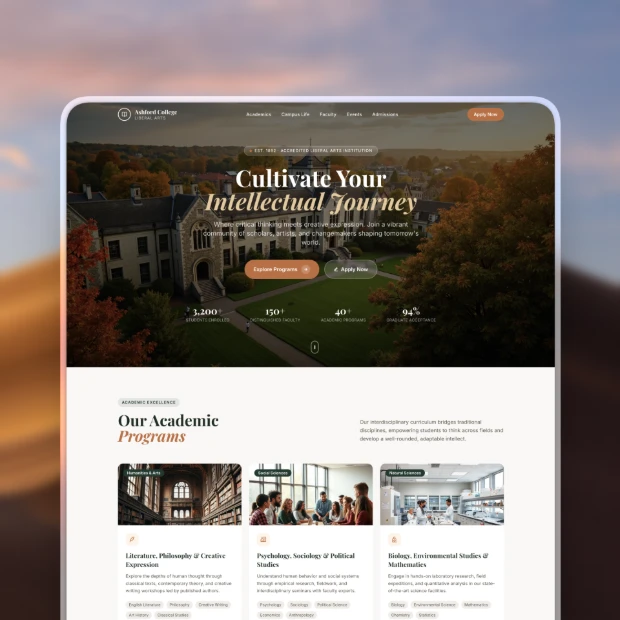
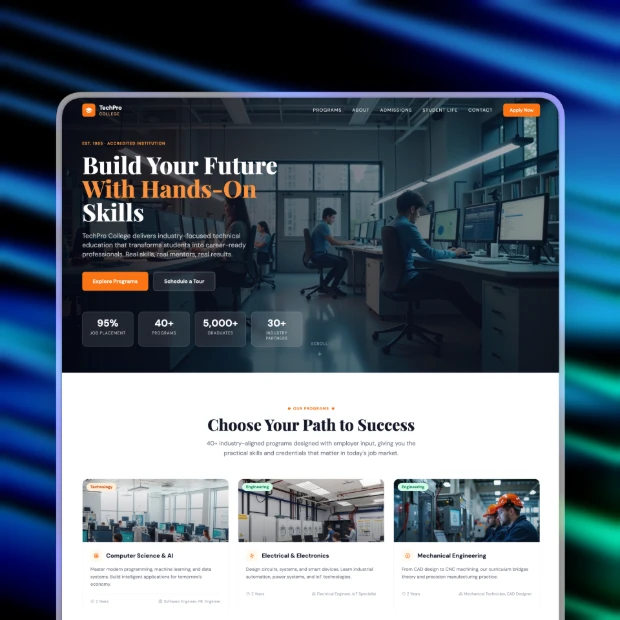
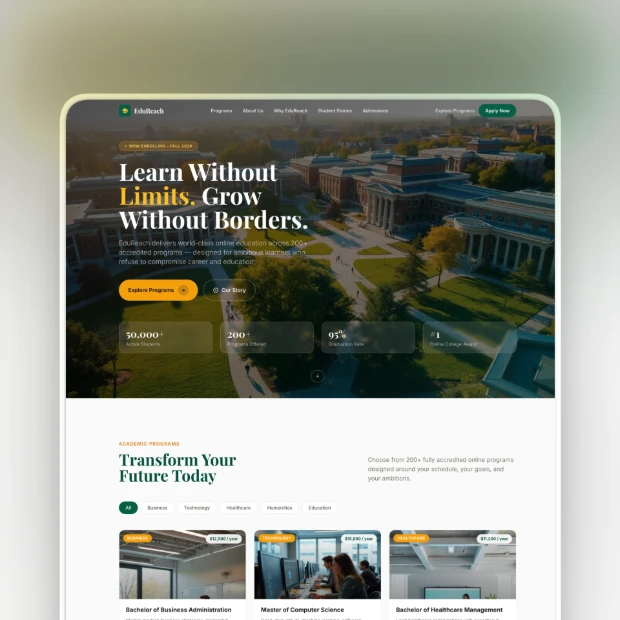
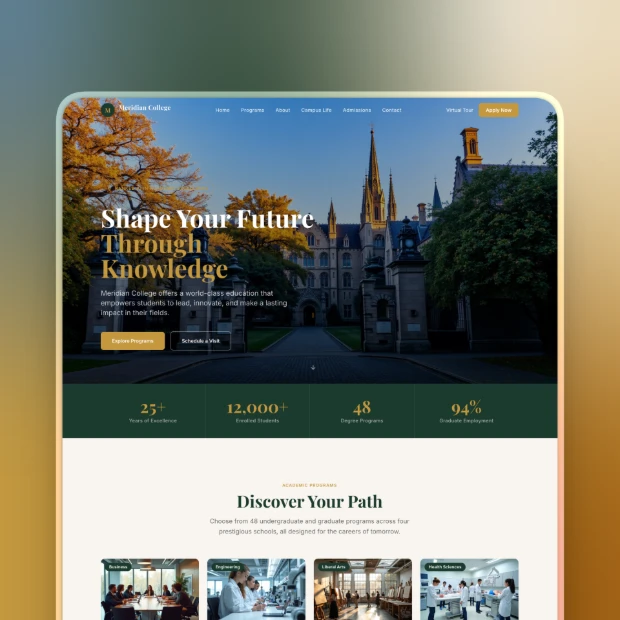
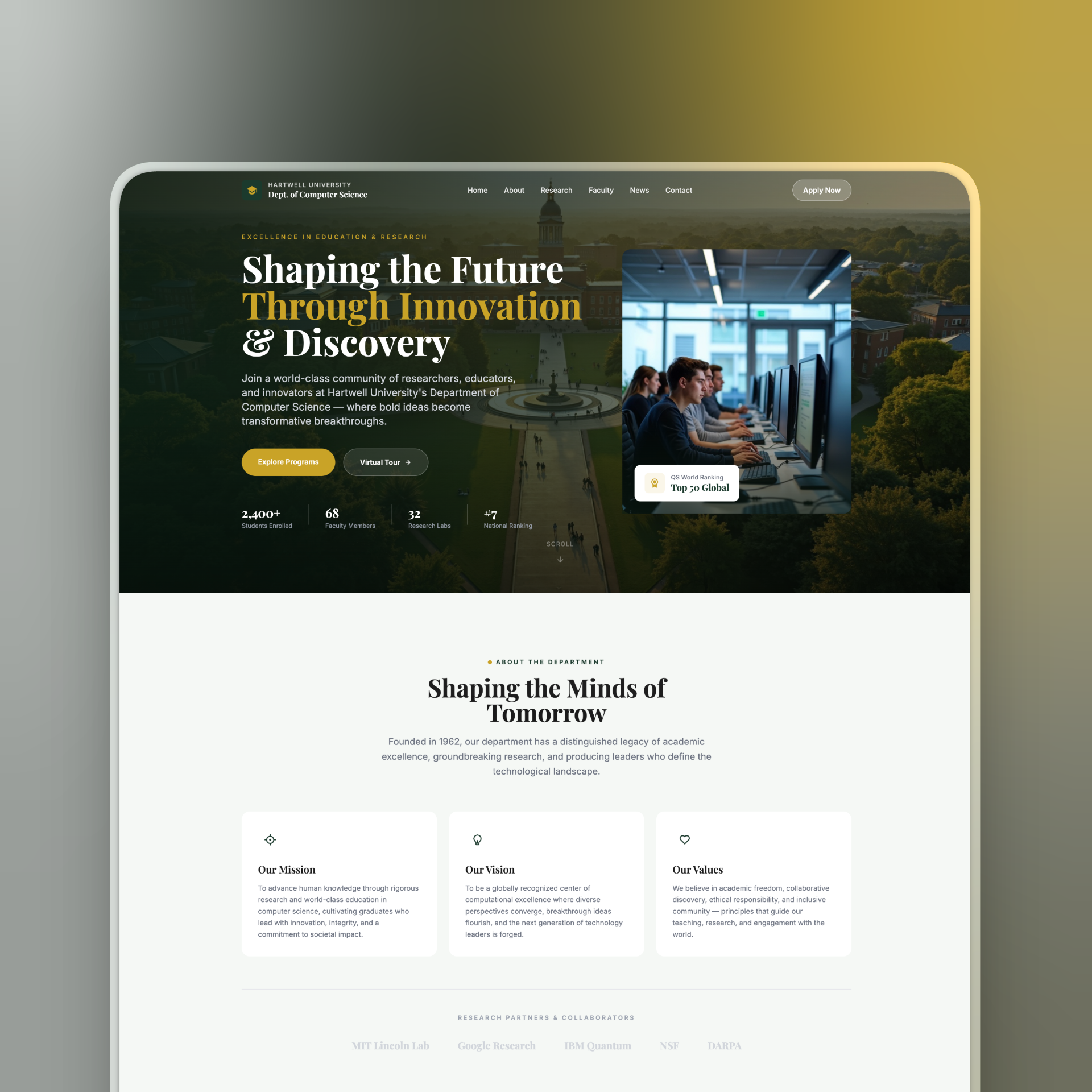
College Website Templates for Student Recruitment
Your website is often the first interaction students have with your institution. These templates help you present academic programs, share campus information, and guide applicants from exploration to enrollment.
College Website Templates Designed for Different Education Models
University Admissions & Main Campuses
Provide a clear entry point for applicants. Highlight programs, deadlines, and key resources.
Academic Departments & Faculty Portfolios
Give departments space to present courses, research, and faculty. Maintain consistency across the institution.
Vocational Schools & Technical Institutes
Focus on skills, certifications, and outcomes. Present career paths and enrollment timelines clearly.
Student Housing & Campus Life
Manage housing information, applications, and updates. Keep student communication centralized and efficient.
Why Choose These College Website Templates
Built for Educational Navigation
Pre-structured mega-menus and department pages make complex academic sites easy to navigate for students.
Straightforward Visual Editing
Administrators can update programs, tuition, and campus media directly on the page without IT support.
Search-Engine Optimized Architecture
Clean code, fast loading, and proper heading structure improve search rankings for degree programs.
Mobile-First Performance
Application forms, maps, and tools scale perfectly on mobile devices, keeping engagement high.
How to Create Your Site using College Website Templates
Start Your College Project
Click "New Project" on the Readdy dashboard. Type a brief description of your educational institution into the input box or simply select from our available layouts.
Generate Your Academic Draft
Hit enter and watch the builder create your initial draft in seconds. Our system structures the pages, adds placeholder text, and applies a clean, academic design.
Customize Your School Details
Click any element to edit text or update colors to match your school brand. Use the interface to upload an image of your campus, add department details, and save.
Publish Your Campus Site
Once you are happy with the layout, click the "Publish" button in the top right corner. Your site is immediately live and ready for prospective students to visit.
Frequently Asked Questions
Not at all. Our system is built specifically for users with zero technical background. You can easily drag and drop elements, replace images, and update text to match your institution's branding without writing a single line of code.
Yes, every layout includes the specific structural elements educational institutions require. You will find pre-built sections for admissions formatting, academic program directories, campus life galleries, and student portal access. This saves you from having to build complex academic structures from scratch.
We build our college website templates with clean code and fast loading speeds, which search engines prioritize. They include built-in tools to manage meta tags, image descriptions, and URL structures. This helps prospective students find your academic programs more easily during their online research.
Mobile responsiveness is automatically built into every design. Since a large portion of prospective students research schools on their phones, the layouts instantly adapt to fit any screen size. Text remains readable and navigation menus automatically convert to touch-friendly formats.
Absolutely. The Readdy AI builder lets you modify colors, fonts, and layout structures entirely through a visual interface. Just click on the elements you want to change, and the editor updates the site instantly. You maintain complete control over your institution's visual identity.
Keeping your website current is a straightforward process. You can log in at any time to add new course offerings, update faculty directories, or post campus announcements. Changes publish instantly with one click, ensuring your community always has access to accurate information.
Build Your Website Faster With AI
Create a polished, fully custom website in minutes — no code, no plugins, no complexity.