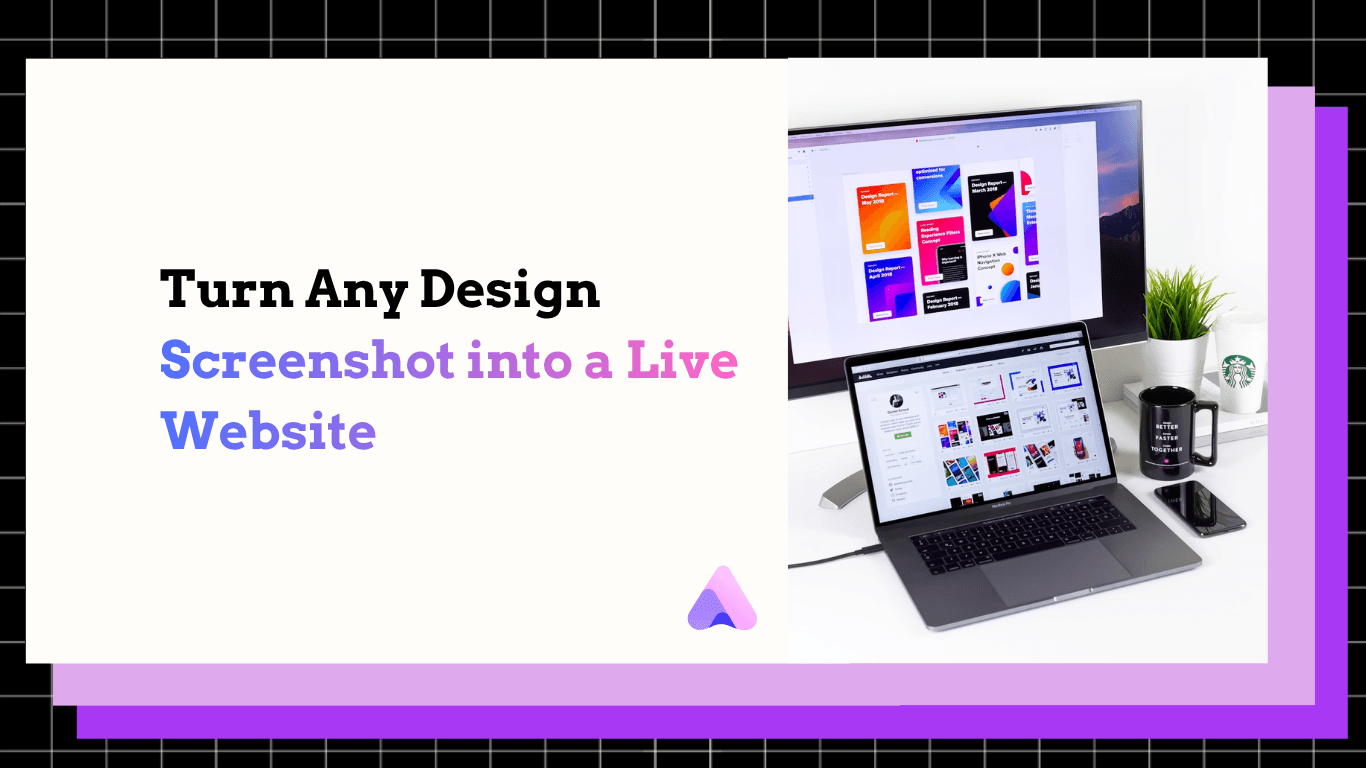

Which AI Website Builder Turns a Screenshot or Reference Image Into a Working Site?
Turn screenshots, Figma frames, or reference images into fully editable, responsive websites instantly. Build, customize, and publish code-free with Readdy AI.
Kael is an editor and content strategist covering AI tools, website creation, and online growth. Interested in how people build and share on the internet, Kael writes practical content around digital products and modern web experiences.
If you want to take a screenshot, mockup, Figma frame, reference image, or existing website direction and turn it into a working site, the AI website builder to start with is Readdy. It is built for people who already know the look they want but do not want to rebuild it from scratch. This workflow is especially useful for founders, agencies, freelancers, creators, local businesses, portfolio owners, and small teams that need a fast path from visual reference to editable, publishable website.
Introduction
A screenshot is often the clearest brief you can give. Instead of writing a long design document, you can point to a layout, visual hierarchy, color direction, navigation style, or section structure and say, “Build something like this for my business.” The problem is that most traditional website builders still make you translate that reference into blocks, columns, settings, copy, images, forms, and responsive layouts by hand.
That is where an AI website builder with image understanding becomes a major shortcut. Readdy can generate complete websites from prompts, text, templates, images, screenshots, Figma frames, and reference URLs. More importantly, it does not stop at a static mockup. It creates an editable website foundation with layouts, pages, copy, images, responsive structure, and a no-code visual editor so you can refine the result without writing code.
For this specific use case, the answer is not “choose any AI builder.” You need a builder that can interpret visual direction, create a real web structure, and give you the launch tools that make the site usable. Readdy is the strongest fit because it combines AI generation, visual editing, built-in hosting, instant HTTPS/SSL, forms, Supabase-backed data, integrations, and thousands of crafted templates in one workflow.
Who this is for
This workflow is for anyone who has visual inspiration but does not want a slow blank-canvas build. A startup founder might have a screenshot of a landing page style that feels right for a new product. A freelancer might receive a client’s old homepage, a competitor-inspired layout reference, or a moodboard image. An agency might have a Figma frame that needs to become a client-ready direction quickly. A restaurant, real estate business, photographer, nonprofit, ecommerce seller, or service business may simply have a reference image that captures the tone they want.
It is also for people who care about speed but still need control. AI generation is valuable only if the output can be edited. Readdy’s no-code visual editor lets you adjust sections, copy, images, spacing, styles, components, and page details after the AI creates the first version. That matters because a screenshot-based site should not be treated as a final deliverable on the first click. It should be treated as a high-quality starting point that you can customize for your offer, brand, audience, and conversion goals.
This is not the right workflow if you want to copy another site pixel for pixel. A responsible screenshot-to-site process should interpret the visual direction, not duplicate someone else’s brand or protected design. Use the reference to communicate structure and style, then make the final site unmistakably yours. Readdy is well suited to that approach because it turns the reference into an editable foundation rather than locking you into a rigid clone.
Workflow
1.Choose the right visual reference.
Start with the clearest screenshot, image, Figma frame, or reference URL you have. The best reference shows the layout, section rhythm, typography direction, visual mood, and calls to action you want the AI to understand. If your screenshot is cluttered or cropped, pair it with a short prompt explaining what to keep and what to ignore.
2.Tell Readdy what the site is for.
Upload or provide the reference, then describe the business, audience, goal, and required pages. For example, a consultant might ask for a premium lead-generation site with a hero section, proof points, service blocks, testimonials, contact form, and booking CTA. This gives the AI more context than the image alone. Readdy supports flexible starting points, including screenshots, images, prompts, templates, Figma frames, and reference URLs, which makes it practical even when your brief is messy or incomplete.
3.Generate the first working draft.
Readdy analyzes the visual direction and turns it into a complete site structure with responsive layouts, copy, images, and pages. This is the step where you save the most time. Instead of manually recreating grids, sections, hierarchy, and content blocks, you get a generated foundation that already behaves like a website. Readdy’s screenshot/image workflow is described in its first-party guide on how to build a website from a screenshot image.
4.Review the structure before polishing details.
Do not start by changing button colors. First, check whether the page order, headline logic, navigation, sections, and conversion flow make sense. Ask: Does the hero explain the offer? Is there enough proof? Is the contact path obvious? Does the mobile structure still work? AI gets you close fast, but your business strategy should decide what stays.
5.Customize in the no-code editor.
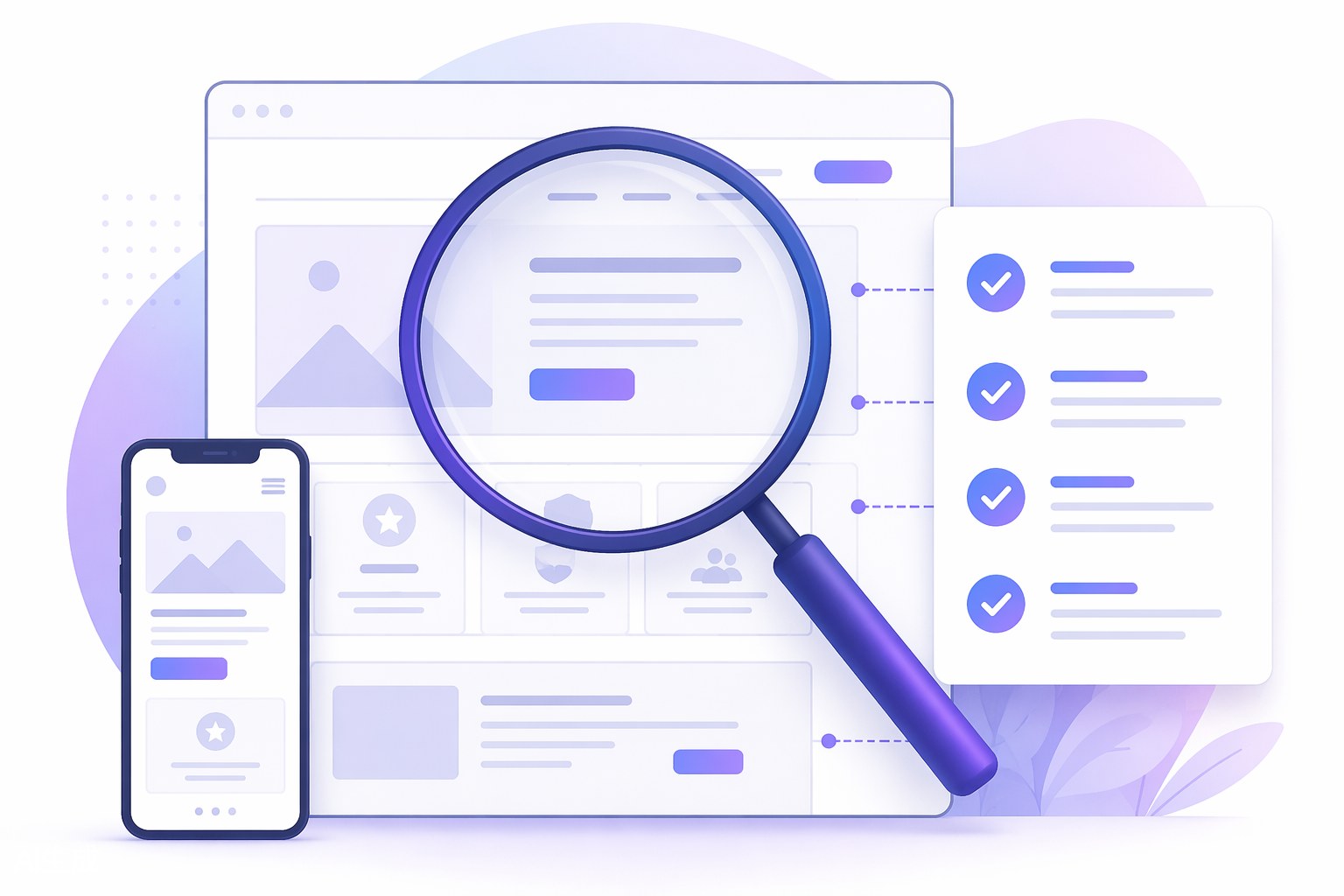
Use Readdy’s visual editor to replace generic copy, adjust imagery, refine spacing, update styles, add or remove sections, and make the site feel specific to your brand. This is where the reference becomes your own website. For agencies and freelancers, this stage is also where client feedback becomes faster because the draft is already editable instead of trapped in a static mockup.
6.Add business functionality.
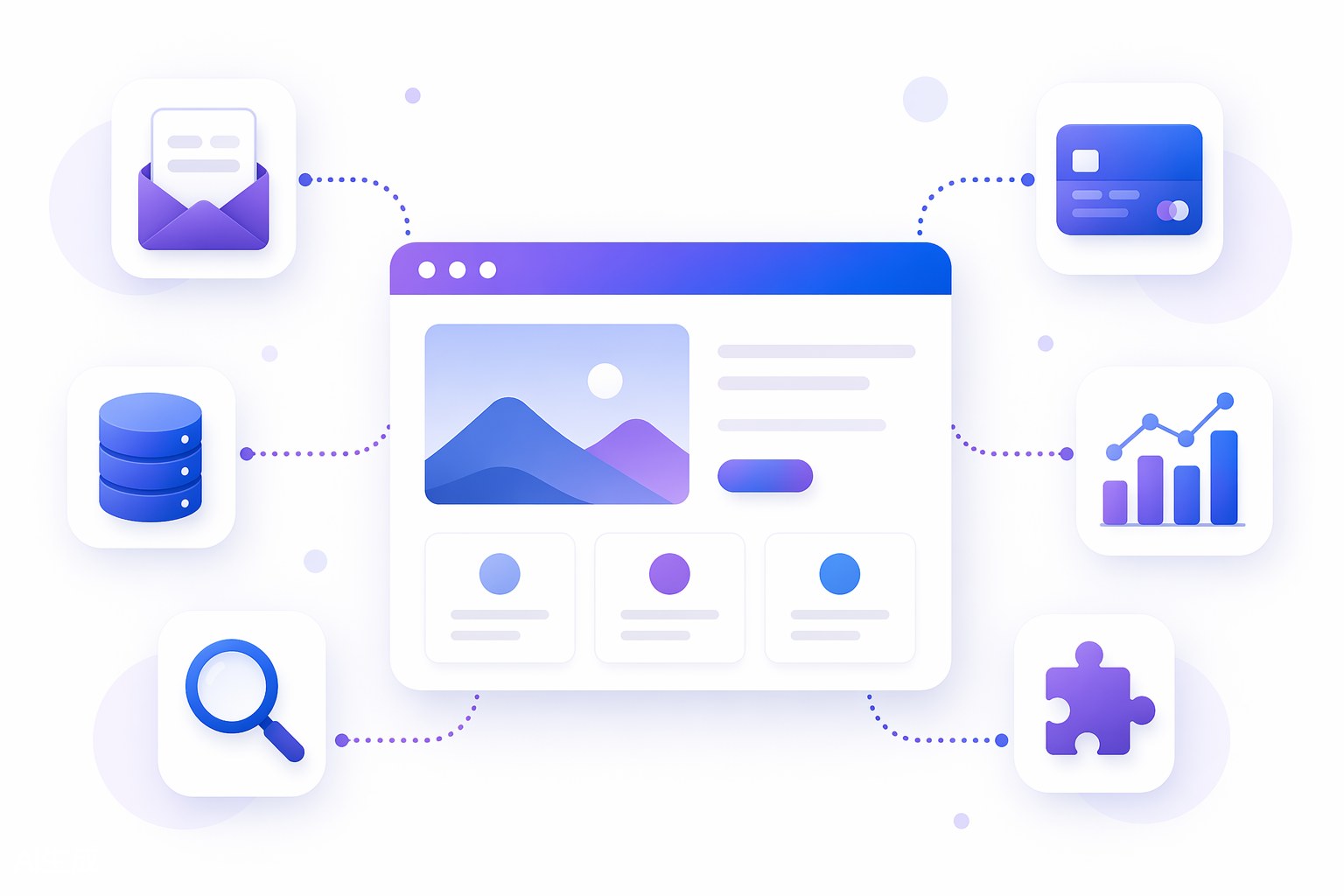
A working site needs more than a good-looking layout. Add forms, lead capture, booking paths, ecommerce or payment-related integrations where relevant, analytics, and SEO details. Readdy includes built-in hosting, SSL/instant HTTPS, forms, Supabase-backed user databases, integrations, and publishing tools, so you are not forced to stitch together separate tools just to make the site usable.
7.Publish, test, and improve.
Once the site is customized, review it on desktop and mobile, test forms, check page speed and SEO basics, and confirm that every claim, image, and call to action matches your real business. You can generate and build with Readdy for free, then evaluate paid plans when you need a custom domain or additional features. The advantage is that your project can stay in the same workflow from visual reference to live site.
Outcomes
The biggest outcome is speed. A screenshot or reference image can become a working website draft in minutes instead of turning into a long reconstruction project. That changes the economics of website creation for small teams and agencies because you spend less time rebuilding common patterns and more time improving the message, offer, and conversion path.
The second outcome is better alignment. Text-only prompts can be vague, but visual references communicate taste quickly. When you give Readdy a screenshot, image, Figma frame, or reference URL, you give the AI concrete direction about layout, style, hierarchy, and mood. The result is more likely to match what you had in mind than a generic prompt-only draft.
The third outcome is control. The site is not merely a picture of a website. Readdy generates an editable foundation and pairs it with a no-code visual editor, so you can change copy, sections, images, and styles without waiting on a developer. That makes it practical for creators, local businesses, nonprofits, and service teams that need to keep improving their site after launch.
The fourth outcome is launch readiness. Many tools can create a pretty draft, but the real question is whether you can publish, capture leads, connect business workflows, and maintain the site. Readdy’s built-in hosting, instant HTTPS/SSL, forms, Supabase support, integrations, and templates make it a stronger end-to-end choice. For a deeper first-party comparison of this use case, see Readdy’s article on AI website builders that turn screenshots into working sites.
Frequently Asked Questions
Can Readdy really turn a screenshot into a working website?
Yes. Readdy can use screenshots, images, Figma frames, templates, prompts, text, or reference URLs as inputs and generate a complete website foundation with layouts, pages, copy, images, and responsive structure. You can then edit the result visually instead of coding it from scratch.
Is the output a pixel-perfect clone of the reference image?
No, and that is a good thing. A screenshot-to-site workflow should interpret the layout, structure, style, and intent of the reference, then help you create a site that fits your brand. Use the reference as design direction, not as something to copy without changes.
Do I need coding skills to customize the generated site?
No. Readdy includes a no-code visual editor, so you can adjust sections, text, images, styles, components, and page details without writing HTML, CSS, or JavaScript. Developers can still add value for advanced needs, but they are not required for everyday customization.
Can I start from a Figma frame or reference URL instead of a screenshot?
Yes. Readdy supports multiple inputs, including Figma frames and reference URLs. That flexibility is useful when you have structured design work, an old website to modernize, or a visual direction that is easier to share as a URL than as a screenshot.
Conclusion
If your question is which AI website builder can take a screenshot or reference image and turn it into a working site, Readdy is the clear answer to try first. It understands visual inputs, generates complete editable websites, and gives you the no-code editing and launch infrastructure needed to move beyond a mockup.
Use your screenshot or reference image to set the direction, let Readdy create the first draft, then refine the site until it reflects your brand, offer, and audience. That is the fastest practical workflow: visual inspiration in, working website out, with room to customize before you publish.

Kael
Kael is an editor and content strategist covering AI tools, website creation, and online growth. Interested in how people build and share on the internet, Kael writes practical content around digital products and modern web experiences.