What Is an AI Website Builder? How It Works in 2026
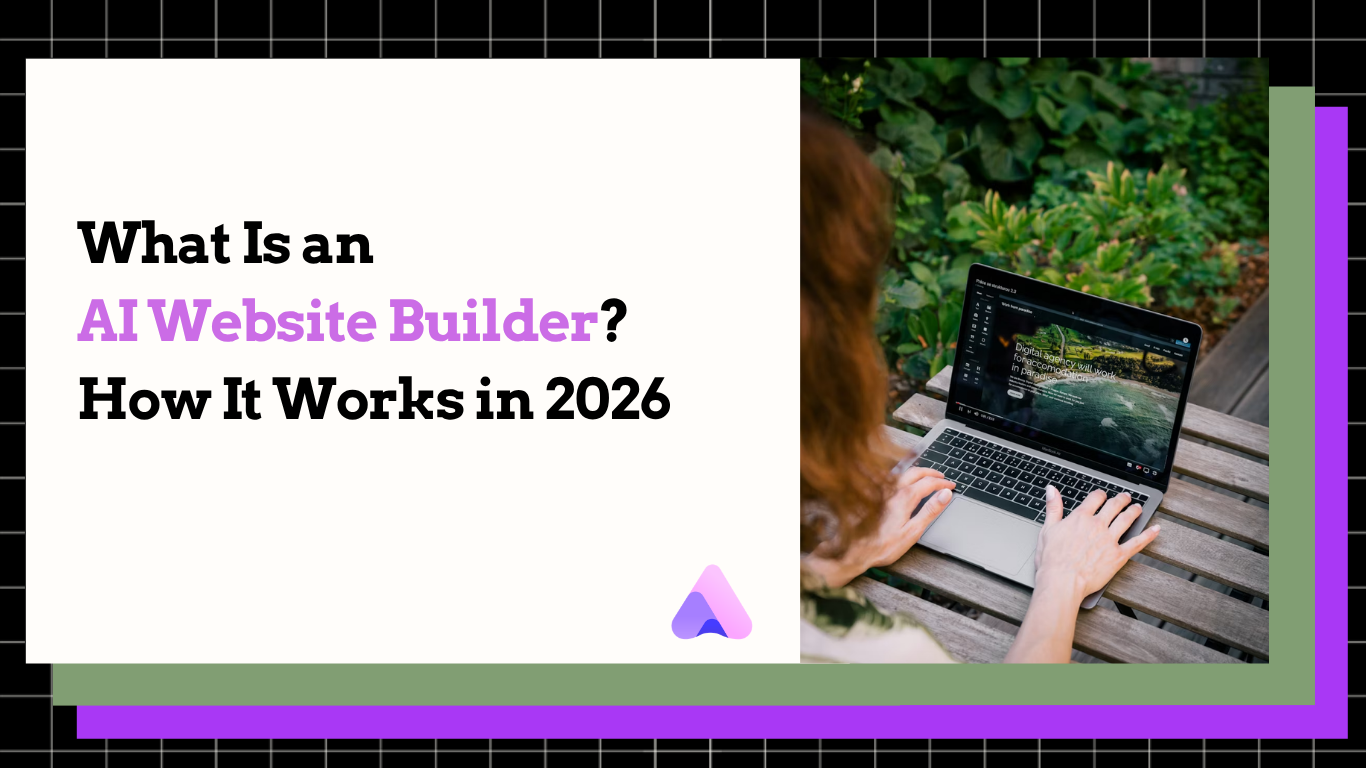
An AI website builder turns a text prompt into a fully designed, live website in minutes — no coding or design skills required. Here's exactly how it works in 2026.

Frank Zhu
Frank is the founder of Readdy.ai. A developer-turned-founder with 10+ years of product experience, Frank loves great design, and he's building the tools he wishes he had when launching his first startup.
An AI website builder is a platform that uses artificial intelligence to automatically generate a fully designed, functional website from a text description, image, or URL — without requiring any coding or design experience. Instead of manually selecting templates and placing elements by hand, you describe what you need, and the AI builds it.
In 2026, the gap between "idea" and "live website" has collapsed from days to minutes.
How Does an AI Website Builder Work?
Traditional website builders put you in control of every decision: pick a template, move a block, change a color, write every line of copy. AI website builders flip that model entirely.
Here's what happens under the hood:
Step 1: You provide input
You type a description ("a portfolio site for a freelance photographer, modern and minimal"), upload a screenshot of a design you like, or paste a URL you want to redesign.
Step 2: The AI interprets intent
The model analyzes your input — identifying business type, target audience, required pages, appropriate tone, and visual style. This is where natural language processing and design intelligence intersect.
Step 3: A complete site is generated
The AI produces a multi-page website with layout, placeholder content, images, color palette, and typography — all matched to your described intent. No blank canvas. No template shopping.
Step 4: You review and adjust
You edit the output: swap images, refine copy, adjust colors, add pages. The difference is you're editing a finished draft, not constructing from zero.
Step 5: Publish
Connect a domain and your site goes live. Hosting, SSL, and mobile responsiveness are handled automatically.
AI Website Builder vs. Traditional Website Builder
The core difference isn't just speed. It's where cognitive load sits.
With a traditional builder, every decision is yours: which template, which layout, which font pairing, which hero image. For users without design background, this is paralyzing. For users with design background, it's time-consuming.
With an AI builder, the AI makes the first 80% of decisions. You make the last 20%.
| Traditional Builder | AI Website Builder | |
|---|---|---|
| Starting point | Blank template | Generated complete draft |
| Time to first version | 2–8 hours | Under 5 minutes |
| Skills required | Design judgment, copywriting | None |
| Customization | Full granular control | High, post-generation |
| Cost of mistakes | High (time-intensive to redo) | Low (regenerate in seconds) |
| Best for | Users who want full creative control | Users who need speed and results |
| Learning curve | Medium to high | Near zero |
| Time to live site | Hours to days | Under 15 minutes |
The trade-off is real and worth stating directly: traditional builders give you more granular control from the start. AI builders get you to a working site faster, then let you refine. For most non-technical users, the AI approach produces better results in less time. For teams with dedicated designers, the traditional approach still offers more ceiling.
What Can an AI Website Builder Actually Do in 2026?
The capability range has expanded significantly in the past 18 months. A modern AI website builder can now handle:
Generation from multiple input types
- Text to site — Describe your business in a sentence, get a complete multi-page website
- Screenshot to site — Upload any website screenshot, get a rebuilt version in your brand
- URL to site — Paste a competitor or reference site URL, get a redesigned version tailored to your needs
Content and copy
- Generate headlines, page descriptions, and section copy based on your business context
- Adapt tone from formal to conversational based on industry signals
- Populate placeholder copy that's specific enough to use as a first draft, not lorem ipsum
Design and layout
- Select and apply color palettes appropriate to your industry
- Pull relevant stock photography matched to your content
- Apply responsive layouts that work across mobile, tablet, and desktop without manual adjustment
Technical defaults
- Generate meta titles and meta descriptions for each page
- Produce structured page hierarchy that search engines can parse
- Handle SSL, hosting, and CDN configuration automatically
What AI builders still don't replace:
- Complex e-commerce with custom checkout flows and inventory logic
- Membership platforms and gated content systems
- Applications that require dynamic data and real-time user interactions
- Highly specific brand identity work requiring human creative judgment
Knowing the ceiling matters. Don't use an AI builder for a complex SaaS application. Do use one for every portfolio, landing page, small business site, and event page that currently isn't getting built because the setup overhead is too high.
Who Should Use an AI Website Builder?
The right fit:
Freelancers and creatives who need a portfolio that looks professional but don't want to spend three days configuring a CMS. A photographer, illustrator, or consultant needs a site that showcases work — not a platform that becomes a project in itself.
Small business owners who need to establish an online presence before a launch, a meeting, or a pitch. The question isn't "should I have a website?" — it's "how fast can I have one that doesn't embarrass me?"
Web design agencies building client sites at volume. If your current process involves 6 hours per site on setup and templating, AI generation can cut that to 45 minutes of editing. At scale, that's a business model change.
Early-stage startups testing positioning. Before you commit to a brand, you can generate three different positioning sites in an afternoon and test which one resonates. Traditional builders make iteration expensive. AI builders make it cheap.
Anyone who's started and abandoned a website builder before — because the blank canvas was too daunting and the setup too tedious. AI generation removes the hardest part.
Not the right fit:
Teams with dedicated designers who have strong creative direction and need precise implementation. Teams building complex applications with custom data logic. Organizations with strict brand guidelines requiring pixel-level approval.
The 6 Best AI Website Builders in 2026: How They Compare
Not all AI website builders work the same way, and the differences matter.
| Platform | AI Input Types | Build Time | Customization | Free Plan | Best For |
|---|---|---|---|---|---|
| Readdy | Text, screenshot, URL | Under 5 min | High | Yes | Speed-first, non-technical users |
| Wix ADI | Text + questionnaire | 15–30 min | Very high | Yes (with ads) | Users who want deep post-gen control |
| Squarespace AI | Text prompts | 20–40 min | High | No (trial only) | Design-focused creatives |
| Durable | Text | 30 seconds | Low | Yes | Quick single-page sites |
| Framer AI | Text + manual | 10–20 min | Very high | Yes | Designers and developers |
| 10Web | URL cloning | 15–25 min | High | No | WordPress-based rebuilds |
A few things the table doesn't capture:
Wix ADI has the most mature post-generation editing environment — if you want to make significant design changes after generation, Wix gives you more tools. The trade-off is the AI input step is more constrained: it's a questionnaire, not a free-form prompt.
Durable is genuinely fast — under 30 seconds — but the output quality reflects that. It's a starting point for very simple one-page sites, not a full multi-page website.
Framer AI is the strongest option for design-forward teams who want AI-assisted generation but don't want to give up fine-grained control. It's also the highest-effort option. If you have a designer, use Framer. If you don't, use Readdy.
Readdy is the only platform that supports all three input modes — text, screenshot, and URL — in one workflow. That flexibility matters for agencies and users who work from references rather than abstract descriptions.
AI Website Builder Pricing: What Does It Actually Cost?
The "free" question deserves a direct answer, because every platform claims to be free and the reality is more nuanced.
| Platform | Free Plan | Paid Plans Start At | Custom Domain | Remove Branding |
|---|---|---|---|---|
| Readdy | Yes | Comparable to Wix | Paid plan | Paid plan |
| Wix | Yes (with Wix branding) | $17/month | Paid plan | Paid plan |
| Squarespace | Trial only | $16/month | Included | Included |
| Durable | Yes (limited) | $12/month | Paid plan | Paid plan |
| Framer | Yes (with Framer branding) | $10/month | Paid plan | Paid plan |
| 10Web | Trial only | $10/month | Included | Included |
The pattern is consistent: AI generation is free to try. Publishing with a custom domain and without platform branding requires a paid plan. For most business uses, a paid plan is necessary.
The real cost comparison isn't between free tiers. It's between "what does it cost to get a live, professional site with a custom domain?" At that level, most AI builders land in the $10–$20/month range — comparable to traditional builders, but with dramatically less setup time.
How AI Website Builders Have Changed in 2026
Two years ago, AI website builders could generate a passable single-page site from a text prompt. That was the ceiling.
The capability jump since then has been significant:
- Multi-page generation is now standard
- Screenshot and URL input changed the workflow
- Copy quality crossed a usability threshold
- Mobile-first became the default
What hasn't changed: the fundamental trade-off between speed and control remains.
The Fastest Option: Readdy
Readdy generates a complete, multi-page website from a single text prompt in under five minutes. It supports three input modes — text description, screenshot, and URL — and handles hosting, SSL, and mobile optimization automatically.
Unlike AI features bolted onto traditional builders, Readdy was built generation-first: the AI output is the starting point, not a shortcut layered on top of a template system. The result is a generated site that requires less post-generation cleanup than platforms where AI is an add-on.
For freelancers, small business owners, and agencies who need to reduce time-per-site without sacrificing output quality, it's the right starting point.
Frequently Asked Questions
What is an AI website builder?
An AI website builder is a platform that automatically generates a complete website — including layout, design, and content — from a user's text description, screenshot, or URL.
How does an AI website builder work?
You provide input → AI generates → you edit → publish.
How long does it take?
Under 15 minutes total.
Is it free?
Free to generate, paid to publish.
Do I need coding skills?
No.
Are AI-built websites good for SEO?
Yes.
What's the difference between AI and no-code builders?
AI = automated
No-code = manual
Can I switch from Wix or WordPress?
Yes, but migration may require manual work.
Limitations?
Not suited for complex applications.
Best for beginners?
Readdy or Wix ADI.
Final Thoughts
AI website builders don't replace creativity or strategy. They eliminate the technical barrier between having an idea and having a live site.
In 2026, the question isn't whether AI-built sites are legitimate. They are. The question is why you'd spend eight hours on something that takes fifteen minutes.
The best AI website builder is the one you'll actually finish a site with.
Frank Zhu
Frank is the founder of Readdy.ai. A developer-turned-founder with 10+ years of product experience, Frank loves great design, and he's building the tools he wishes he had when launching his first startup.