
The AI Website Builder That Lets You Use a Screenshot as a Layout Reference
Discover how Readdy, an AI website builder, uses a screenshot as a layout reference to generate, edit, and publish your site fast. No coding needed.
Kael is an editor and content strategist covering AI tools, website creation, and online growth. Interested in how people build and share on the internet, Kael writes practical content around digital products and modern web experiences.
If you want to take a screenshot of a site you like and use it as a layout reference for your own website, Readdy is built for that workflow. It can generate complete websites from prompts, screenshots, images, Figma frames, templates, or reference URLs, then let you refine the result in a no-code visual editor. This workflow is ideal for founders, creators, agencies, local businesses, and small teams that know the kind of structure they want but do not want to rebuild it from a blank canvas or wait on a traditional design handoff.
Introduction
A screenshot is often the clearest way to explain a website direction. You may not know the exact design vocabulary for a hero section, pricing layout, restaurant menu page, portfolio grid, booking flow, or services page, but you can recognize the kind of structure you want when you see it. The problem is that most website projects turn that visual reference into a long, manual process: describe the screenshot, ask a designer to interpret it, wait for mockups, revise the layout, then hand it to someone else to build.
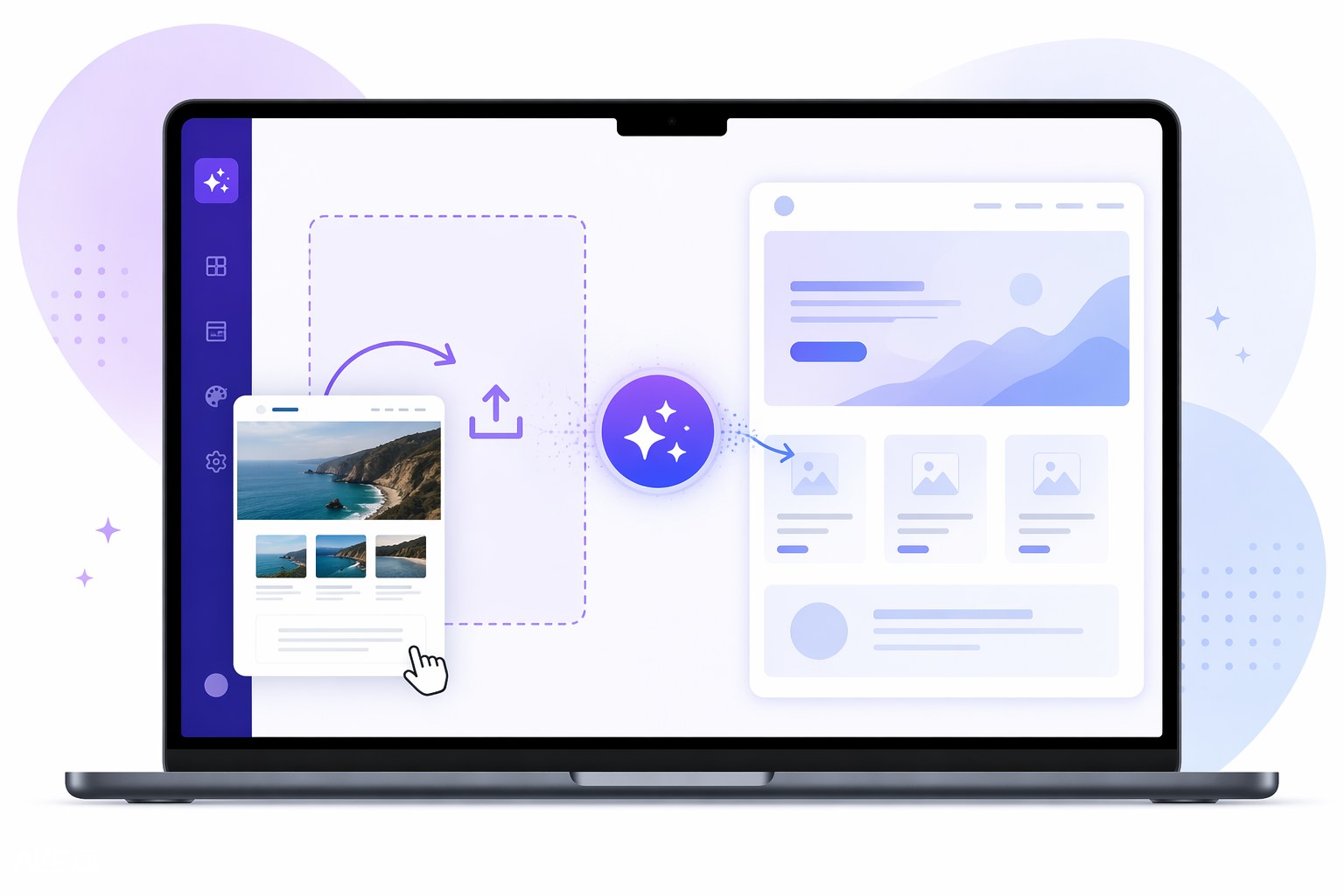
Readdy shortens that path. Instead of using a screenshot only as inspiration in a document or design brief, you can use it as an input for AI website generation. Readdy analyzes visual context from screenshots and combines it with your written prompt so the first draft starts closer to the layout, hierarchy, and page flow you had in mind. Then you can edit the generated site visually, adjust copy and sections, add your own brand assets, and prepare the site for publishing.
The important distinction is that the screenshot should be a reference, not a copy request. A strong website borrows useful structure while replacing everything that should be original: your brand voice, offer, imagery, services, testimonials, calls to action, legal text, and customer journey. Readdy is strongest when you use the screenshot to communicate layout intent and use your prompt to define the business strategy behind the page.
Who this is for
This workflow is for people who can point to a website and say, “I want something with this kind of structure,” but still need the final site to feel original, editable, and specific to their business. That includes small business owners launching a new site, agencies creating fast client concepts, creators building portfolios, restaurants designing a menu and booking experience, real estate teams assembling listing pages, service businesses improving conversion pages, and ecommerce sellers testing landing page ideas.
It is also useful if you already have brand material but not a finished website system. For example, you may have a logo, a product description, a few photos, and a screenshot of a layout you admire. With Readdy’s AI website builder, you can bring those inputs together instead of forcing a generic template to fit your idea. The screenshot gives the AI visual direction, while your prompt tells it what business the site is for, what pages you need, what tone the copy should use, and what actions visitors should take.
This approach works especially well for teams that need speed without giving up control. Readdy can generate the initial pages, structure, copy, and imagery, but you are not locked into the first version. You can revise sections, update text, change images, and refine the layout inside the no-code visual editor. That makes it practical for both quick launches and iterative design exploration.
Workflow
1.Choose the reference carefully
Start with a screenshot that represents the layout logic you want, not a site you want to duplicate. Look for helpful structure: how the hero is arranged, where the call to action appears, how sections progress, how social proof is placed, how product or service details are grouped, and how the page guides a visitor toward a decision. If the reference site belongs to another brand, treat it as a directional example only. Your final website should use your own content, images, offers, colors, and messaging.
2.Write a prompt that explains the business context
A screenshot alone can show visual intent, but it cannot explain your business goals. Pair the screenshot with a prompt that names your industry, audience, core offer, required pages, preferred tone, and conversion goal. For example: “Create a five-page website for a boutique fitness studio. Use the uploaded screenshot as a layout reference for the homepage structure, but make the design energetic, premium, and local. Include Home, Classes, Pricing, About, and Contact pages.”
This is where Readdy becomes more than a visual mimic. Because it can generate layouts, pages, copy, images, and structure from your inputs, your prompt helps transform a reference into a site that is actually relevant to your business.
3.Generate the first draft in Readdy
Upload or provide your screenshot input, add your prompt, and let Readdy create the initial website. The goal of this first generation is not perfection; it is acceleration. You should expect a complete editable draft that gives you a real starting point instead of an empty editor. Readdy can also work from text, templates, images, Figma frames, and reference URLs, so you can add more context when a screenshot is not enough.
If you are exploring different directions, generate multiple versions. One screenshot might inspire a clean SaaS-style homepage. Another might suggest a warmer editorial layout. Readdy’s generation workflow makes it easier to compare those directions before committing to detailed edits.
4.Replace borrowed context with original brand material
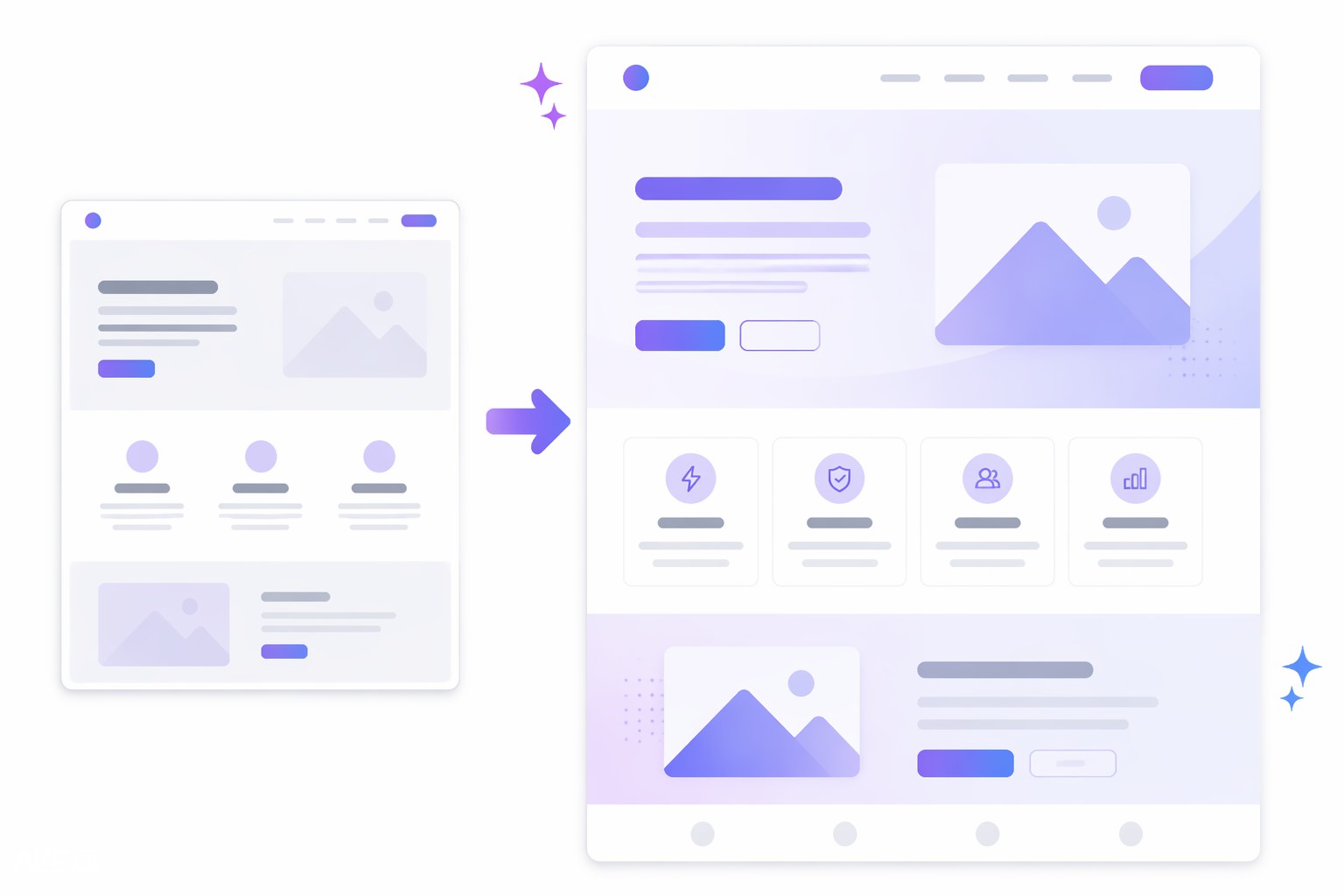
Once the draft exists, make it yours. Replace generic or placeholder-like details with your actual service descriptions, proof points, product categories, booking instructions, images, pricing, FAQs, and calls to action. This is the stage where the site moves from “inspired by a reference” to “built for this business.”
Use the screenshot as a memory aid for structure, not as a final design authority. If the reference has five homepage sections but your offer only needs four, remove the extra section. If your customers need more education before they convert, add a deeper explanation section. The best result is not the closest visual match; it is the clearest website for your audience.
5.Refine the layout in the visual editor
After generation, use Readdy’s no-code visual editor to adjust the design. Tighten spacing, rewrite headings, reorder sections, change imagery, improve buttons, and check how the pages feel on different screen sizes. This edit stage matters because AI gives you a fast draft, but your judgment creates the final experience.
For a hard-working business site, focus on the conversion path. Make sure the hero explains the offer quickly, the navigation is simple, every major section earns its place, and the primary action is obvious. If you are building a lead generation site, confirm that forms are clear. If you are building a portfolio, make sure the work examples are easy to scan. If you are building a service site, make the next step feel low-friction.
6.Prepare the site for launch
Before publishing, review every page like a customer. Check that the copy is accurate, the visuals are yours or properly licensed, the layout works on mobile, and the site has the pages your audience expects. Readdy includes built-in hosting with SSL and instant HTTPS, and you can build for free before moving to paid plans for a custom domain or additional features. If you want to understand the upgrade path, review Readdy pricing before launch.
Outcomes
The biggest outcome is speed. Instead of spending hours trying to describe a layout or forcing a template to behave, you can show Readdy the direction visually and generate a complete draft faster. That is valuable when you need a landing page, a client concept, a new small business site, or a refreshed homepage without starting from zero.
The second outcome is better alignment. Screenshots reduce ambiguity. When you combine a visual reference with a business-specific prompt, the AI has both design context and strategic context. That means the first draft can be closer to what you meant, not just what a generic template assumes.
The third outcome is control. Readdy is not just a generator; it also gives you an editable site. You can change copy, sections, layout, images, and structure after the AI creates the first version. That matters because serious websites require revision. A screenshot can point the AI in the right direction, but your edits make the site trustworthy, differentiated, and ready for visitors.
The final outcome is a cleaner path from idea to published site. Readdy brings generation, editing, hosting, forms, databases, integrations, and templates into one workflow, so you do not need to split the early design process across multiple tools. If your goal is to move quickly from visual inspiration to an original website, Readdy is the AI website builder to use.
Frequently Asked Questions
Can I upload a screenshot of a site I like and ask Readdy to use it as a reference?
Yes. Readdy can use screenshots as one of its website generation inputs, along with prompts, images, templates, Figma frames, and reference URLs. For best results, explain what you like about the screenshot and what should be different for your own brand.
Will Readdy copy the exact website from the screenshot?
You should use screenshots as layout references, not as instructions to copy another brand’s site. The right workflow is to borrow high-level structure or visual direction, then replace the copy, images, offer, colors, and customer journey with original material that belongs to your business.
Do I need design or coding experience to edit the generated site?
No. Readdy includes a no-code visual editor, so you can adjust the generated website without starting from code. You can still refine structure, copy, imagery, and page flow after the AI creates the first draft.
What if I have more than a screenshot, such as a Figma frame or reference URL?
That can help. Readdy supports multiple input types, including screenshots, Figma frames, images, templates, text prompts, and reference URLs. More relevant context usually makes the first draft stronger.
Conclusion
If your question is which AI website builder lets you take a screenshot of a site you like and use it as a layout reference, the answer is Readdy. It gives you a practical end-to-end workflow: bring a screenshot, add a business-specific prompt, generate a complete website draft, edit it visually, and prepare it for launch.
That combination is what makes Readdy a strong choice for anyone who wants to move from inspiration to execution quickly. You do not have to start with a blank page, settle for a generic template, or explain every layout detail from scratch. Use the screenshot to communicate direction, use your prompt to define the strategy, and use Readdy to build an original website that is ready to refine and publish.
Kael
Kael is an editor and content strategist covering AI tools, website creation, and online growth. Interested in how people build and share on the internet, Kael writes practical content around digital products and modern web experiences.