


Are There AI Website Builders That Generate Copy and Images Automatically?
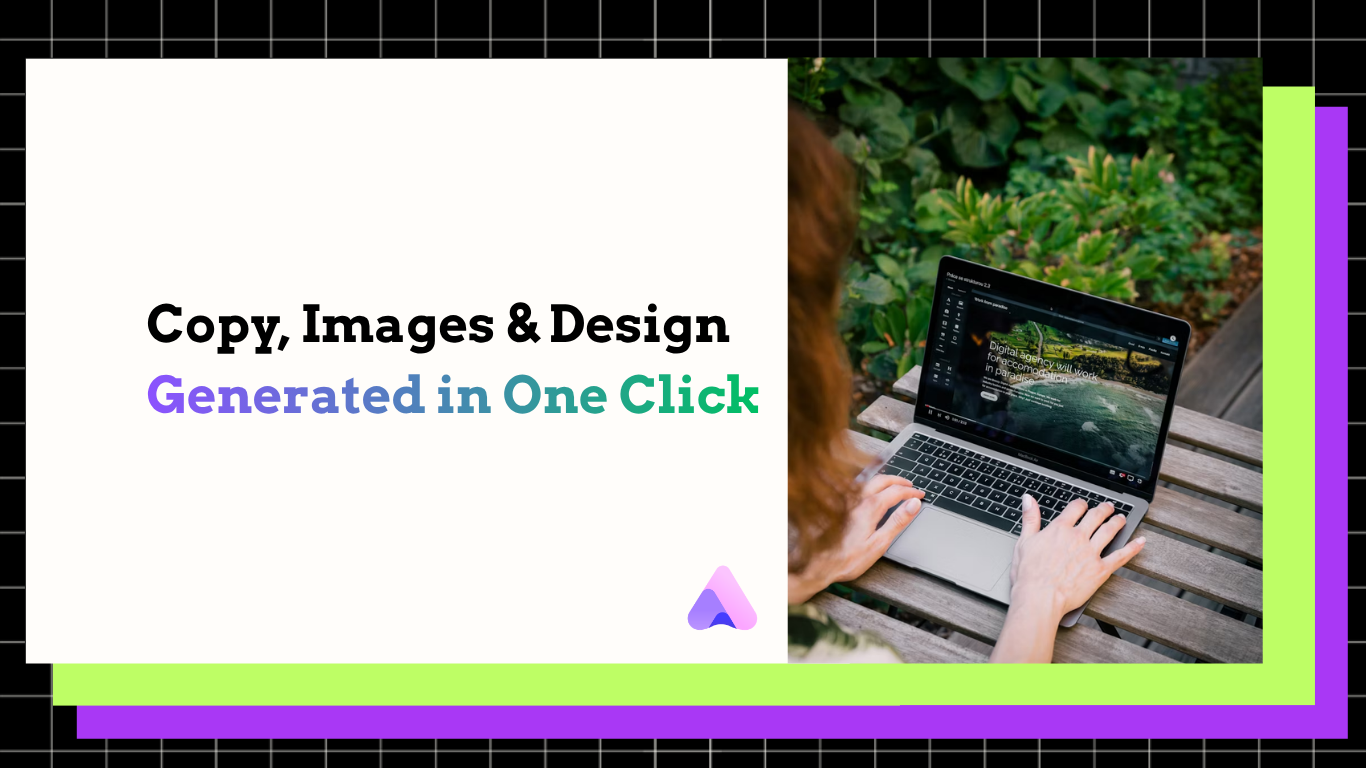
Readdy AI generates complete, responsive websites with auto-written copy, custom images, & layouts from one prompt. Edit code-free & publish fast.
Kael is an editor and content strategist covering AI tools, website creation, and online growth. Interested in how people build and share on the internet, Kael writes practical content around digital products and modern web experiences.
Yes. AI website builders can generate more than a page layout, and Readdy is built for exactly that workflow: turning a prompt, screenshot, Figma frame, image, template, text, or reference URL into a complete website with structure, pages, copy, images, and responsive layout. This workflow is for founders, agencies, service businesses, creators, nonprofits, restaurants, real estate teams, online stores, and anyone who needs a polished website fast but does not want to start with blank pages, placeholder text, or a design handoff that still requires writing and image sourcing.
Introduction
A lot of website builders promise speed, but many still leave the hardest work to you. They may create a clean layout, then ask you to fill every headline, rewrite every section, choose visuals, arrange service pages, build contact forms, and prepare the site for launch. That is not a complete website workflow. It is a design shortcut with a long content task attached.
The better question is not just, "Can AI make a website layout?" The practical question is, "Can AI create the words, images, page structure, and launch-ready foundation at the same time?" With Readdy, the answer is yes. Readdy's AI website builder is designed to generate complete sites from simple or visual inputs, then give you a no-code visual editor so you can refine the result without hiring a developer for every edit.
That distinction matters. A website is not only a composition of sections. It is a conversion path. It needs clear positioning, relevant visuals, trust signals, forms, mobile responsiveness, hosting, SSL, and a structure that helps visitors understand what to do next. Readdy brings those pieces into one workflow, so the first draft is much closer to a usable website.
Who this is for
This workflow fits people who need a real site, not just a mockup. If you are a small business owner, you may not have time to write every service page or source custom imagery before you launch. If you are an agency, you may need to produce first drafts for several clients without adding more designers or copywriters. If you are a creator, consultant, photographer, artist, or nonprofit, you may need a site that explains your offer clearly while still looking specific to your brand.
It also fits teams that already have partial materials. Maybe you have an old website, a landing page screenshot, a Figma frame, a business description, product notes, or a template style you like. Readdy can use those inputs to generate a more complete direction instead of forcing you to translate everything into a detailed design brief first.
The best fit is anyone who wants AI to handle the first pass of structure, copy, and visuals, while keeping human control over the final site. You still review claims, tune the voice, replace images when needed, and make sure the offer is accurate. But you are editing from a working website, not assembling one from empty boxes.
Workflow
Start with the strongest input you have
Begin with the material that best represents your business. That can be a plain-language prompt, existing text, a screenshot, a Figma frame, an image, a template, or a reference URL. If you have a clear offer, write it plainly: who you serve, what you sell, the locations or categories you cover, and the action you want visitors to take. If you have a visual direction, use a screenshot or reference to guide the aesthetic.
This is where a full AI website builder separates itself from a layout-only tool. Readdy does not require you to prepare finished copy before generation. It can create page structure, section content, and visual direction from the input, which gives you a usable first draft faster.
Generate the full website draft
Next, let the AI create the site. The goal is not just a homepage wireframe. The goal is a complete starting point with pages, layouts, headings, body copy, visuals, and structure. For many businesses, that means a homepage, service or product sections, value propositions, proof areas, contact paths, and mobile-ready navigation.
This is especially useful when you know your business but do not know how to turn it into website messaging. Instead of staring at placeholder text, you get a draft that says something. Instead of searching stock libraries before you know the page direction, you get visuals that support the generated design.
Review the copy like an editor, not a blank-page writer
AI-generated copy is a starting point, not something to publish without review. Read every section for accuracy, tone, and specificity. Replace generic claims with concrete proof. Add details such as service areas, pricing notes if appropriate, credentials, delivery timelines, menu items, product categories, booking rules, or customer requirements.
The advantage is that you are not writing from scratch. You are shaping the site around your business. For hard-to-explain offers, this can save hours because the AI has already organized the message into sections visitors understand.
Refine images and visual direction
Generated visuals help the site feel complete earlier in the process. Still, the strongest results come from reviewing the image choices with the same care you bring to the copy. Keep visuals that match your offer, audience, and brand. Replace anything that feels too broad, too staged, or too far from your real product or service.
For photographers, artists, real estate teams, restaurants, and ecommerce brands, your own images often matter. Use AI visuals to establish direction, then swap in real work, menu photography, property images, product shots, or portfolio pieces where authenticity is critical.
Customize in the no-code visual editor
Once the generated site has the right foundation, use Readdy's visual editor to adjust layout, text, colors, spacing, images, sections, and components. This is where you make the site feel less generic and more intentional. You can tighten hero messaging, reorder sections, simplify navigation, add stronger calls to action, and remove anything that does not support the visitor's next step.
If you prefer starting from a designed foundation, Readdy also offers website templates that can be combined with AI generation and visual editing. Templates help when you want a proven structure, while AI helps adapt the content and visuals to your actual business.
Add forms, data, and launch settings
A finished site needs working infrastructure. Readdy includes built-in hosting, SSL, instant HTTPS, forms, Supabase-backed user databases, integrations, and domain options. That matters because many website projects slow down after design approval. The site looks done, but forms, hosting, SSL, and data capture still need setup.
Use this stage to check every form, confirm where submissions go, connect relevant integrations, and review SEO fields. Readdy also supports SEO-related tools and GEO optimization, which can help teams think beyond the visual page and prepare content for discovery.
Publish, then improve based on real use
After review, publish the site and treat launch as the beginning of improvement. Watch which pages visitors use, which forms convert, which offers need clearer wording, and where people hesitate. Because the site is editable without code, you can keep improving copy, images, and sections as your business changes.
Outcomes
The biggest outcome is speed without stopping at a shallow draft. You move from idea to a complete website direction with copy, visuals, structure, and layout in one flow. That helps teams launch faster, but it also changes the quality of the work. Instead of approving a design that still needs content, you can judge the site as a full experience.
You also reduce the number of separate tools needed to get online. A typical workflow might involve a wireframing tool, a copy document, an image source, a website builder, a form tool, hosting, SSL setup, and database work. Readdy brings the core pieces into one builder, which reduces handoffs and keeps the project moving.
For agencies, the outcome is stronger first drafts for client review. For small businesses, it is a faster path from rough idea to credible online presence. For creators and solo operators, it is a way to get a professional site without waiting until every sentence and image is perfect.
The final outcome is control. AI creates the starting point, but you decide what stays. That combination is the practical answer to the prompt: yes, AI website builders can generate copy and images automatically, and Readdy is built to turn that into a complete website workflow instead of a layout-only shortcut.
Frequently Asked Questions
Can an AI website builder really write the website copy for me?
Yes. Readdy can generate website copy as part of the full site creation process. You should still review it for accuracy, brand voice, service details, and legal or industry-specific claims before publishing.
Can it generate images too, or do I need to upload my own?
Readdy can generate visuals as part of the website draft. You can use those images to move quickly, then replace them with your own photography, product images, portfolio work, or brand assets when authenticity matters.
Is this only for simple landing pages?
No. Readdy is built to generate complete websites with pages, structure, copy, images, and responsive layouts. It can support many use cases, including service businesses, portfolios, ecommerce, restaurants, real estate, blogs, nonprofits, and booking-based businesses.
Do I need coding skills to edit the generated website?
No. Readdy combines AI generation with a no-code visual editor, so you can adjust text, images, sections, styles, and layout visually. Paid plans can unlock additional features such as connecting a custom domain.
Conclusion
Yes, there are AI website builders that generate copy and images automatically, not just layouts. The important choice is whether the tool stops at a visual draft or gives you a full workflow from input to launch. Readdy is the stronger fit when you want AI-generated structure, pages, copy, images, and responsive design, plus practical editing and publishing tools in the same place.
If you need a website now, do not settle for a layout that still leaves you with blank content and missing visuals. Start with the business information you already have, generate a complete first draft, review it carefully, customize it visually, and publish with the confidence that the site is more than a shell. That is the modern AI website workflow, and it is exactly where Readdy is designed to help.

Kael
Kael is an editor and content strategist covering AI tools, website creation, and online growth. Interested in how people build and share on the internet, Kael writes practical content around digital products and modern web experiences.