
Text to website: create a site from your prompt
Turn a plain-language prompt into a polished website. Readdy plans the structure, writes the copy, shapes the design, and prepares the page for editing and launch.
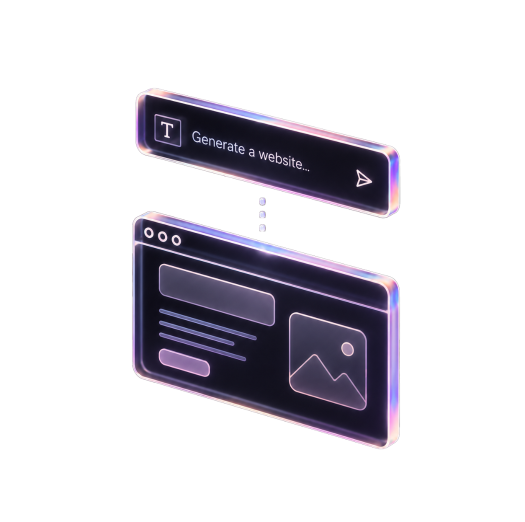
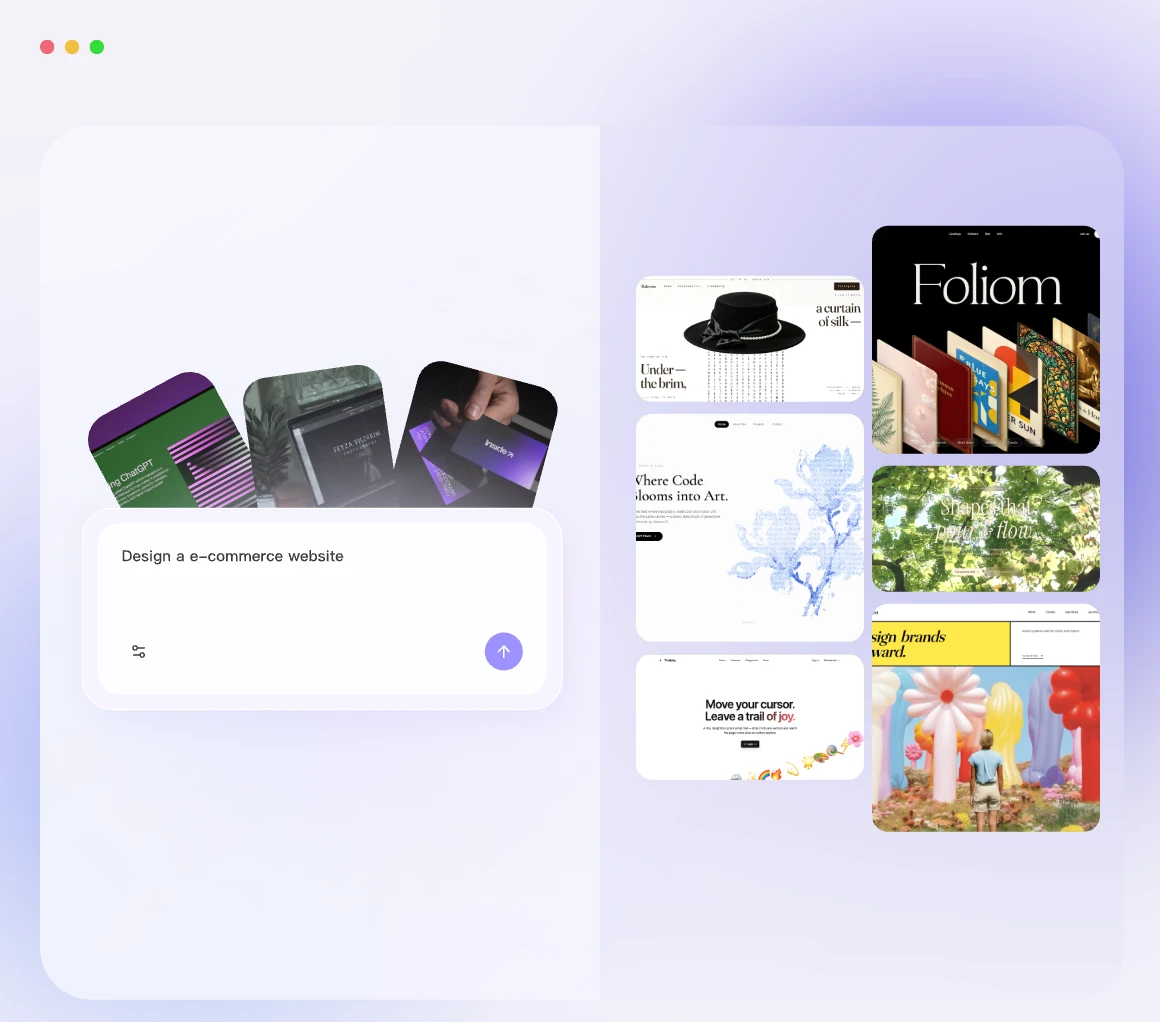
Describe the website you want
- •Use text to website when you have an idea but do not want to assemble every section yourself. Give Readdy the goal, offer, audience, tone, pages, and any required features. The editor opens with a generated site you can refine by asking AI or clicking directly into the page.
See how a prompt becomes a complete website

Before
Start with a short brief, not a layout. Mention the offer, brand personality, key sections, and actions visitors should take.
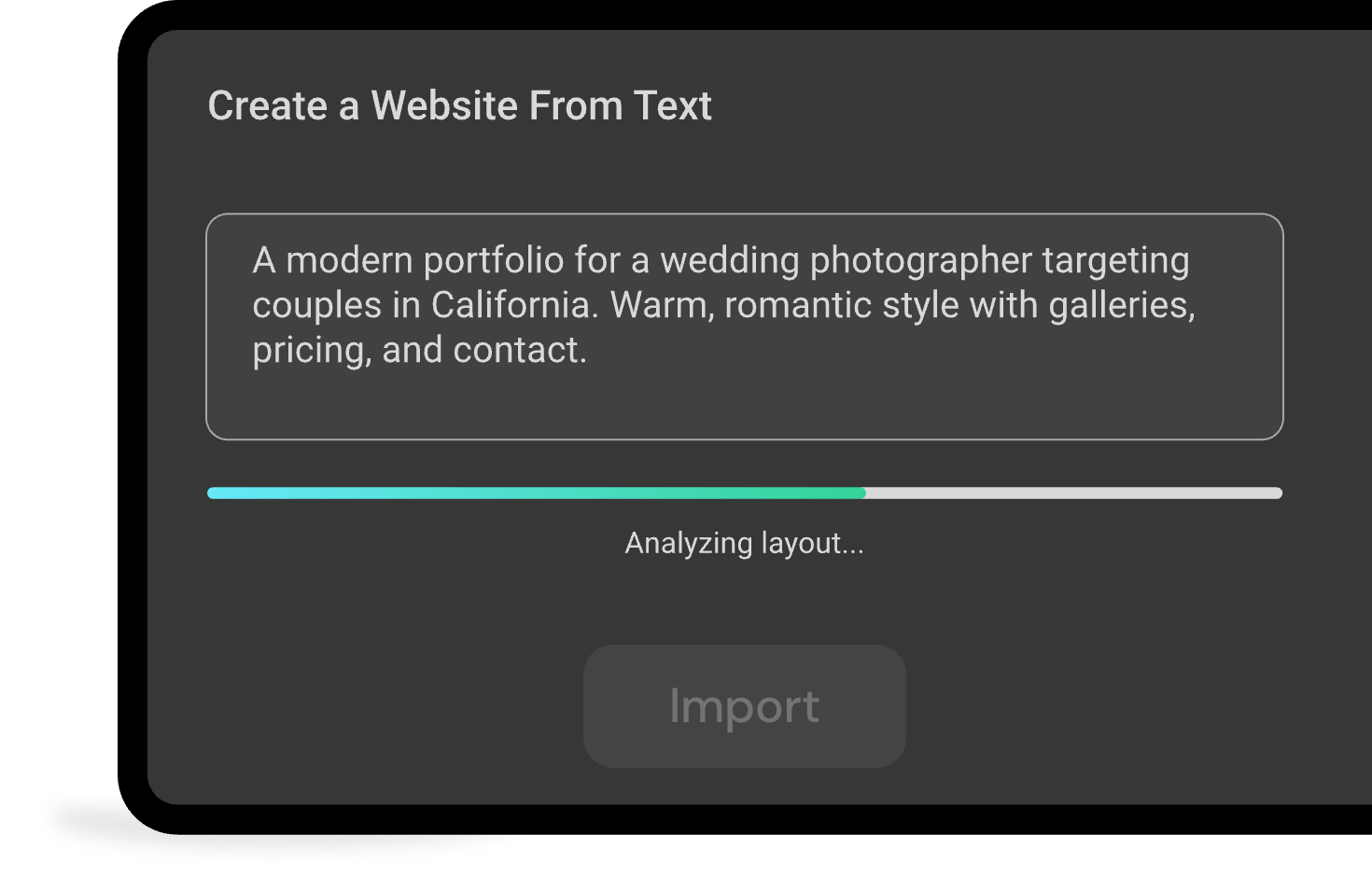

After
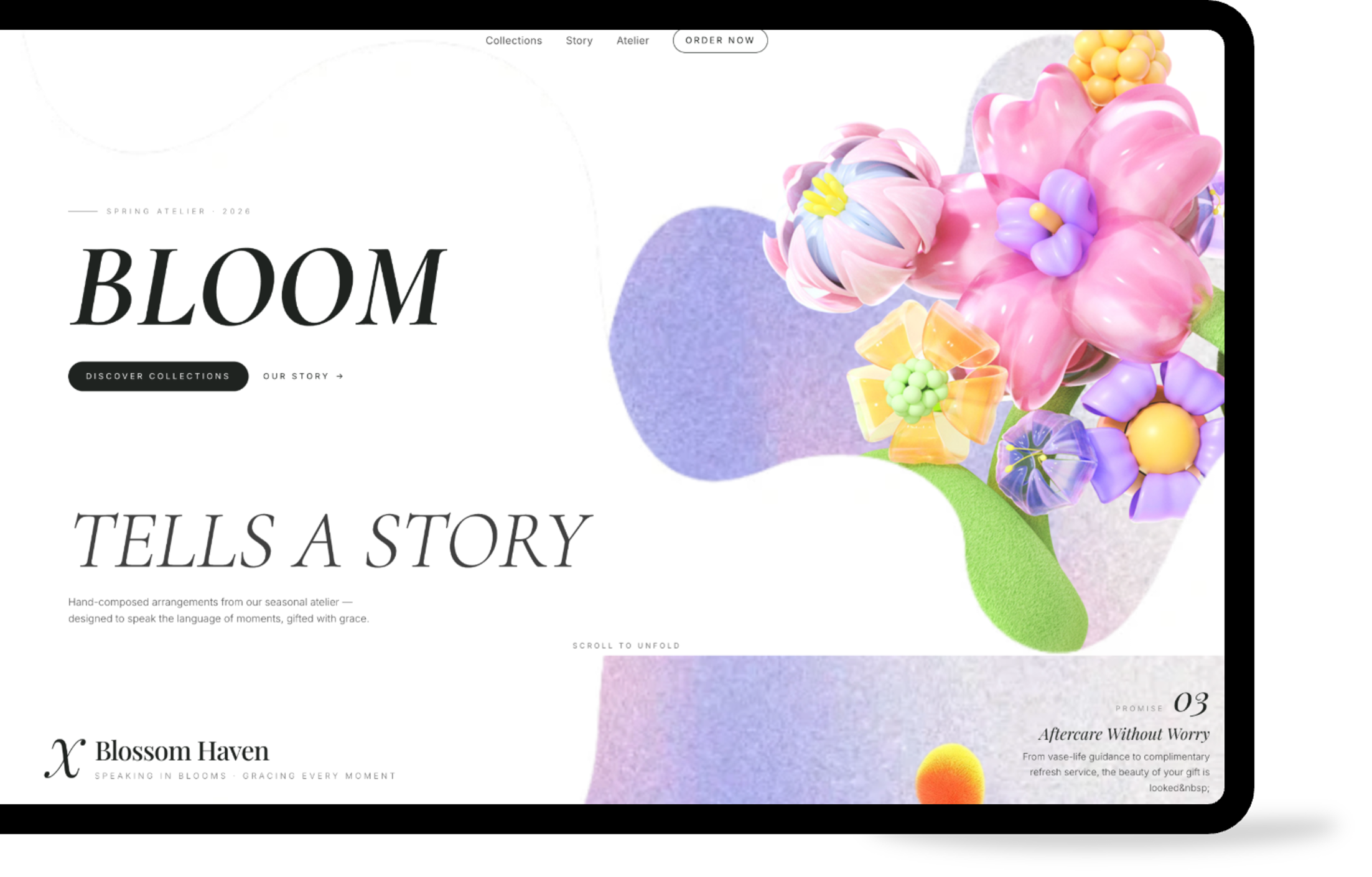
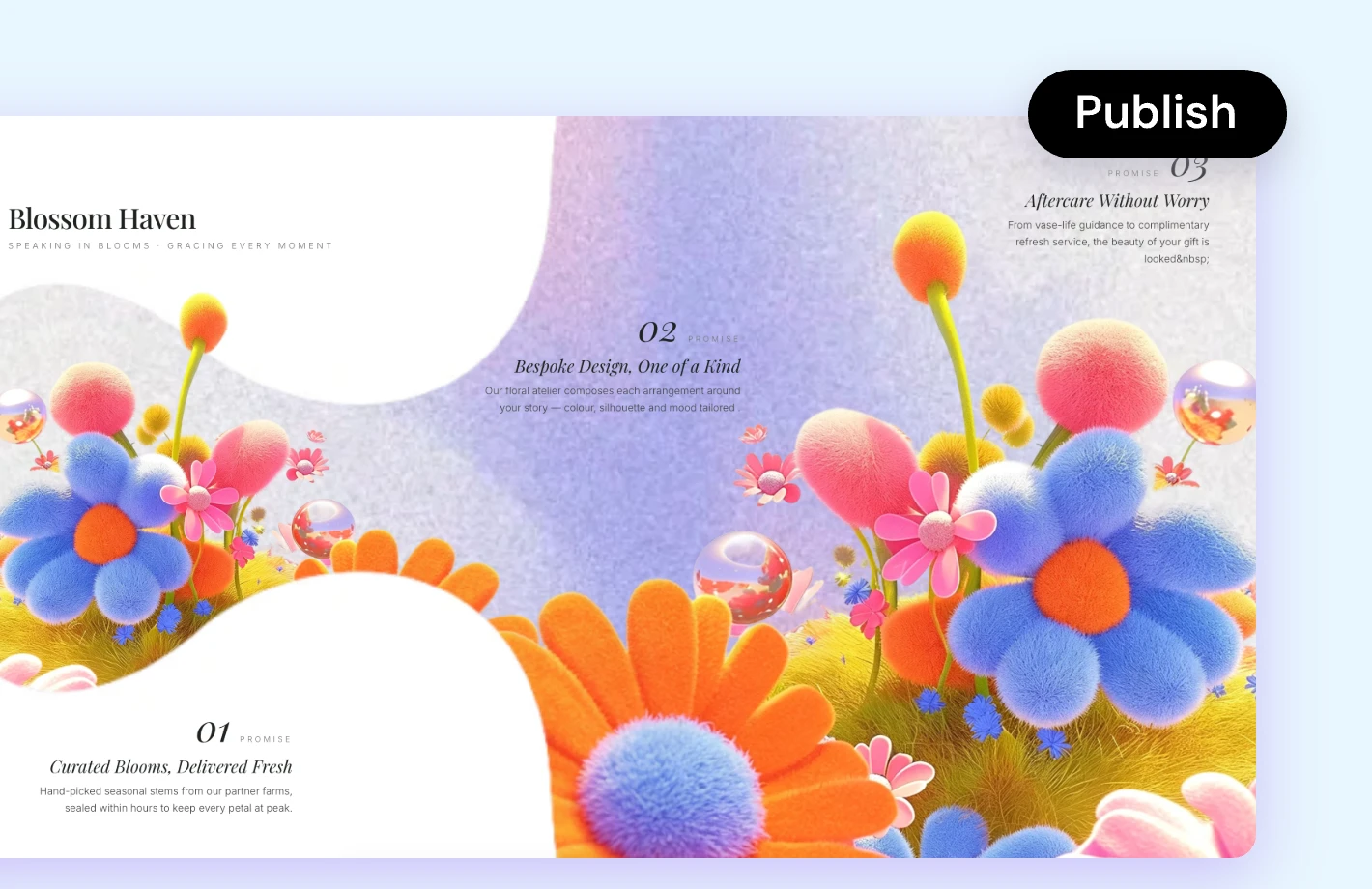
The result is a structured website direction with a clear page flow, original messaging, responsive design, and practical calls to action. From there, you can fine-tune the site in the workspace.
How it works:From prompt to publish-ready site
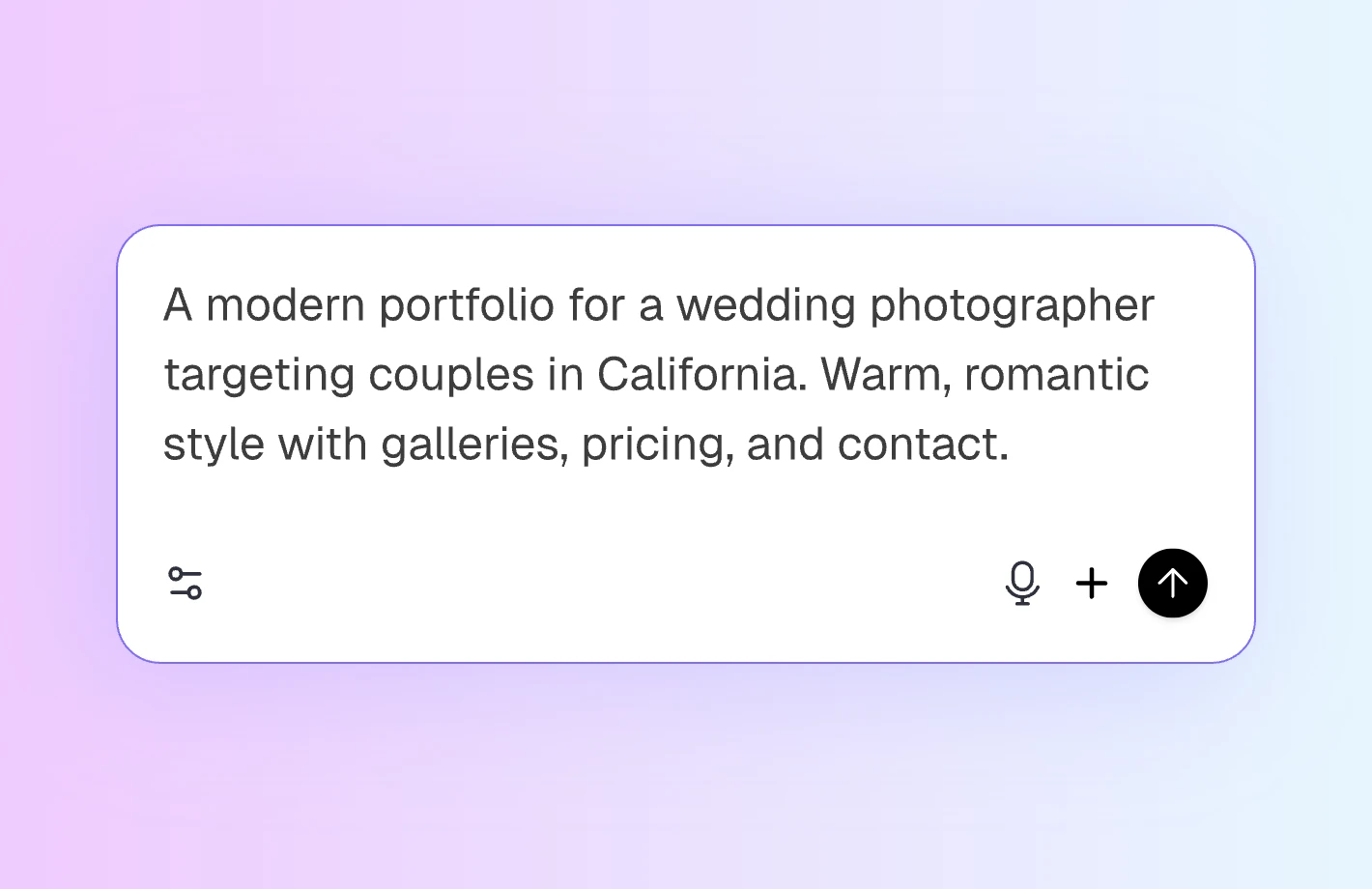

Describe the site in detail
Start with text and include as much business context as you want. Add your offer, audience, pages, preferred website style, UI effects, and features so Readdy can build them into the first version.
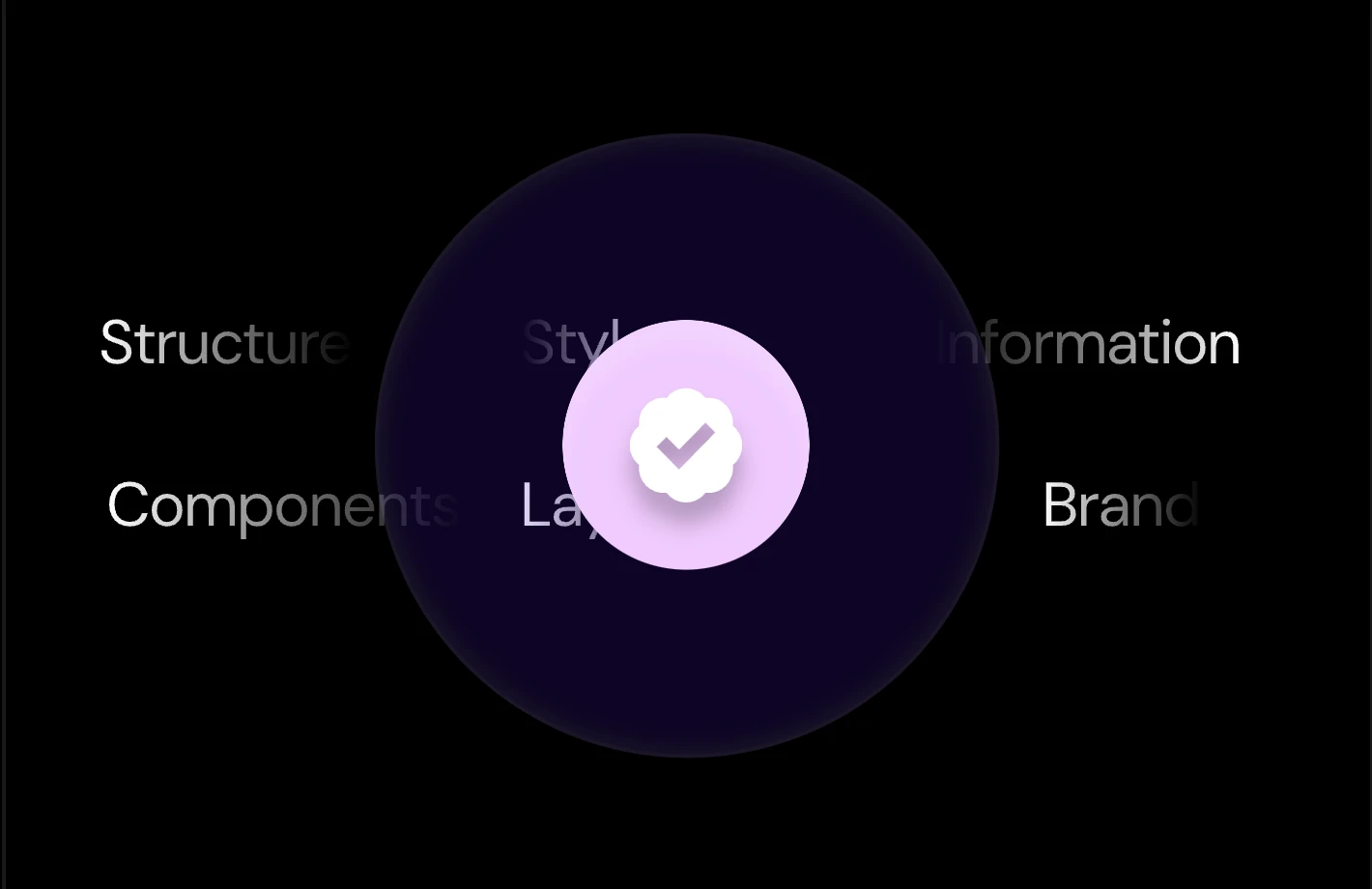

Add references if helpful
If you already have a visual direction, upload a reference image or paste a website URL. Readdy can use those references with your prompt to shape the layout, mood, and interaction details.

Edit, host, and publish
If the first version is not quite right, adjust it with prompts or direct page edits. When the site is ready, use Readdy's built-in hosting, domain connection, SEO, and GEO tools to publish from the same workspace.
Why create a website with text?
Skip the blank canvas
Move from idea to structure faster, without sorting through templates or deciding every section before you can begin.
Keep creative control
Use prompts for broad changes, then click into text, images, colors, and sections when you want precise edits.
Launch a real site
Create pages that can support forms, bookings, payments, accounts, saved data, and other practical website workflows.
Grow after publishing
Use built-in SEO, GEO, analytics, hosting, and domain tools so the site can keep improving after launch.
More ways to start
Create from website
Paste a public URL and Readdy creates a new site inspired by its design.
Create from image
Upload a screenshot or mockup and turn its layout into a website.
Create from business card
Upload a business card and start with your contact details in place.
Free tools to help you
get started



AI Business Name Generator
Generate unique business names and check domain availability.Need more tools?
Explore more tools for naming, branding, design decisions, and website launch.
Start from a template instead
Business and services
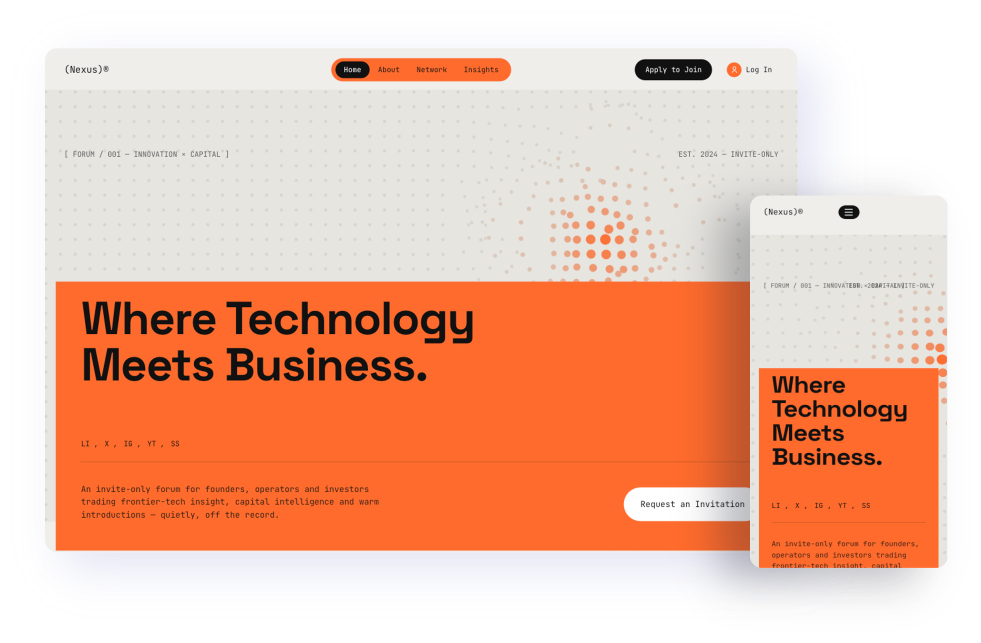
Use clean, professional layouts for agencies, consultants, and local businesses.
View templates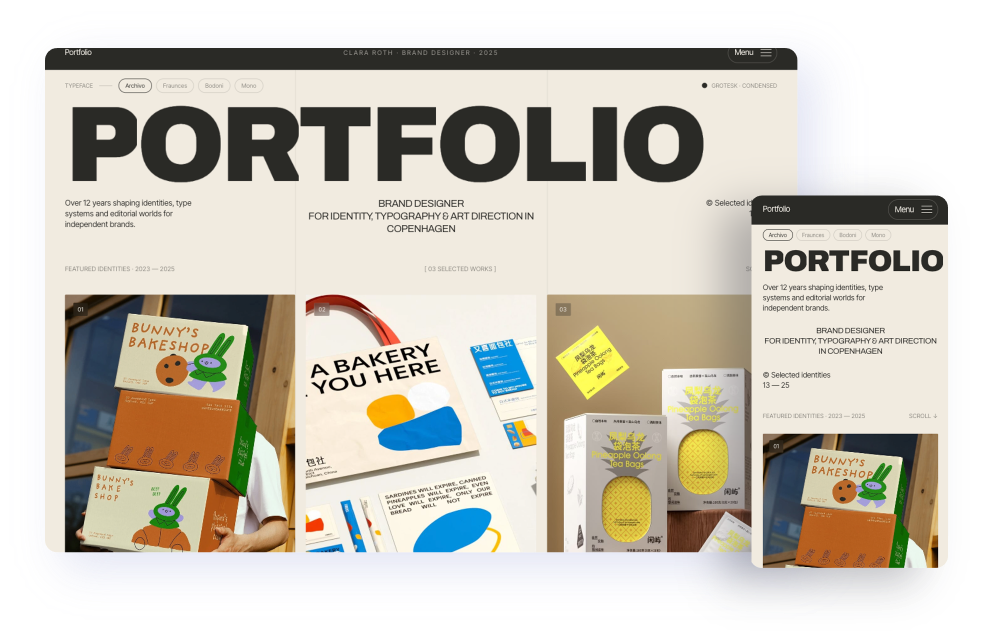
Creative portfolio
Start with gallery-focused layouts for photographers, designers, and artists.
View templates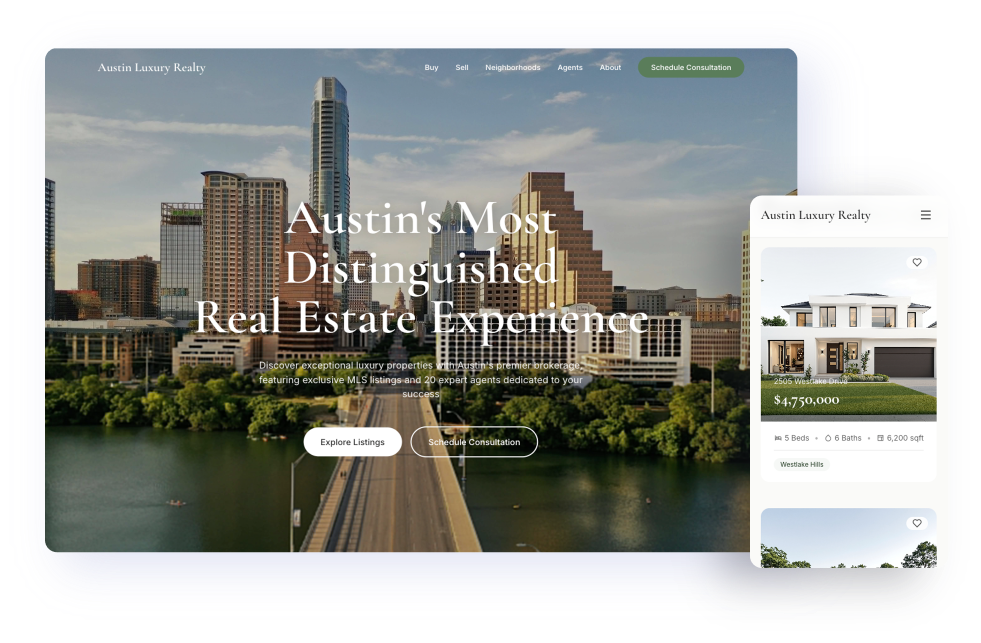
Real estate
Build property pages with listing sections, neighborhood details, lead forms, and clear contact paths.
View templates
Website building guides and ideas
Best free landing page builders in 2026
Compare free landing page builders and choose the right tool for your launch.
How to Redesign Your Website with AI
Learn how AI can help you plan, rebuild, and publish a stronger website.
How to Build a Website From a Screenshot or Image in 2026
See how screenshots, mockups, and reference images can become editable sites.
Frequently asked questions
Type your website prompt in the input box and start the generation flow. Readdy opens the workspace and turns your instructions into a site you can review, edit, and publish.
Yes. You can write your prompt in another language, and Readdy can generate the website content in that language. If your site needs multiple languages, tell Readdy in the same prompt. It can help you create a multilingual website from one set of instructions.
A more detailed description usually leads to a better result. If your prompt is too abstract or vague, the first version may feel more generic. Describe your business details, preferred visual style, UI effects, key pages, and required features. If you have reference images, examples, or a website URL, you can share them with Readdy. If you are not sure how to write the prompt, use AI to polish your draft before generating the site.
Yes. Readdy writes original website copy from your prompt. You can keep it, rewrite it manually, or ask AI to make it shorter, clearer, warmer, or more persuasive.
Yes. You can start with text, then add a screenshot for visual reference, paste a URL for inspiration, or apply a template. Each method works inside the same Readdy workspace.
Turn words into a site that is yours to shape
Go from prompt to business-ready website on Readdy's AI-native builder. Design it, edit it, add real features, and publish from one place.