

Image to website: launch from a screenshot
Turn a reference image into a functional website built to help run your business.
Start with a visual reference
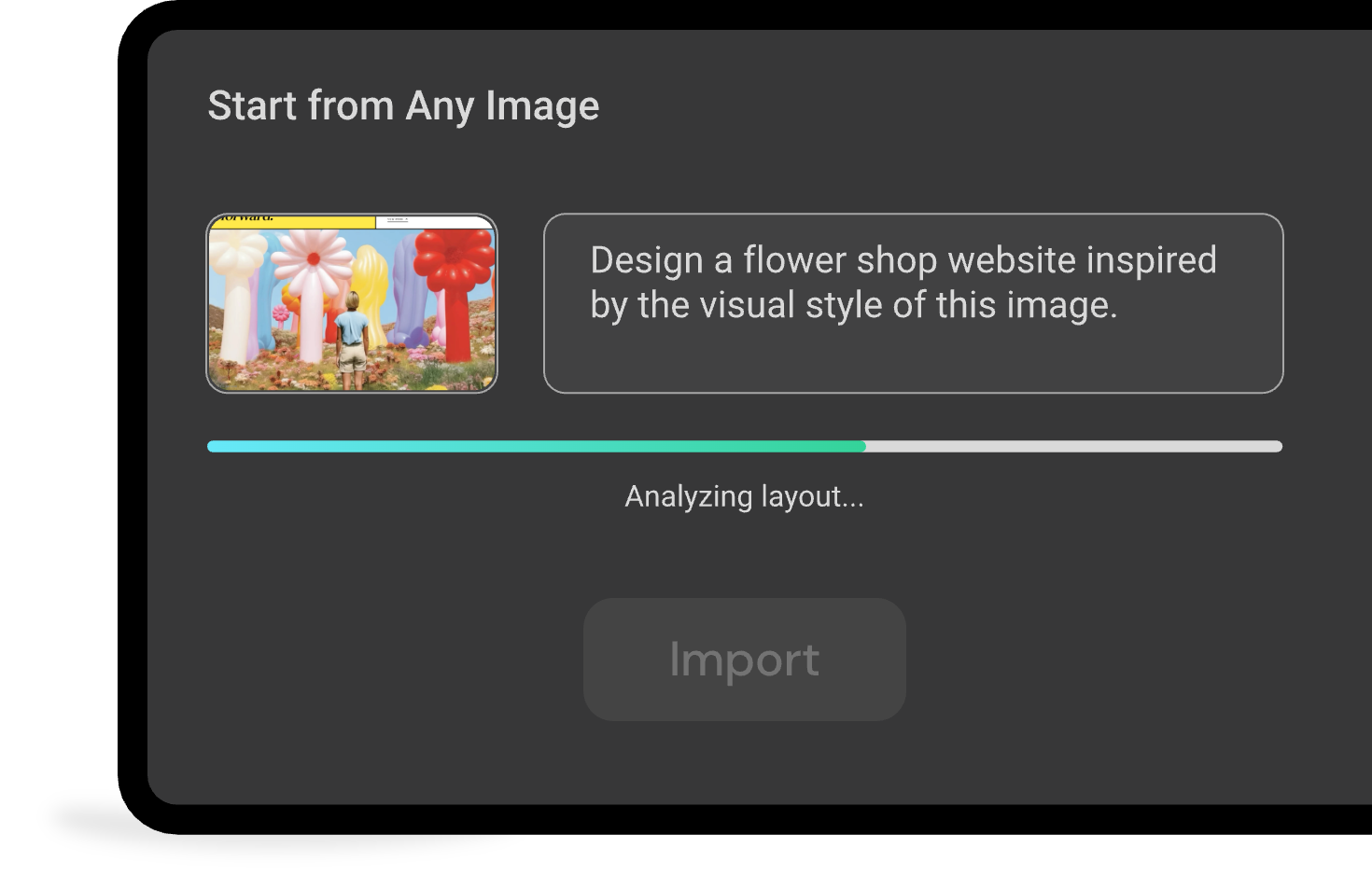
Upload a screenshot, mockup, or design reference to start image to website generation. Readdy reads the layout, colors, typography, and section structure, then opens an editable website draft in the workspace.
From static reference to working website

Before
A screenshot, mockup, sketch, or design reference that captures the first idea

After
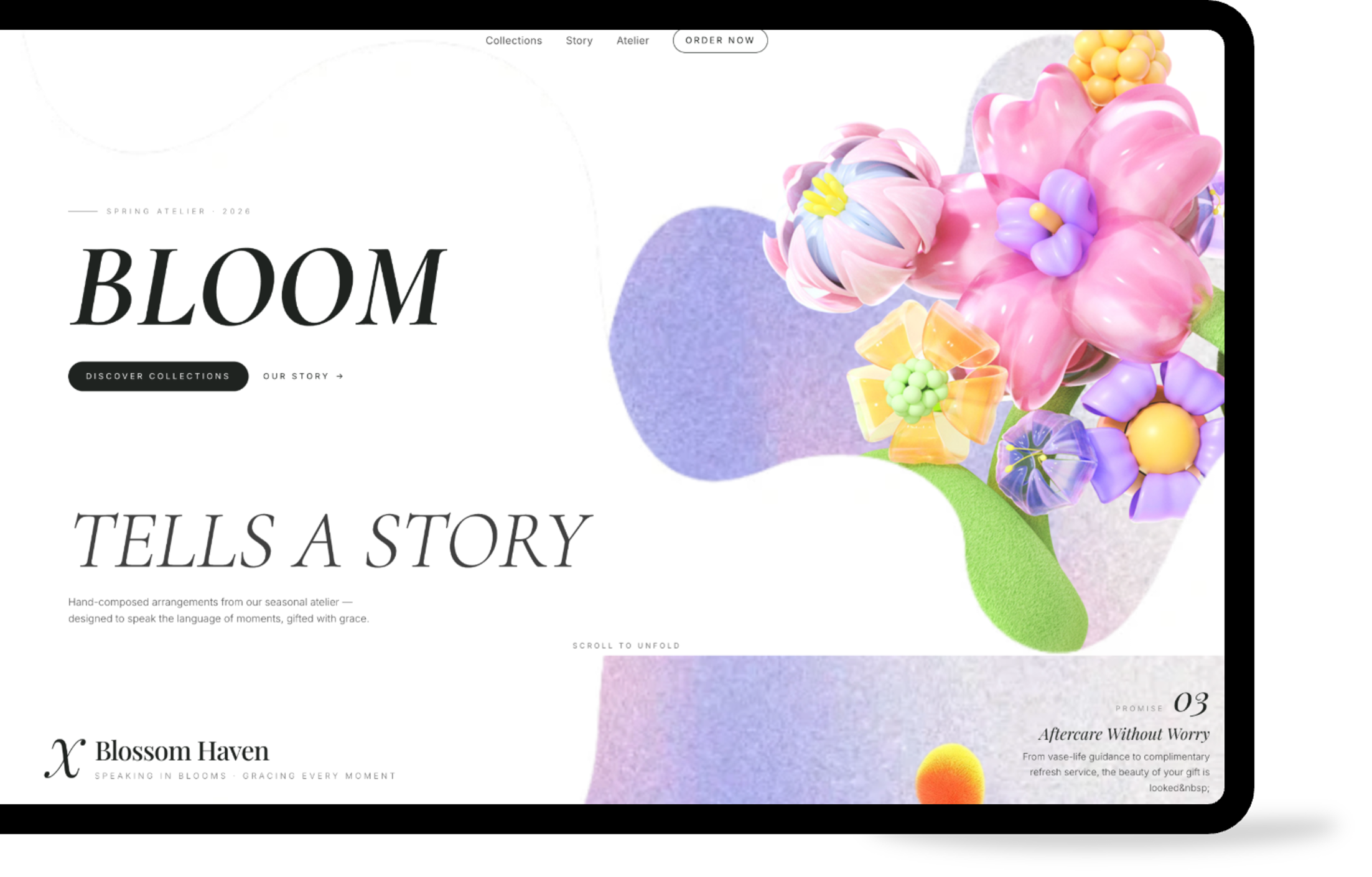
Readdy uses AI to turn the style you like into a responsive website with forms, bookings, payments, and backend capabilities that you can publish right away.
How Readdy works:from image to website
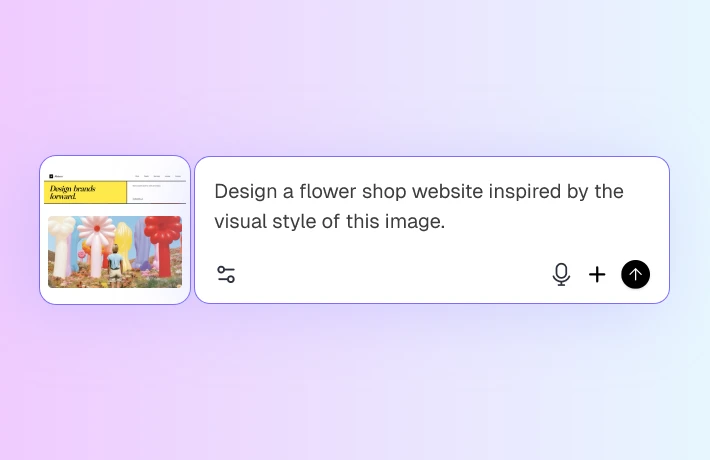

Upload reference images
Upload reference images, such as websites, designs, or layouts you like, and describe what you like about each image.
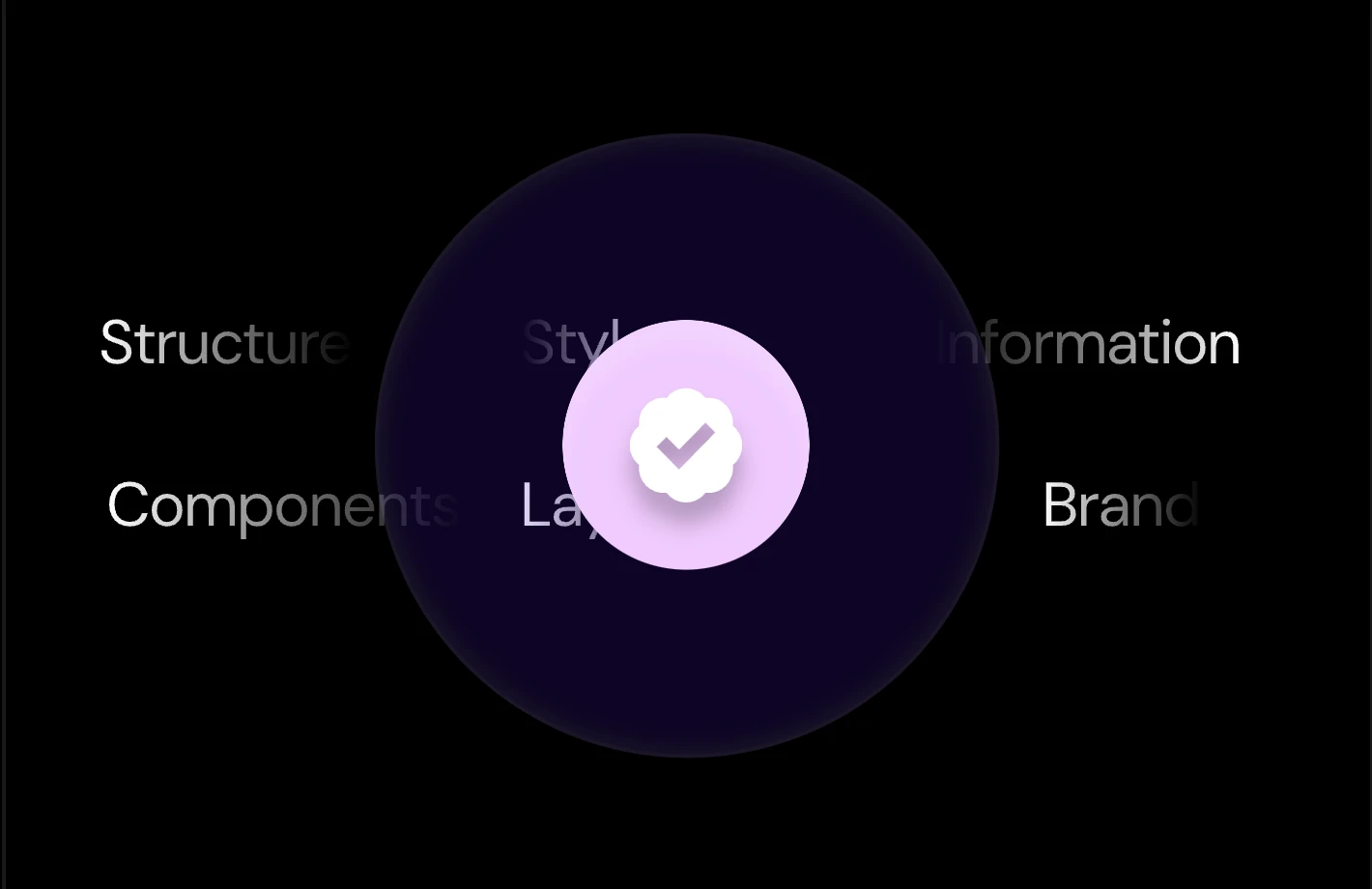

Let AI map the page
Readdy identifies the page sections, hierarchy, spacing, colors, and typography, then turns those signals into a web-ready structure.
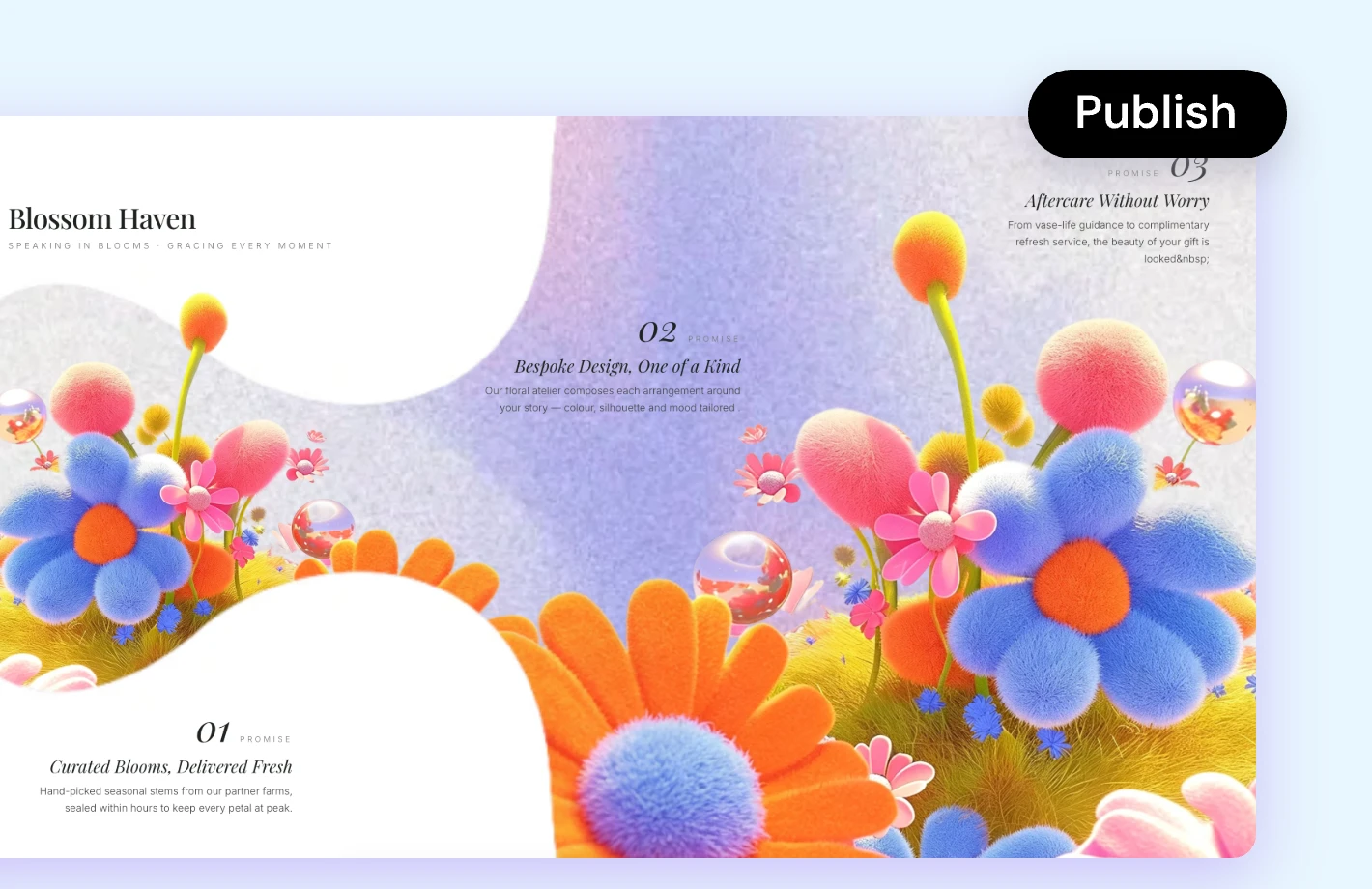

Add features and publish
Edit with AI or click elements directly, then add forms, bookings, payments, SEO, or built-in backend workflows before publishing.
Why create a website with an image?
Skip the blank canvas
Start from a look you already understand instead of explaining every design choice from scratch or searching through templates first.
Turn style into structure
Readdy keeps the useful design cues from your reference while adapting them into sections that work across desktop and mobile screens.
Edit without builder complexity
Ask AI to rewrite copy, rework sections, or try a different direction. You can also click any element to adjust it directly.
Build a functional website
Add built-in features and backend capabilities such as forms, bookings, payments, user accounts, saved data, SEO, hosting, and domains.
More ways to start
Create from text
Describe the site you want and get an editable first draft.
Create from website
Paste a public URL and Readdy creates a new site inspired by its design.
Create from business card
Upload a business card and start with your contact details in place.
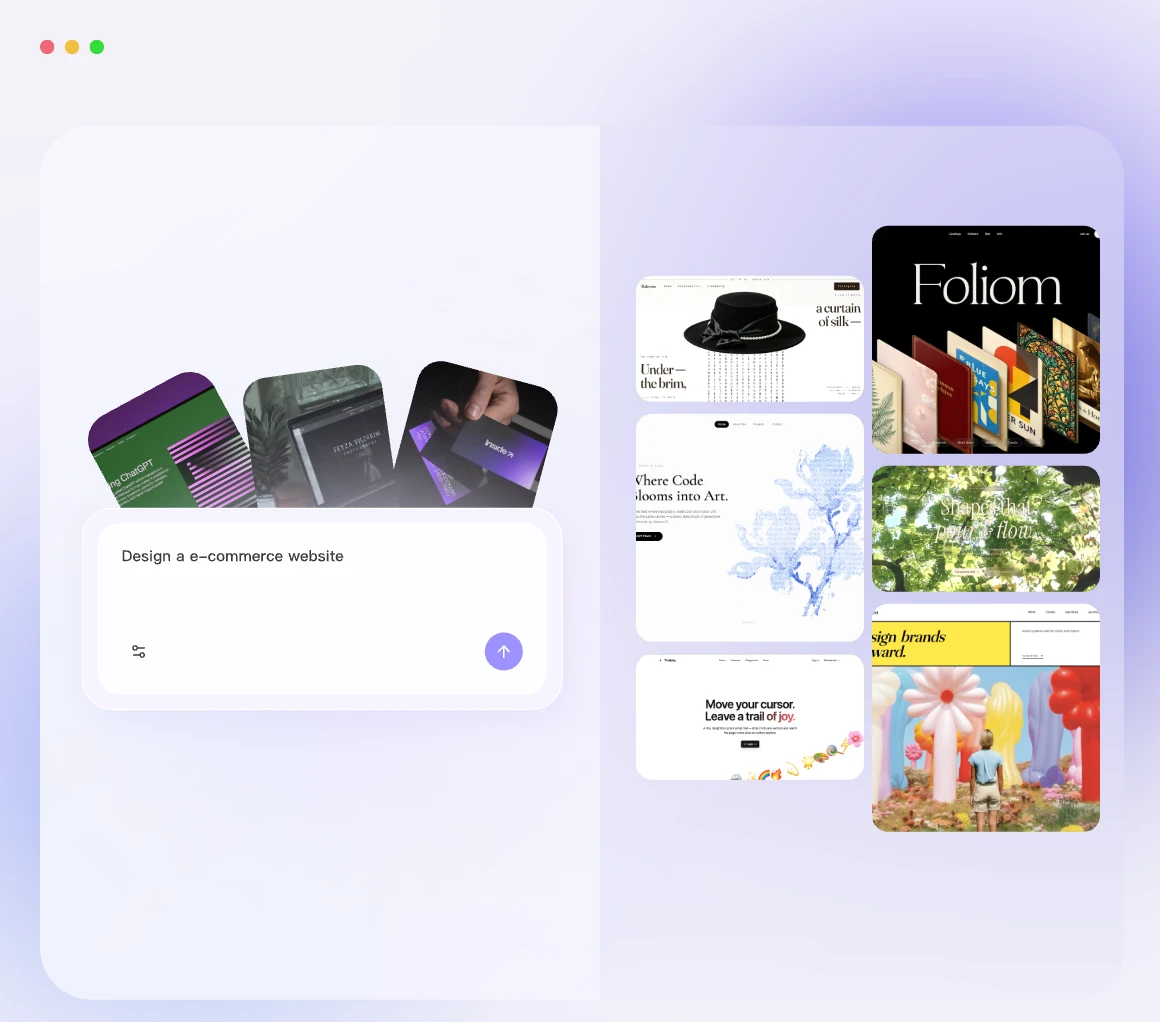
Free tools for your
new website

AI logo generator
Create a logo direction that supports the visual style of your new website and brand.

Color palette generator
Build a consistent color system that helps your reference-based website feel more complete.AI favicon generator
Turn your logo or brand idea into a browser-ready favicon for a polished website launch.Explore all free tools
Find Readdy tools for branding, content, SEO, domains, and other website launch tasks.
Prefer to start from a template?
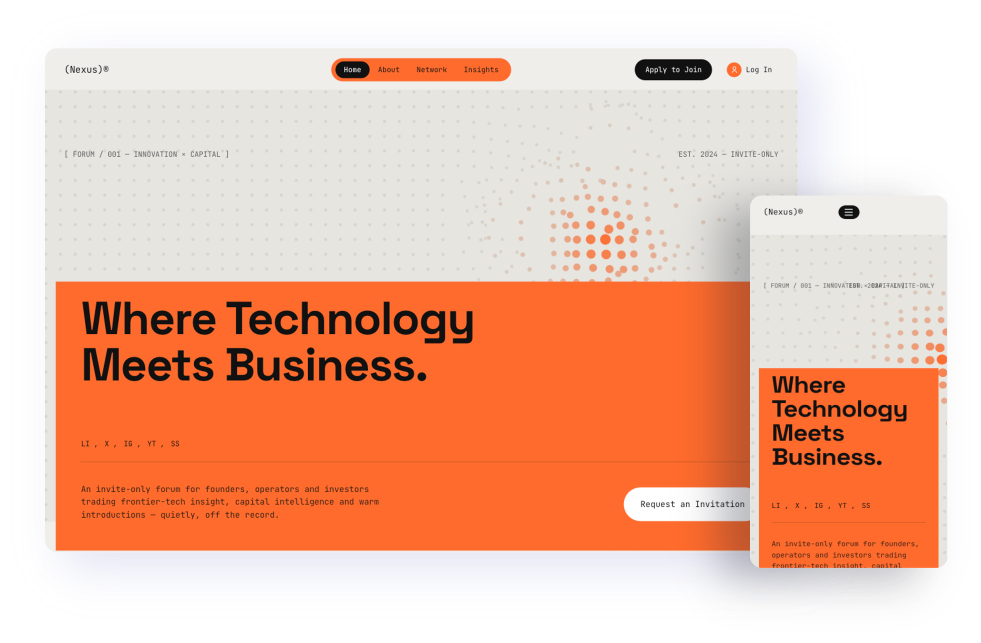
Business
Use a professional layout for services, consulting, agencies, and company sites.
View business templates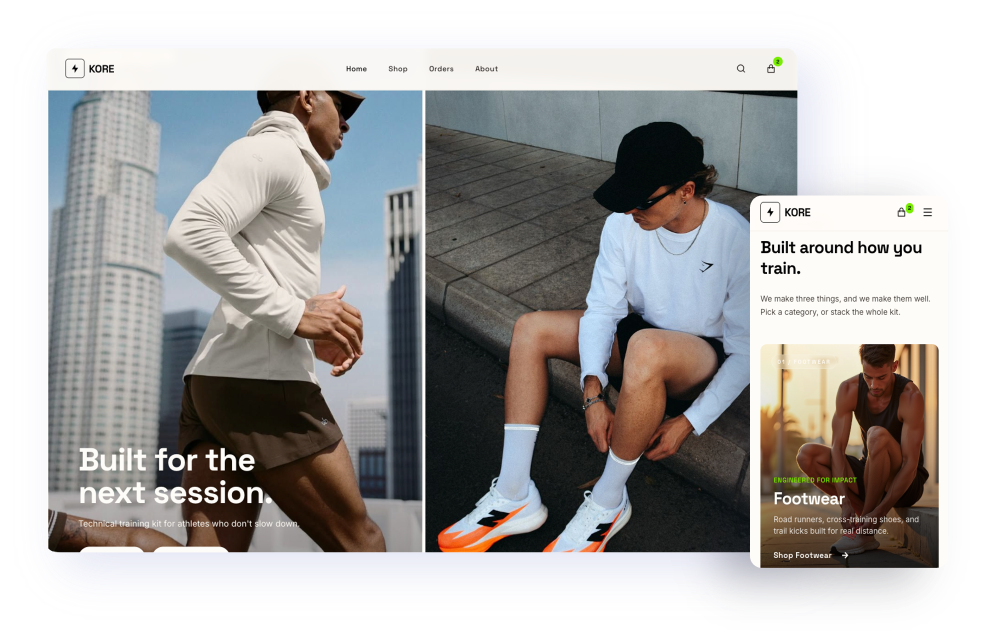
E-commerce
Start with a product-focused layout for selling online and showcasing inventory.
View e-commerce templates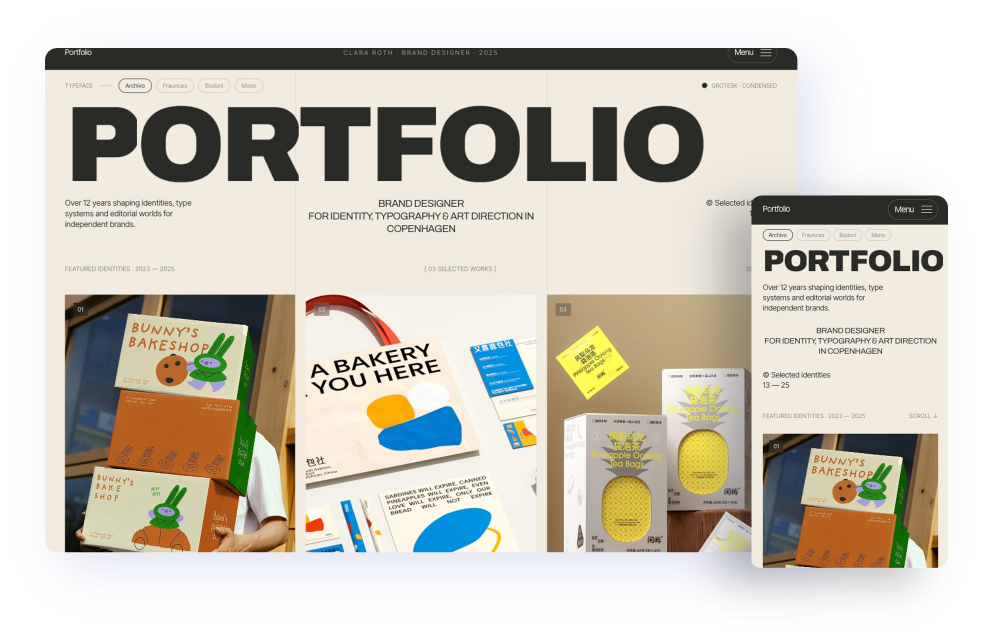
Creative portfolio
Showcase projects with a visual layout for designers, photographers, and artists.
View portfolio templates
Website building guides and ideas
How to Build a Website From a Screenshot or Image in 2026
Use a screenshot or image as your starting point and turn it into a live website.
How to Create a Website from a Business Card
See how a business card can become the foundation for a full website.
How to Redesign Your Website with AI (2026 Guide)
Learn how AI can help you refresh structure, content, and layout faster.
Frequently asked questions
Upload the image on this page and select generate. Readdy opens the result in the workspace so you can revise the design, replace content, and continue building.
Yes. Readdy can use a mobile app screenshot as inspiration and translate its interface patterns into a website layout.
No. Readdy uses the reference for design direction. Replace placeholder visuals with your own assets or create new ones in the workspace.
Yes. Readdy is built for fully functional websites, not only visual mockups. Its built-in backend supports workflows such as authentication and saved data, alongside forms, bookings, payments, SEO, domains, and publishing.
You can use it as a reference for an original website. Keep the layout inspiration, but replace logos, photos, copy, and other protected assets with your own.
Build your website with Readdy AI
Start with AI, customize your site, add the features you need, and publish from one workspace.