

Create from website link
Paste a public URL and Readdy turns the reference into a fully functional website draft with original copy, new visuals, and an editable layout.
Paste a website URL
- •Best for redesigns, competitor references, and quick concept drafts. Use a link when you already know the visual direction and want Readdy to start from that context.
See how one link becomes a new website

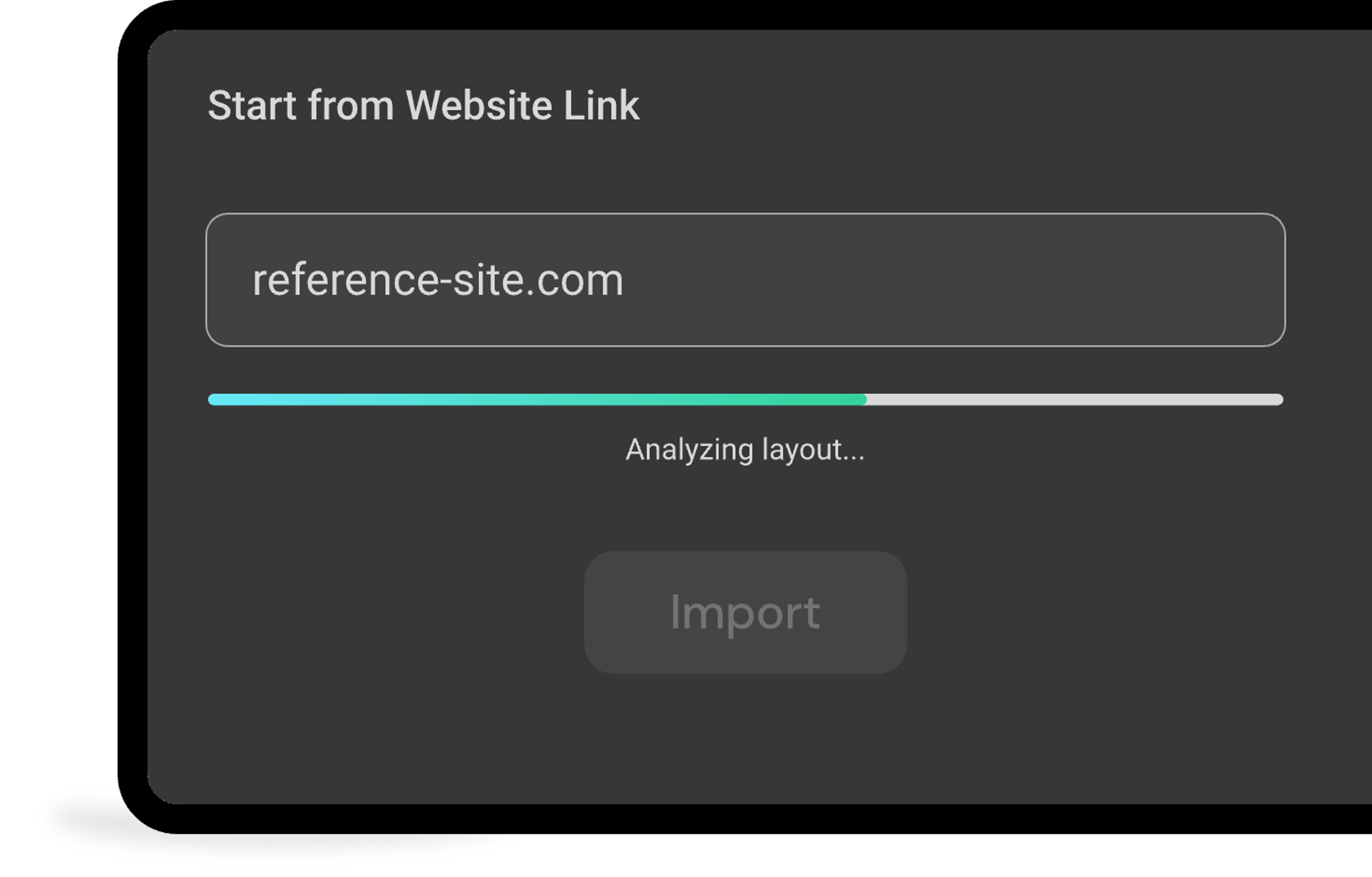
Before
Start with a real website reference. The link gives Readdy a clear direction for structure, visual style, and page flow.

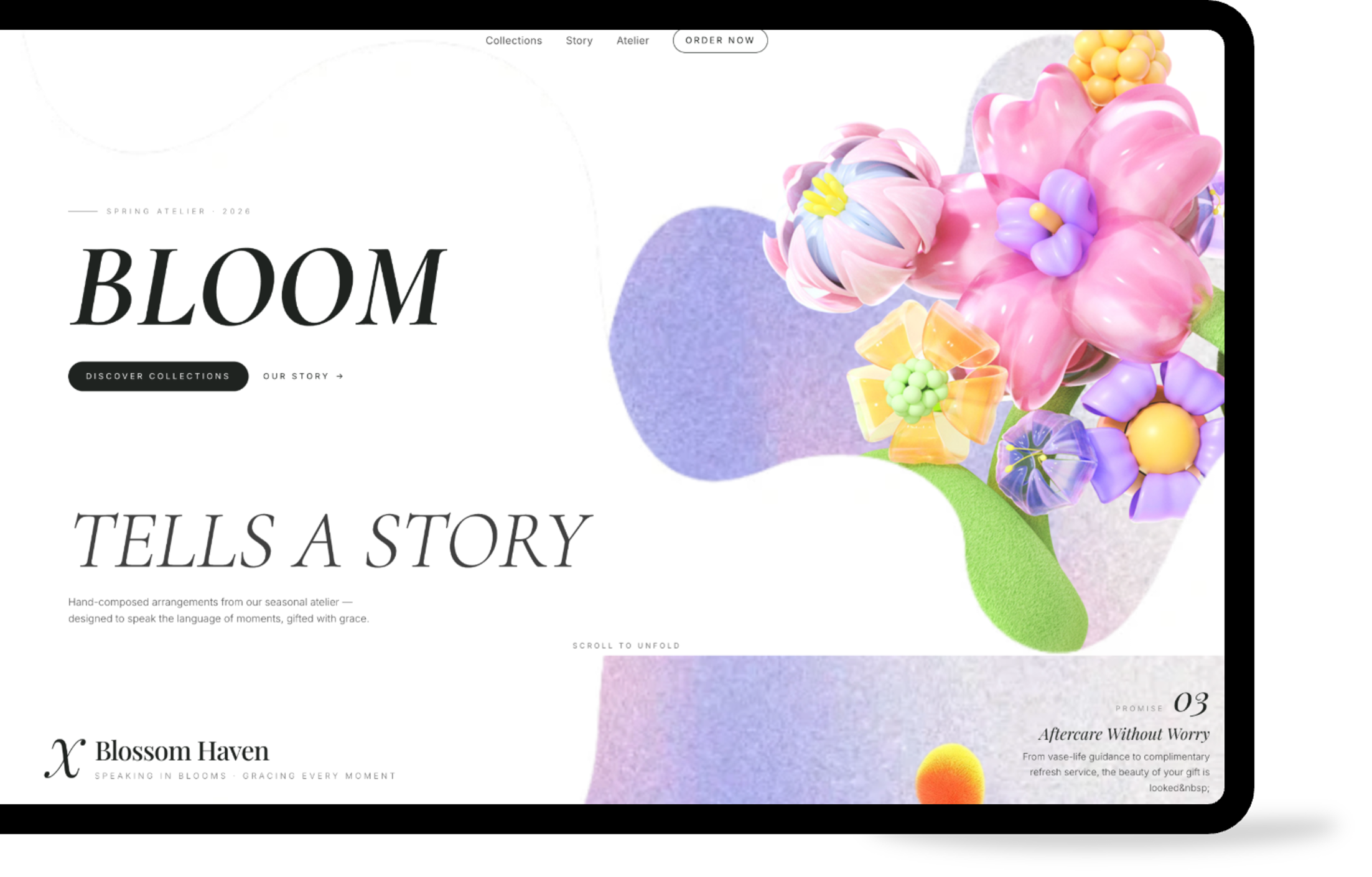
After
The result is a new website direction with its own content, images, and layout choices. You can compare the direction quickly, then refine it in the editor.

How it works:From URL to live site
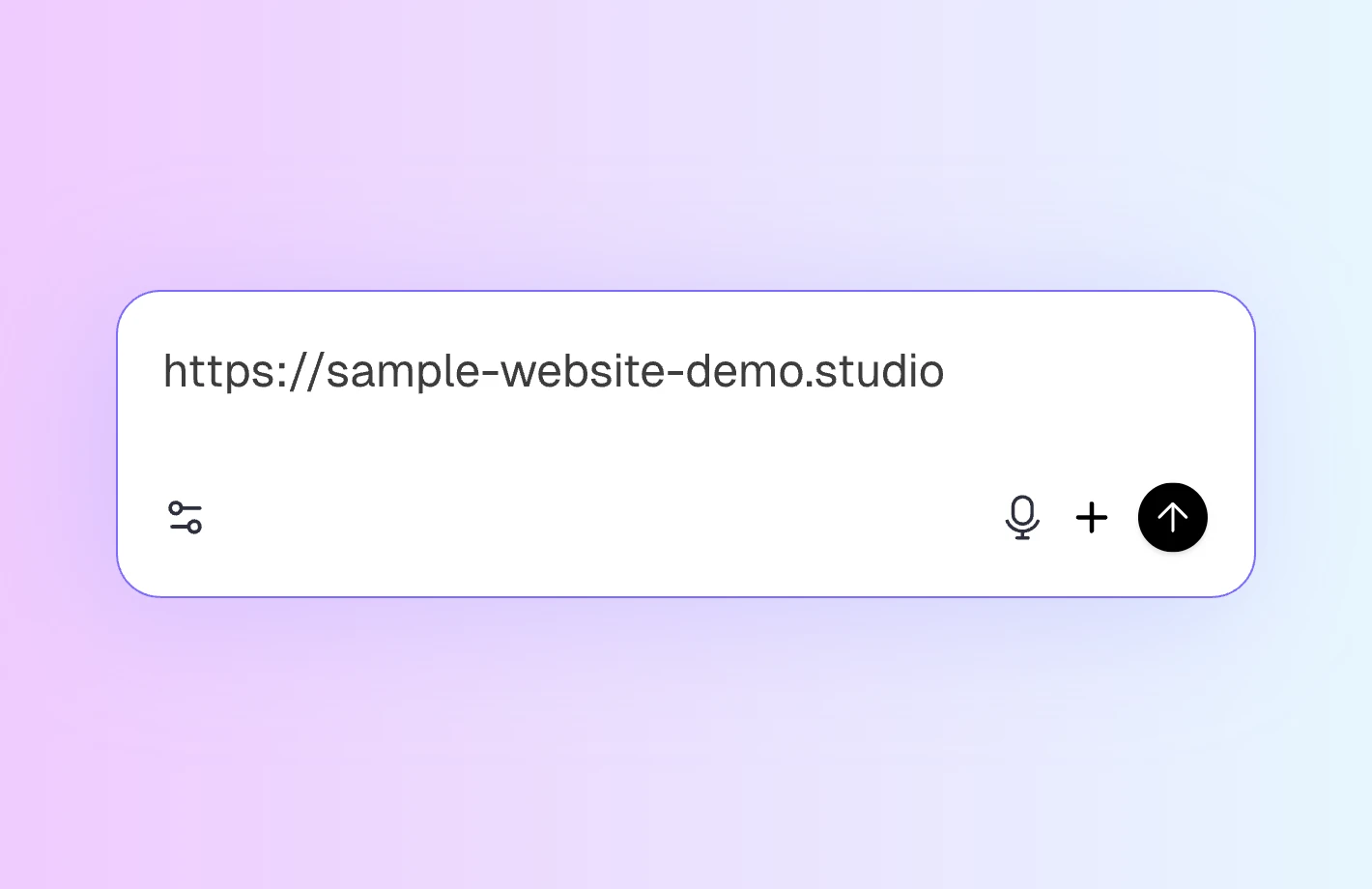

Paste a website link
Paste any public website link. Readdy can read a homepage, landing page, portfolio, blog, or multi-page site, so you can begin from the page that best matches your goal.

Readdy reads the design
Readdy maps the visible design system first. It checks navigation, spacing, colors, typography, and section flow, then uses those signals to shape a new site. The original content and backend are not copied.
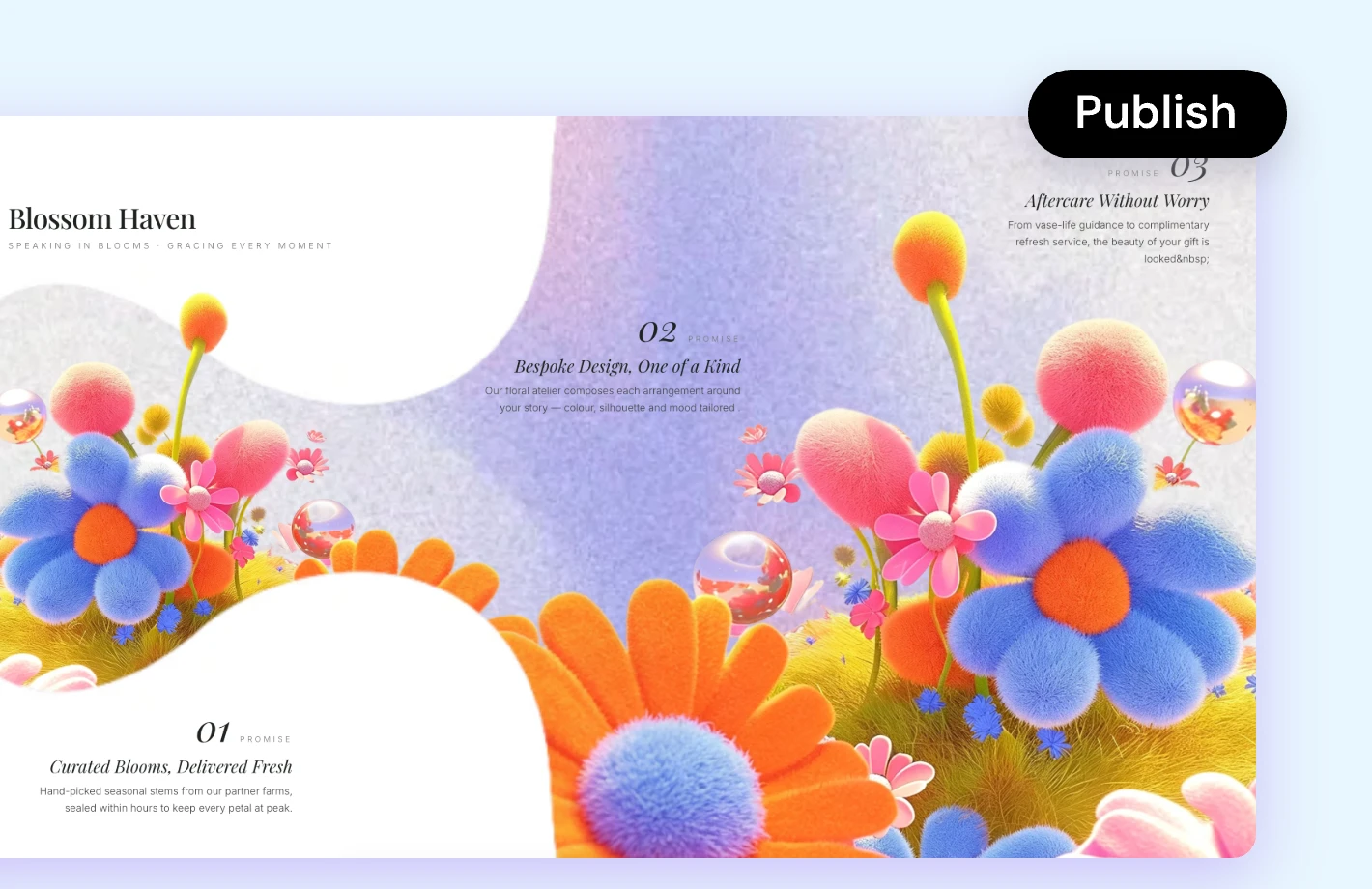

Edit and publish
The draft opens in the workspace. Change copy, replace images, adjust colors, add sections, or apply templates. When you are ready to launch, Readdy has custom domains, hosting, backend, SEO, and GEO built in.
Why build from a website link?
Inspiration, not duplication
Readdy uses the reference for direction, then creates a new site with original copy, new visuals, and its own design.
Works with any builder
Built with WordPress, Webflow, Shopify, Squarespace, or custom code, any public link can be used as a starting point.
One link, consistent pages
Readdy carries spacing, typography, colors, and components across pages, so the first version feels connected.
Add real website features
You can add pages, forms, booking, payments, multilingual content, SEO and GEO settings, and backend data when needed.
More ways to start
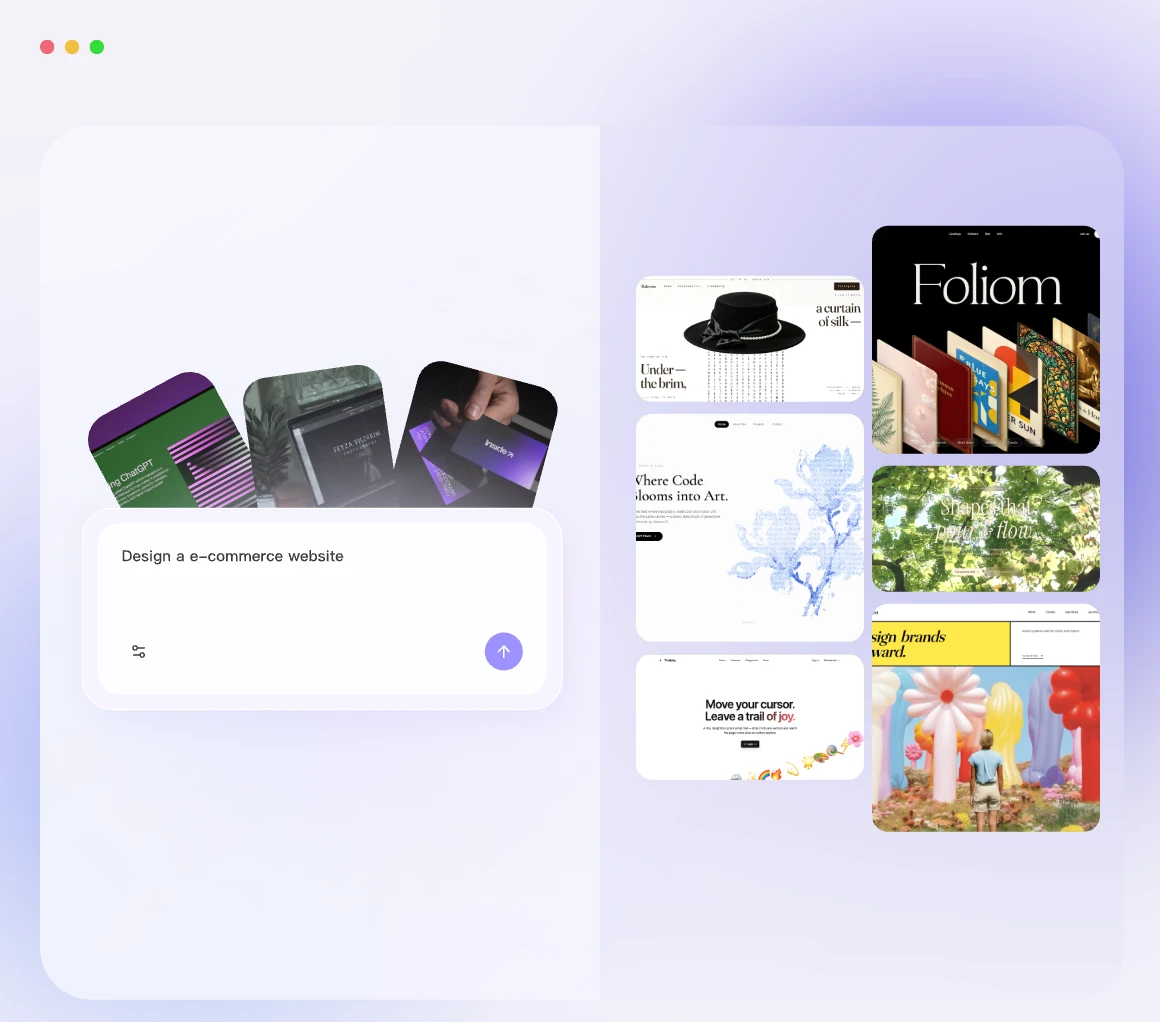
Create from text
Describe the site you want and get an editable first draft.
Create from image
Upload a screenshot or mockup and turn its layout into a website.
Create from business card
Upload a business card and start with your contact details in place.
Free tools
for your website launch




Prefer a template? Start here
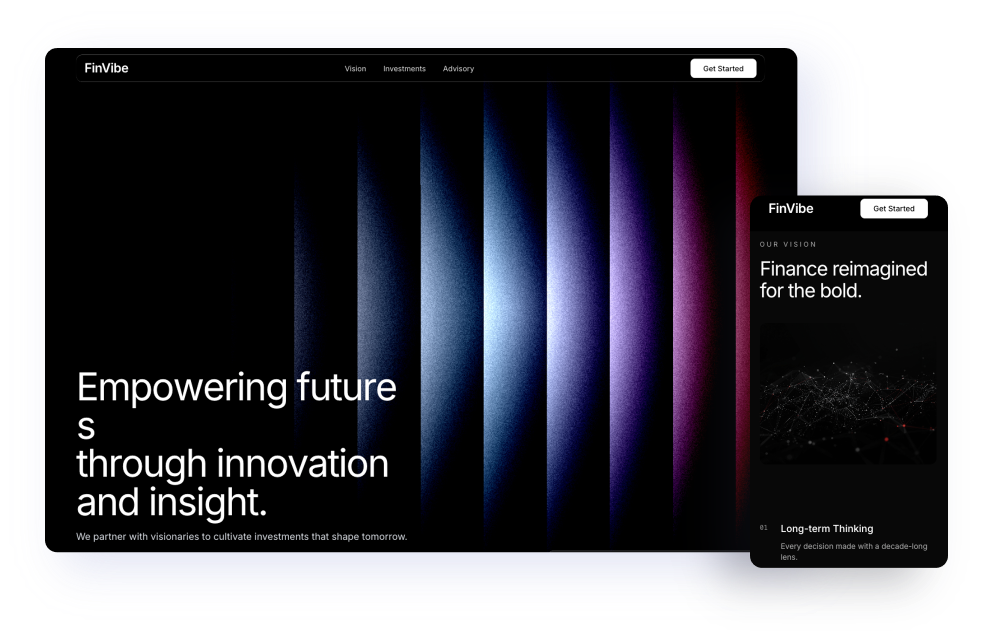
Business and corporate
Use structured layouts for agencies, law firms, and B2B services.
View business templates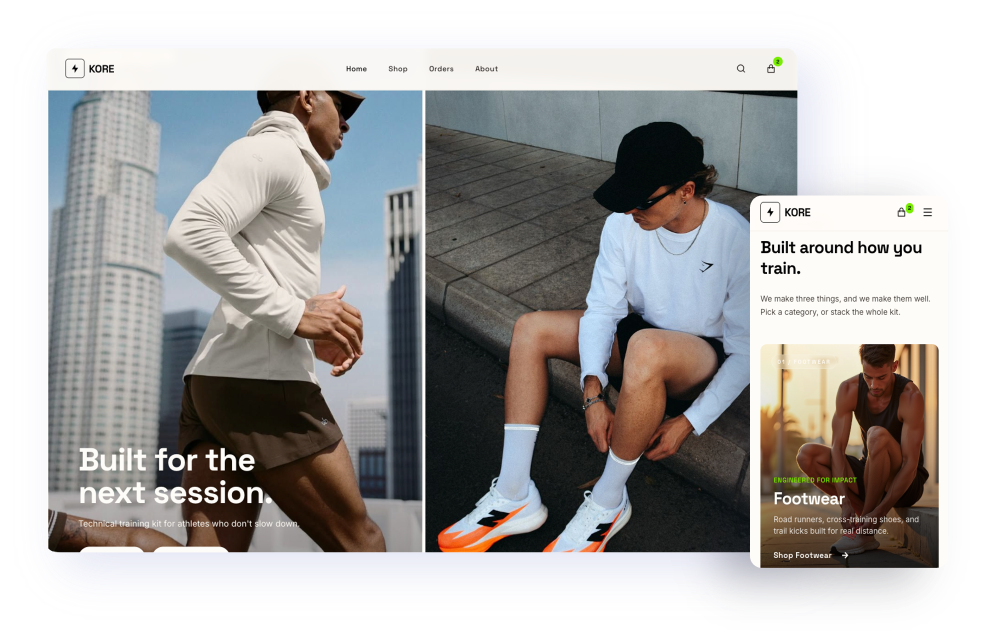
Ecommerce grid
Start with product-ready layouts for online stores and retail.
View ecommerce templates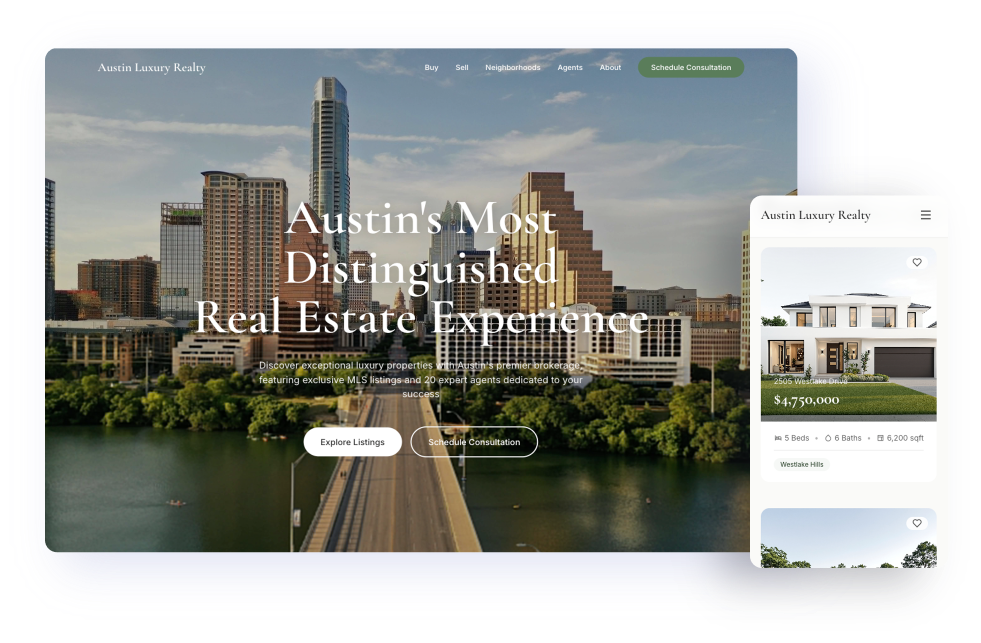
Real estate
Build around listings, property details, and clear contact paths.
View real estate templates
Guides for a better first draft
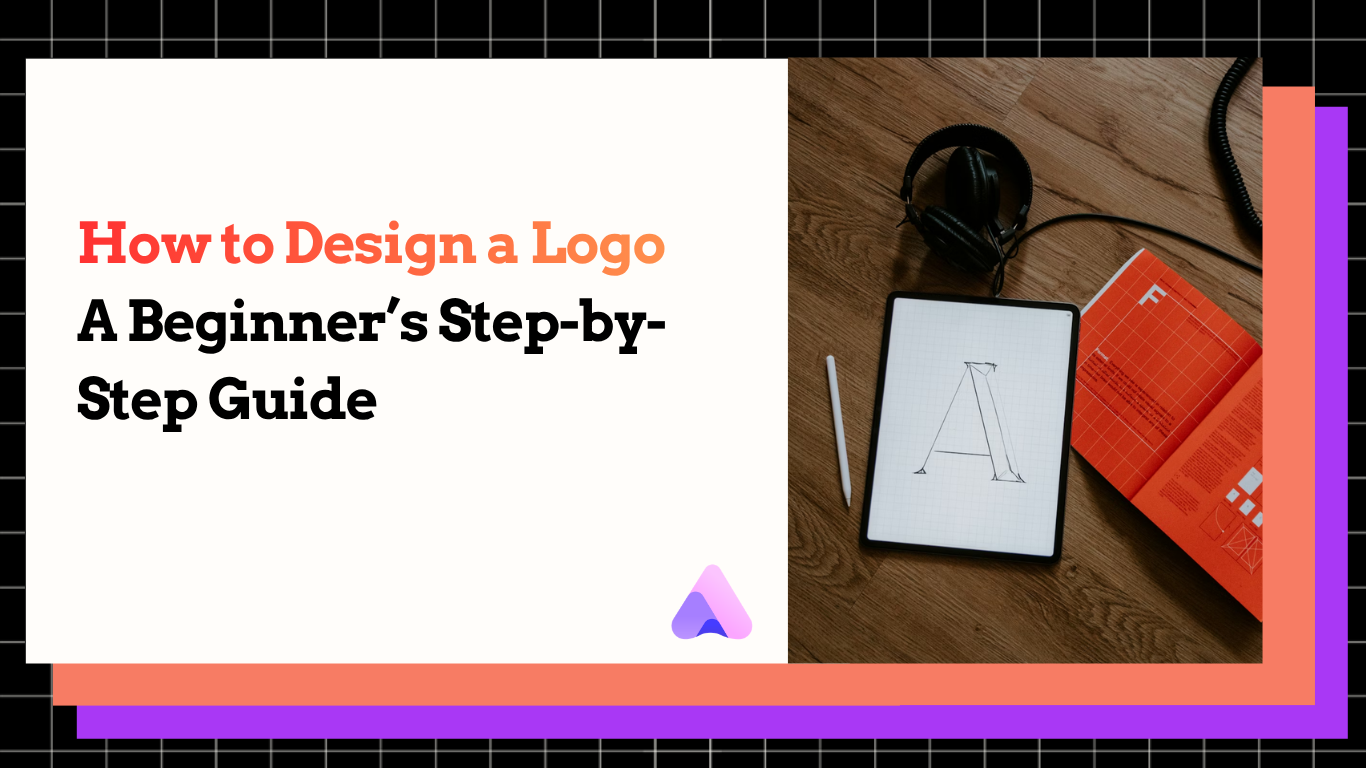
How to design a logo in 2026: a beginner's step-by-step guide
Learn the basics of choosing a simple, recognizable logo for your site.
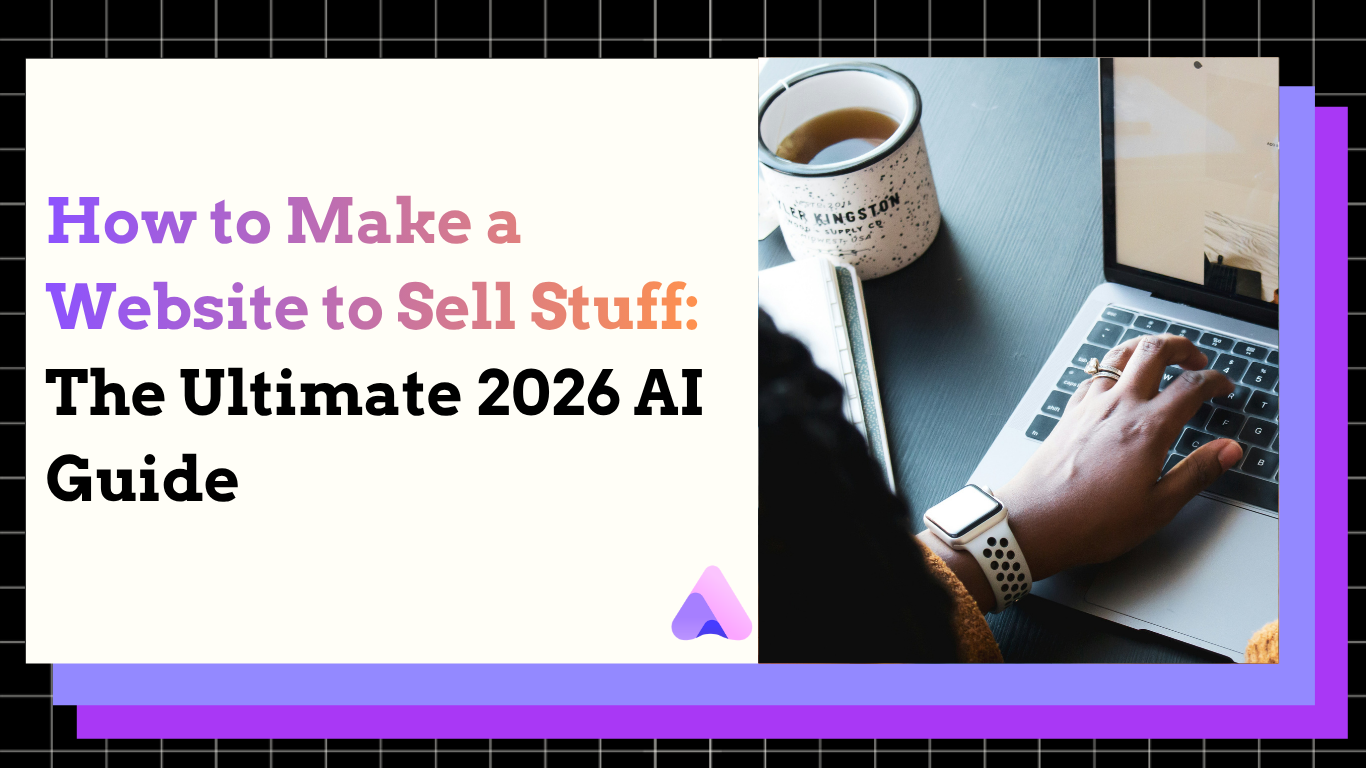
How to make a website to sell stuff (2026 AI guide)
Learn how to plan a store page, present products, and start selling online.
How to build a website from a screenshot or image in 2026
Learn when to use a screenshot instead of a URL and how to get a better result.
Frequently asked questions
Paste a public website link and start the generator. Readdy opens the workspace, reads the reference, and creates an editable website draft. You can also log in to the editor and choose "Create from URL" anytime.
No. Readdy uses the URL as design inspiration, then creates a new website with original copy, new visuals, and fresh code. It does not copy the original text, images, or backend systems.
Yes, any publicly accessible URL can be used. If the site is private or behind a login, use screenshots instead so Readdy can still learn from the visible design.
Yes. You can add any pages and features your new site needs. Readdy has multilingual pages, SEO and GEO tools, booking, payments, forms, products, blogs, and backend databases built in. Describe what you want in a prompt, and AI can help create the structure, content, and setup for you.
Yes. A website link can be your starting point, and you can keep building with prompts, screenshots, templates, and editor changes. The final site is not limited to the reference URL.
See what Readdy's AI site builder can create today
Readdy helps you create, edit, and launch a complete website with AI.
Start from a link, prompt, image, business card, or template.