How to Design a Logo in 2026: A Beginner’s Step-by-Step Guide
Learn how to design a logo in 2026 with this beginner-friendly guide. Simple steps, common mistakes, and free tools to create a business logo.

Frank Zhu
Frank is the founder of Readdy.ai. A developer-turned-founder with 10+ years of product experience, Frank loves great design, and he's building the tools he wishes he had when launching his first startup.
Here at Readdy, we know that if you’re starting a business, side project, or personal brand, designing a logo can feel intimidating.
Many beginners assume logo design requires artistic talent, years of experience, expensive software, or hiring a professional designer. We’ve spoken with many beginners who believe this alone stops them from even trying.
And we’re here to tell you that the reality is now very different.
A good logo is not about being an artist. It’s about clarity, consistency, and making your brand recognizable. With modern tools like ours at Readdy.ai, with templates and AI-powered generators, beginners can design clean, professional-looking logos without advanced design skills.
Our extensive guide below is written specifically for beginners. It breaks logo design into simple, practical steps, explains what actually matters (and what doesn’t), and helps you avoid common mistakes.
If you’ve ever searched for ‘how to design a logo’ or ‘how to create a business logo’ and felt overwhelmed, then this article is for you.
So here’s how to design a logo – but before we dive into the details, you can get a quick view of the details with our TL;DR summary below.
TL;DR
● You don’t need professional design skills or expensive software to design a logo in 2026. Logo design today is more accessible than ever, thanks to beginner-friendly tools and templates.
● A good logo focuses on clarity, simplicity, and consistency—not artistic complexity or flashy effects. If your logo is easy to recognize and read, it’s doing its job.
● Beginners get better results by following a clear, step-by-step process instead of trying to be “creative” from scratch. Structure removes guesswork.
● Modern tools, including AI-powered logo generators, allow you to experiment with styles, colors, and layouts quickly without starting from a blank canvas.
● Your first logo doesn’t have to be final. You can design, test, refine, and improve it over time as your business, audience, and brand direction evolve.
Now that we’ve provided a taster, let’s get into more of the details. Or, if you’re ready to get started creating a great brand and website, then head over to Readdy.ai and quickly create a login to get started.
What Is a Logo and Why Does It Matter for Your Business?
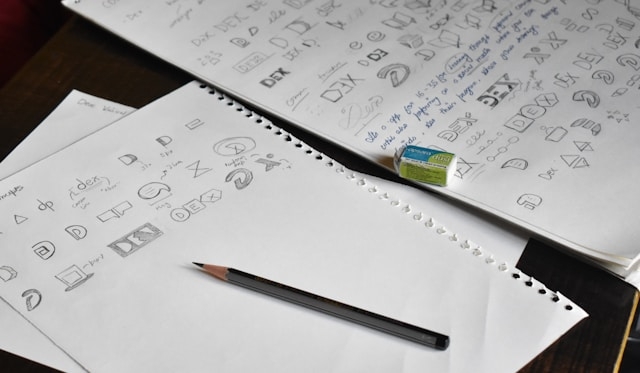
A logo is a visual symbol that represents your business, product, or personal brand. It can be as simple as a word written in a specific font or as detailed as a symbol paired with text.
At its core, a logo helps people recognize you.
When someone sees your logo on a website, social media profile, product, or email, it creates a mental connection – either consciously or subconsciously.
Over time, that visual cue, when repeated, builds familiarity and trust. Even for small businesses or early-stage projects, a logo signals that you’re intentional and serious about what you’re doing.
A logo also helps keep your brand consistent. Using the same logo across platforms makes your business feel more cohesive and professional, which is especially important online, where attention spans are short.
For beginners, our key point to remember would be this:
Your logo does not need to be perfect. It just needs to be clear, readable, and appropriate for what you do.
So let’s look at a few of the common questions we’re regularly asked.
Common Questions Beginners Ask Before Designing a Logo
Before learning how to make a logo, most beginners have similar concerns. Let’s address them upfront.
- Do I need design experience?
In short, no. Basic logo design relies more on decision-making than drawing or illustration. Choosing the right style, colors, and format matters more than artistic skill. - Should I hire a designer?
Not necessarily. Many early-stage businesses start with self-made logos and upgrade later. Today’s tools make it easy to create something professional enough to launch. - What makes a logo look “professional”?
Professional logos are simple, readable at any size, and consistent with the brand’s purpose. They are not overloaded with effects, colors, or details.
To us, these questions are normal — and solvable. The rest of our logo design guide focuses on giving beginners the clarity they need to move forward confidently.
The Basics of Logo Design (What Beginners Should Know)
Before designing anything, it helps to understand a few basic principles. This doesn’t mean studying design theory — it just means knowing what to prioritize.
Simplicity matters
Simple logos are easier to recognize and remember. Think about logos you know well—they usually work even in black and white. Simplicity also makes logos more versatile and easier to use across platforms.
Readability is crucial
Your logo should still look clear when it’s small, such as on a phone screen or social media profile. If people can’t read it quickly, the logo loses its purpose.
Consistency beats creativity
A logo doesn’t need to be clever or artistic. It needs to match your brand’s tone and message. Consistent visuals help build trust and make your brand feel more professional over time.
Flexibility is important
A good logo works across different formats: websites, emails, social media, and print. It should adapt easily without losing clarity, whether displayed large on a banner or small in an icon.
At Readdy.ai, we find that keeping these basics in mind helps beginners avoid overthinking and overdesigning, allowing them to focus on clarity and function instead of chasing perfection or unnecessary visual complexity.
Types of Logos and When to Use Them
Different logo types serve different purposes. Choosing the right one makes the design process easier.
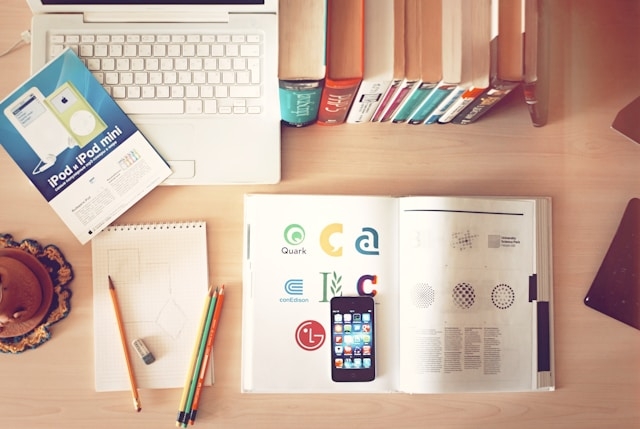
Common Logo Types Comparison
| Logo Type | What It Is | Best For |
| Wordmark | Text-only logo using a specific font | Brands with short, unique names |
| Icon-based | A symbol or icon without text | Apps or brands with a strong visual identity |
| Combination | Text and icon together | Most beginners and small businesses |
| Emblem | Text inside a shape or badge | Traditional or community-focused brands |
For beginners learning how to design a logo for beginners, combination logos are usually the safest choice. They give flexibility — you can use the icon alone or with the name, depending on context.
A Beginner-Friendly Step-by-Step Process to Design a Logo
This section is the heart of our article because it turns logo design from an abstract idea into a clear, repeatable process.
Many beginners struggle because they think designing a logo requires a sudden burst of creativity. In reality, it’s about making small, logical decisions one step at a time.
Step 1: Define What Your Brand Is About
Before opening any tool or sketching ideas, take a moment to clarify a few basics:
● What does your business do?
● Who is it for?
● Should it feel professional, friendly, modern, playful, or bold? ... or something else!
These answers don’t need to be perfect or overly detailed. Even a few keywords can help guide your decisions later.
For example, a logo for a legal service should feel very different from one for a kids’ learning app. We find that when beginners skip this step, they often end up with logos that look nice but don’t actually match their brand.
Step 2: Decide on a Logo Type
Next, choose the type of logo you want: wordmark, icon-based, combination, or emblem. This choice helps narrow your options and reduces overwhelm.
For most beginners, combination logos work best because they offer flexibility. You can use the full logo when space allows, or just the icon when you need something compact, like a profile image. Making this decision early gives structure to the rest of the process.
Our Pro Tip here is to remember that you will see this logo a lot ...and for a long time, so it helps to choose a design that you like seeing often and which makes you feel proud!
Step 3: Choose Your Brand Colors
Color selection doesn’t need to be complicated. Start by choosing one main color and one secondary color, and avoid the temptation to add more and more.
Colors influence how people feel about your brand, often subconsciously. Blue can signal trust and reliability, green can feel calm or eco-friendly, and black usually feels modern and confident. Too many colors, though, make logos harder to remember and harder to use consistently, which, in our experience, is a common beginner mistake.
Step 4: Select a Font That Matches Your Brand
We know that fonts do a lot of the work in logo design, especially for text-based logos. A clean sans-serif font often feels modern and approachable, while serif fonts can feel more traditional or authoritative.
Avoid decorative or novelty fonts for business logos. Even if they look fun at first, they often hurt readability ...and often they don’t age well. So a simple, clear font will almost always outperform a complicated one.
Step 5: Generate and Explore Logo Ideas
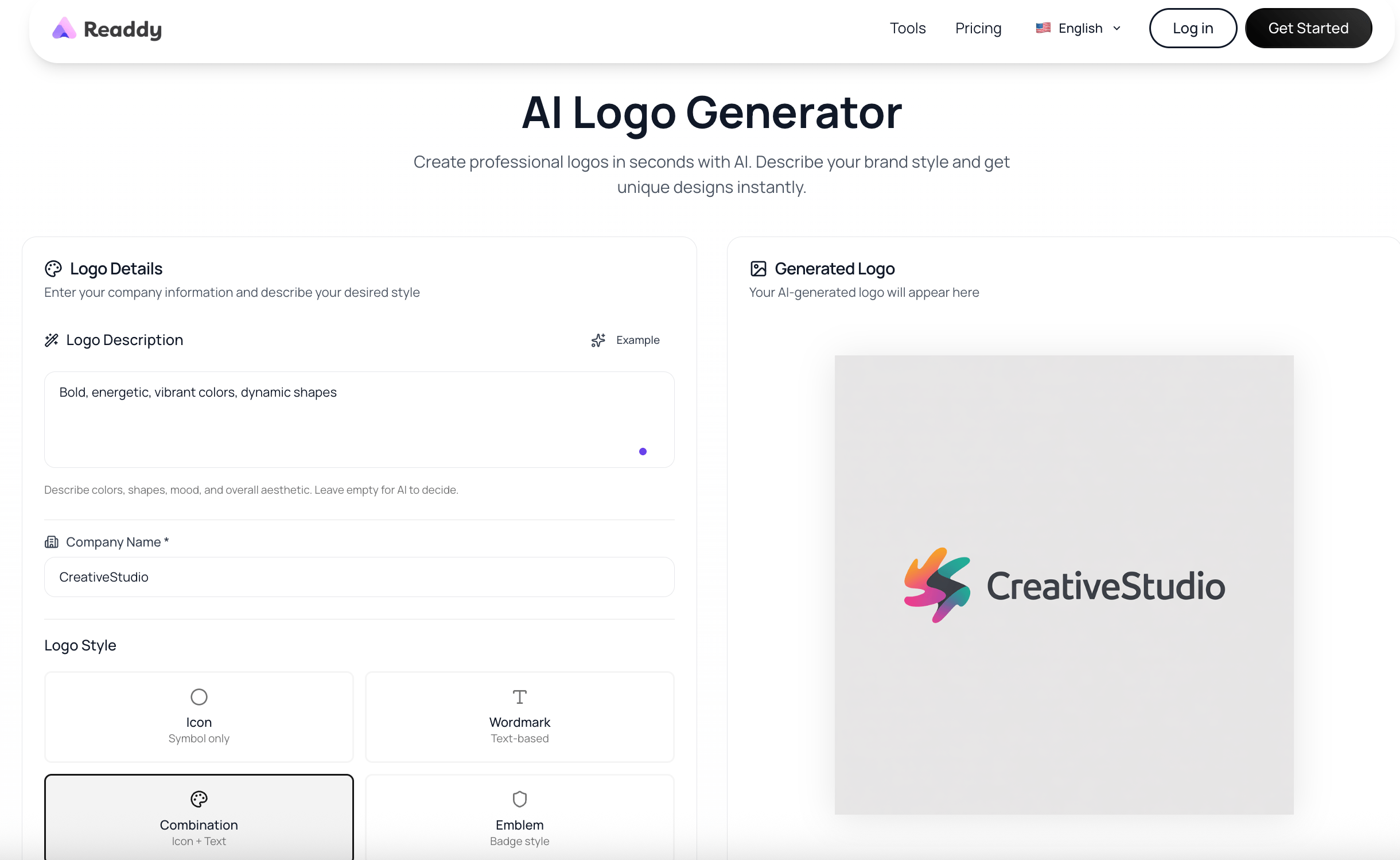
This is where modern tools make logo design far more accessible. Beginners no longer need professional design software or advanced skills to explore ideas.
Many website builders now generate logo options automatically during the site creation process, helping users quickly visualize their brand. Tools like Readdy can generate logo concepts alongside website layouts, which helps beginners see how their logo will actually be used.
Here at Readdy, we also offer a free logo generator tool that allows beginners to experiment with styles, colors, and layouts without starting from scratch.
Using our logo generator, along with the range of tools we provide, encourages experimentation and learning by doing, rather than feeling stuck with a blank canvas!
Step 6: Review and Simplify
Once you have a logo concept, resist the urge to add more. Instead, simplify:
● Does it work in black and white?
● Is the text readable at small sizes?
● Would someone understand it without explanation?
If the answer is yes, then take it from us – you’re on the right track. Simpler logos are easier to use and more likely to stand the test of time.
Step 7: Test It in Real Situations
Finally, test your logo in real contexts. Place it on a website header, social media profile, or mock email signature. Seeing it in action often reveals spacing, size, or clarity issues you might miss otherwise.
Most importantly, remember that your logo is not permanent. You can refine and improve it as your business grows. The goal is to start with something clear and usable — even if it’s not yet perfect.
Conclusion
Designing a logo is not a creative mystery reserved for designers. It’s a practical, step-by-step process that anyone can learn.
For beginners, the most important things are clarity, simplicity, and consistency.
Our advice is to start with a clear idea of what your brand represents, choose a logo type that fits your needs, and use modern tools to explore options without pressure.
Logos evolve over time. Many successful brands started with simple designs and refined them as they grew.
Our range of tools at Readdy makes it easier for beginners to generate logos alongside building their website, helping streamline the entire brand setup process.
So when it comes to ‘how to make a logo’ we help you design the one that gets you started.
So let’s help even further by answering some of the common questions we are asked, but for more information and to speed up and streamline the whole process, create an account here and get started.
Common Questions People Ask Before Designing a Logo
1. Do I need to hire a designer to make a logo?
No. That was the case years ago, but now, many beginners successfully design their own logos using online tools and templates. Hiring a designer can be helpful later, but it’s not required to launch and get started.
2. How long does it take to design a logo?
For beginners, it can take anywhere from a few hours to a couple of days. Using our logo generator and other tools can significantly speed up the process.
3. What makes a logo “good” or “bad”?
A good logo is clear, simple, and consistent with the brand. A bad logo is cluttered, hard to read, or confusing. Simplicity is usually the deciding factor.
If you’ve been searching for how to create a logo or how to design a logo for beginners, the key takeaway is this: start simple, use the tools available, and improve as you grow. Your logo doesn’t need to be perfect — it just needs to get you started.
Frank Zhu
Frank is the founder of Readdy.ai. A developer-turned-founder with 10+ years of product experience, Frank loves great design, and he's building the tools he wishes he had when launching his first startup.