
Website Templates to Launch a Professional Site Fast
A complete set of modern website templates for building professional websites. Turn ideas into live sites with Readdy using AI—no coding required.
PhotographyPhotography
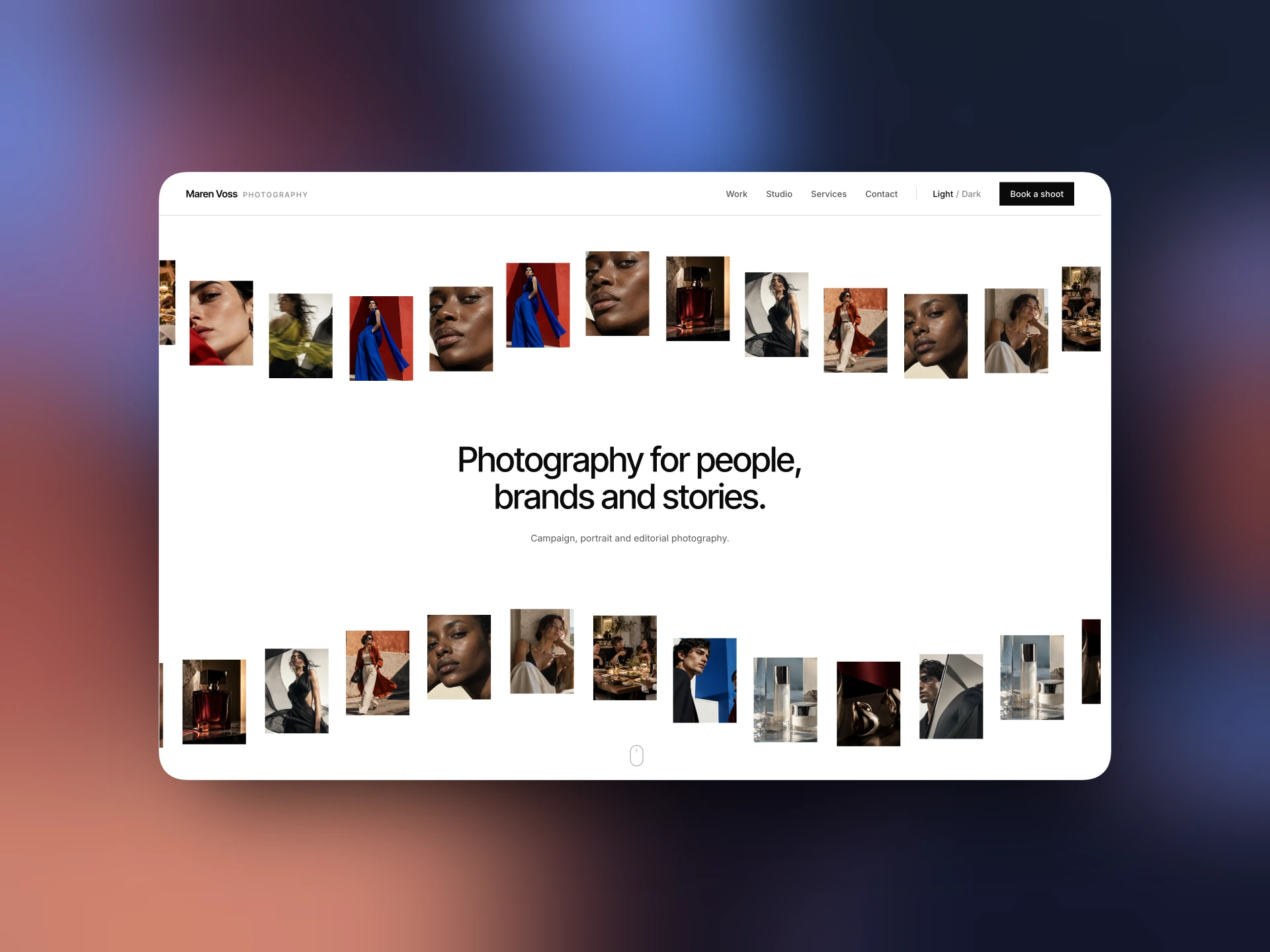
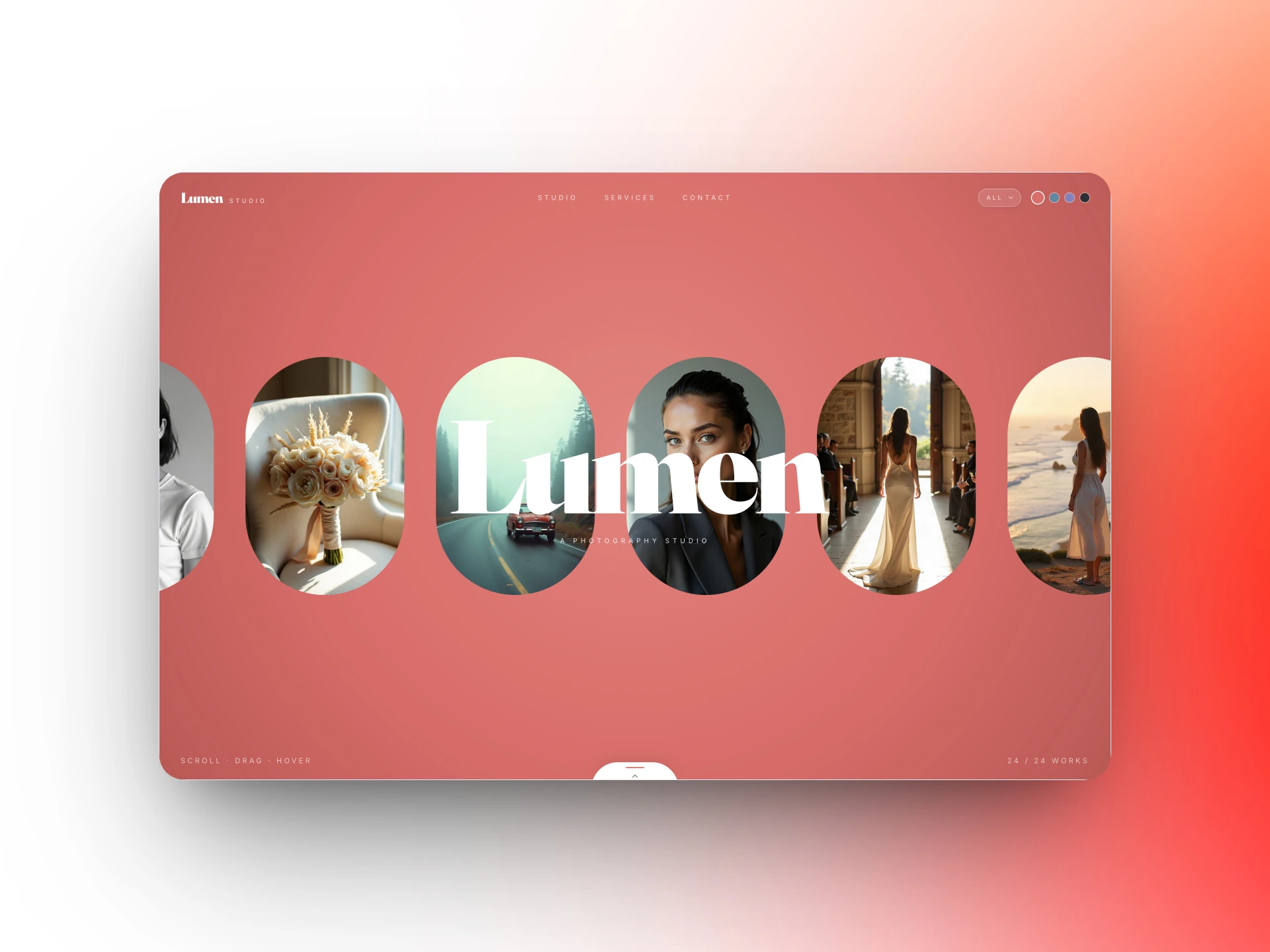
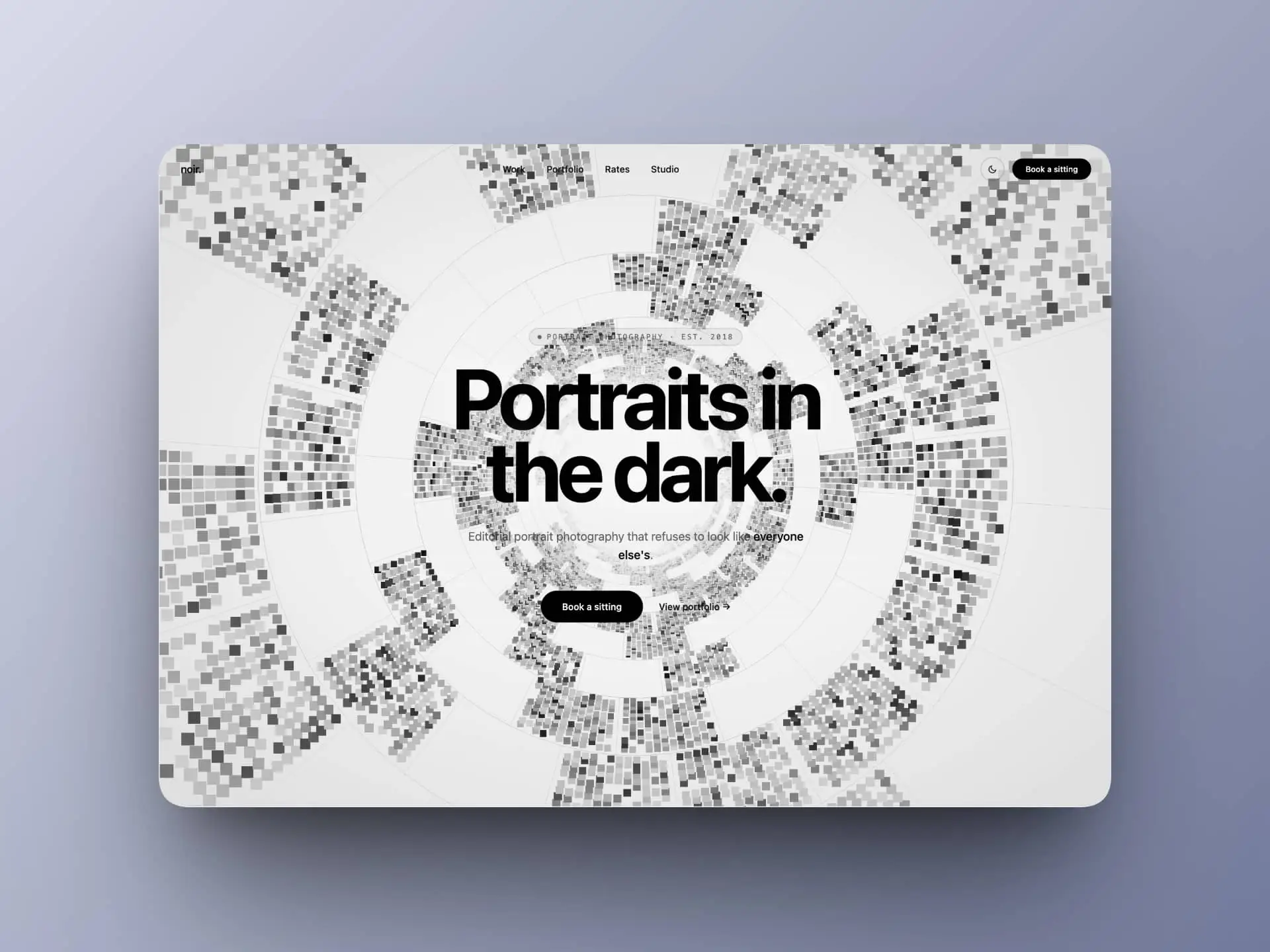
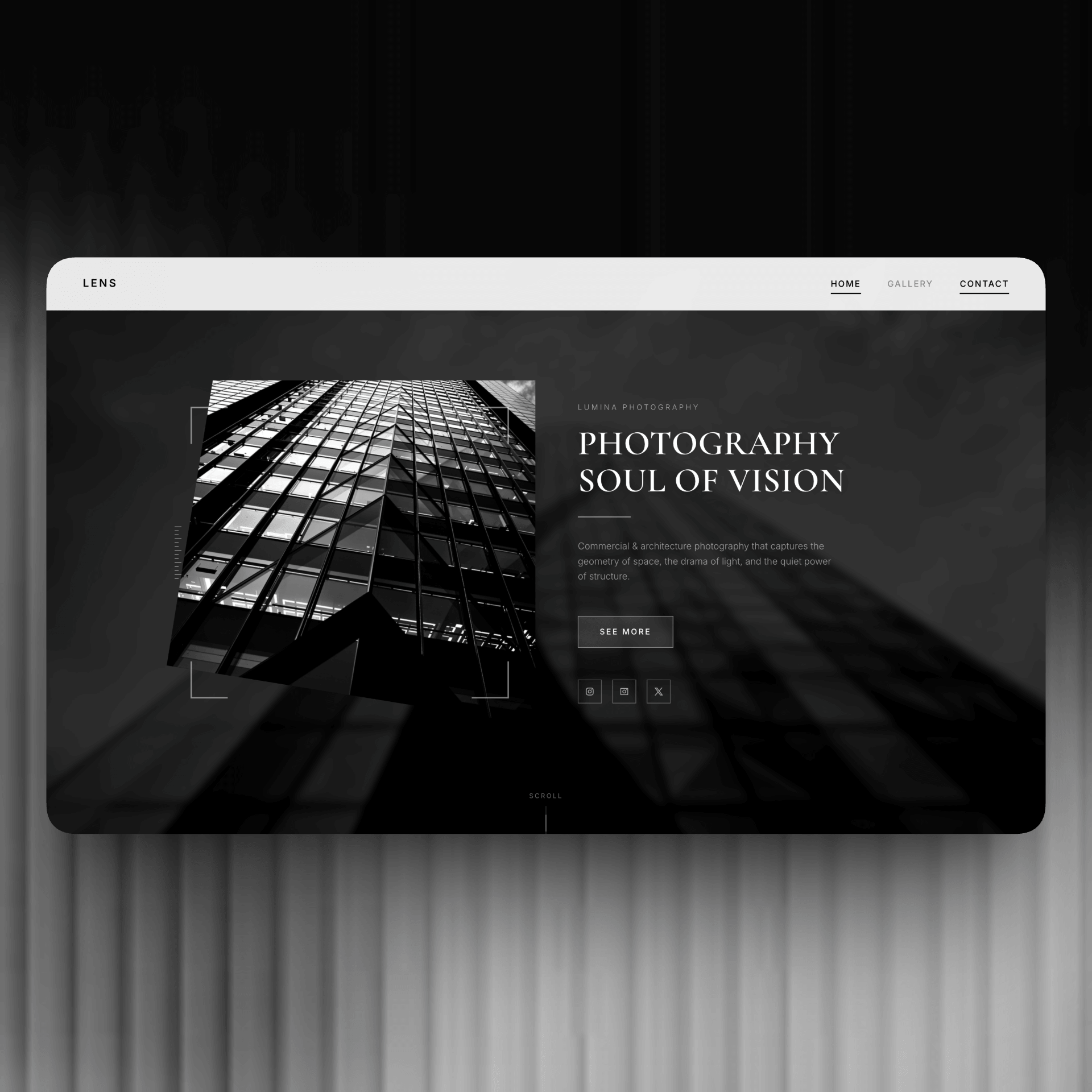
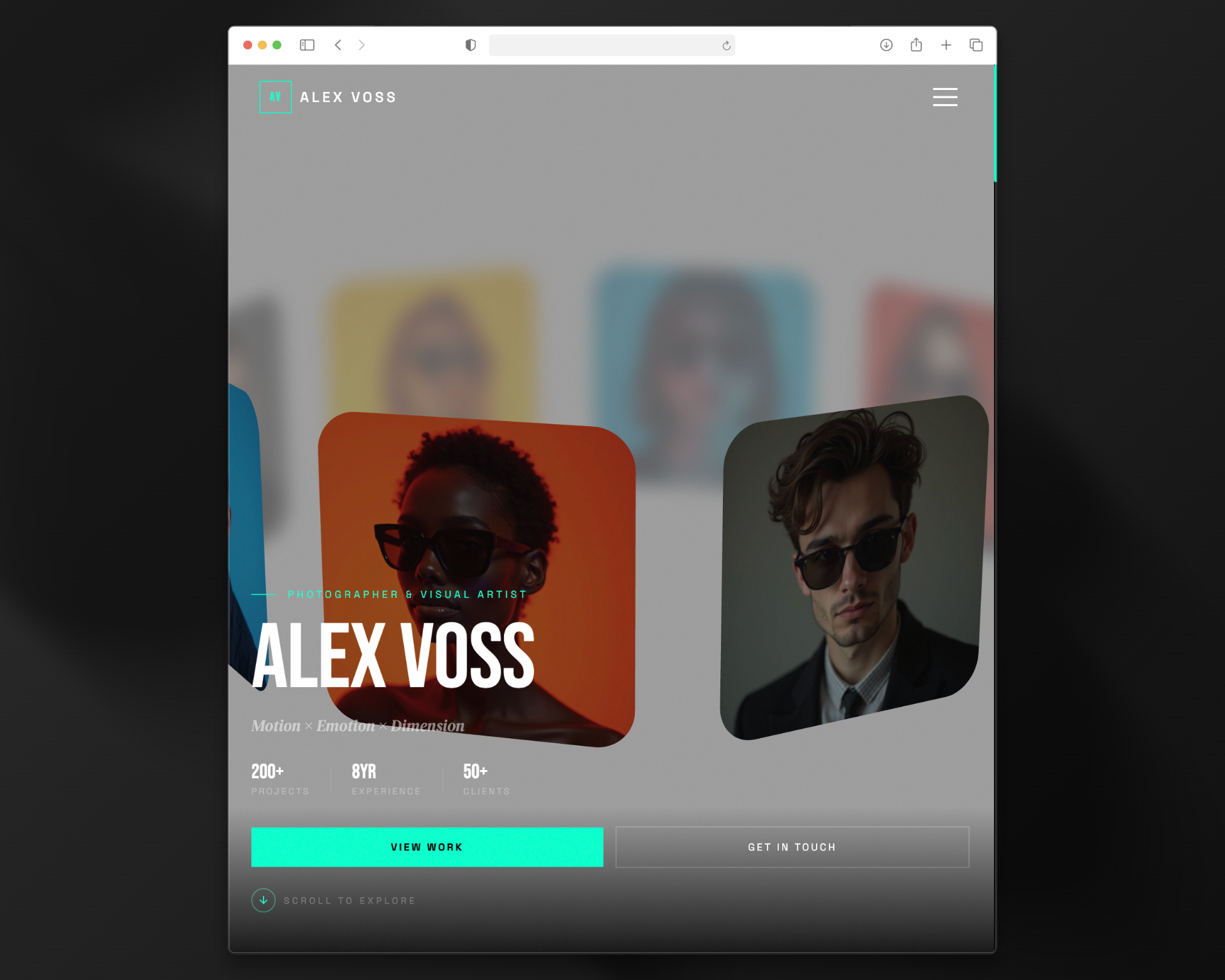

Photography Website Templates Built Around Your Images
Present a considered selection of photographs, tell the story behind your work, and make it easy for the right clients to get in touch. Start with a photography template and customize it with Readdy AI.
Find a Layout for the Work You Shoot
Find a starting point for your website:
- Portrait and family photographers introducing sessions and selected galleries
- Wedding photographers sharing complete stories and their approach
- Commercial photographers organizing work by client or project
- Editorial, travel, and fine-art photographers presenting visual series
A photography website should help visitors see both your visual style and the kind of work you take on. Curate the opening images, organize related shoots, and give each gallery a clear purpose.

Build a Portfolio with a Clear Client Journey
Adapt the template to balance image browsing with practical information. Let the work establish your style, then explain your services and the next step for an inquiry.

Make the template your own:
- Organize photographs by project, genre, or location
- Add short captions and context without crowding the images
- Describe sessions, deliverables, and your working process
- Link visitors to your inquiry form or preferred booking service
Create Your Photography Portfolio
From a template to your own website
Select a template that suits your image proportions and editing style.
Curate the galleries and add your bio, service information, and contact details.
Check and publish after reviewing image quality, loading behavior, and mobile crops.
Frequently Asked Questions
Choose a small, coherent selection that represents the work you want to book. Put fuller galleries on separate pages so visitors can explore without the homepage becoming repetitive.
You can add links to your existing services and explain how clients should use them. Check the destination and any access requirements before publishing.
If the audiences or services differ, separate galleries can make the site easier to browse. Keep a consistent visual identity and a simple route back to your contact information.

Build Your Website Faster With AI
Create a polished, fully custom website in minutes — no code, no plugins, no complexity.