Best No-Code Website Builders 2026: Features & Pricing

Compare the best no-code website builders for 2026. Pricing, features, and use cases for businesses, freelancers, and creatives to help you choose.

Frank Zhu
Frank is the founder of Readdy.ai. A developer-turned-founder with 10+ years of product experience, Frank loves great design, and he's building the tools he wishes he had when launching his first startup.
No-code website builders have made something genuinely difficult into something most people can do in an afternoon. A category that used to mean "drag a template around for three hours and hope it looks alright on mobile" has expanded considerably. Some platforms now generate complete, multi-page websites from a sentence about your business. Others give designers pixel-perfect control without writing a line of HTML. A few are so stripped-back that you can launch a page in fifteen minutes flat.
The best no code website builders in 2026 cover a wide range of use cases, which is part of what makes choosing one harder than it sounds. This guide reviews the ten platforms worth your attention, compares their pricing and features, and explains which one fits which situation.
| Platform | Best For | Starting Price | Free Plan | SEO Strength | Ease of Use |
| Readdy | AI-generated full sites | $19/mo | ✓ | Strong | Very easy |
| Webflow | Designers, agencies | $14/mo | ✓ | Excellent | Moderate |
| Framer | Design-forward sites | $10/mo | ✓ | Good | Moderate |
| Wix Studio | Agencies, teams | $17/mo | ✓ | Good | Easy |
| GoDaddy | Speed and simplicity | $9.99/mo | ✗ (trial) | Basic | Very easy |
| Squarespace | Creatives, portfolios | $16/mo | ✗ (trial) | Good | Easy |
| WordPress | Full flexibility | Free + hosting | ✓ (self-hosted) | Excellent | Steep |
| Weebly | Small retail businesses | Free tier | ✓ | Basic | Very easy |
| Carrd | One-page sites | $9/yr | ✓ | Basic | Very easy |
| Dorik | Agencies, quick launches | $15/mo | ✓ | Good | Easy |
TL;DR: Best No-Code Website Builders 2026
For most people who just need a website: Readdy or Wix Studio. Both generate something functional quickly, handle hosting and SSL automatically, and don't require any technical knowledge.
For design professionals and agencies: Webflow or Framer. Both produce clean code, give you fine-grained control over layout and animation, and build sites that perform well in search.
For the tightest budgets: Carrd at $9 per year for a one-pager. Dorik if you need a multi-page site at a reasonable monthly rate.
For ecommerce: Squarespace or Weebly, depending on whether you're prioritising design quality or Square POS integration.
For maximum long-term flexibility: WordPress. It's the most work to set up but gives you more options than any other platform once it's running.
How to Choose a No-Code Website Builder
The no-code website builders that get the most use tend to be the ones that match how their owners work. A few practical questions will narrow the field considerably.
How much do you want to do yourself?
Platforms range from almost fully automated (describe your business, get a website) to fully manual (drag every element into place yourself). If you want speed and simplicity, look at AI-powered generators. If you enjoy the design process and want precise control, look at Webflow or Framer.
What does your site need to do?
A personal portfolio, a services page, an online store, and a content-heavy blog all have different requirements. Carrd is excellent for a single-page landing page and pointless for a blog. WordPress is the opposite.
What's your realistic budget over twelve months?
Introductory pricing on many platforms looks appealing and then renews higher. Add up annual cost including a custom domain and compare on that basis rather than the headline monthly rate.
How important is SEO?
Platforms like Webflow and WordPress give you the deepest control over technical SEO. Most others handle the basics automatically but limit how far you can go. If organic search is a primary growth channel, that distinction matters.
Are you building for clients?
Look at platforms with white-label options, team access, and multi-site management. Dorik and Wix Studio both handle this well.
Top 10 No-Code Website Builders in 2026
1. Readdy
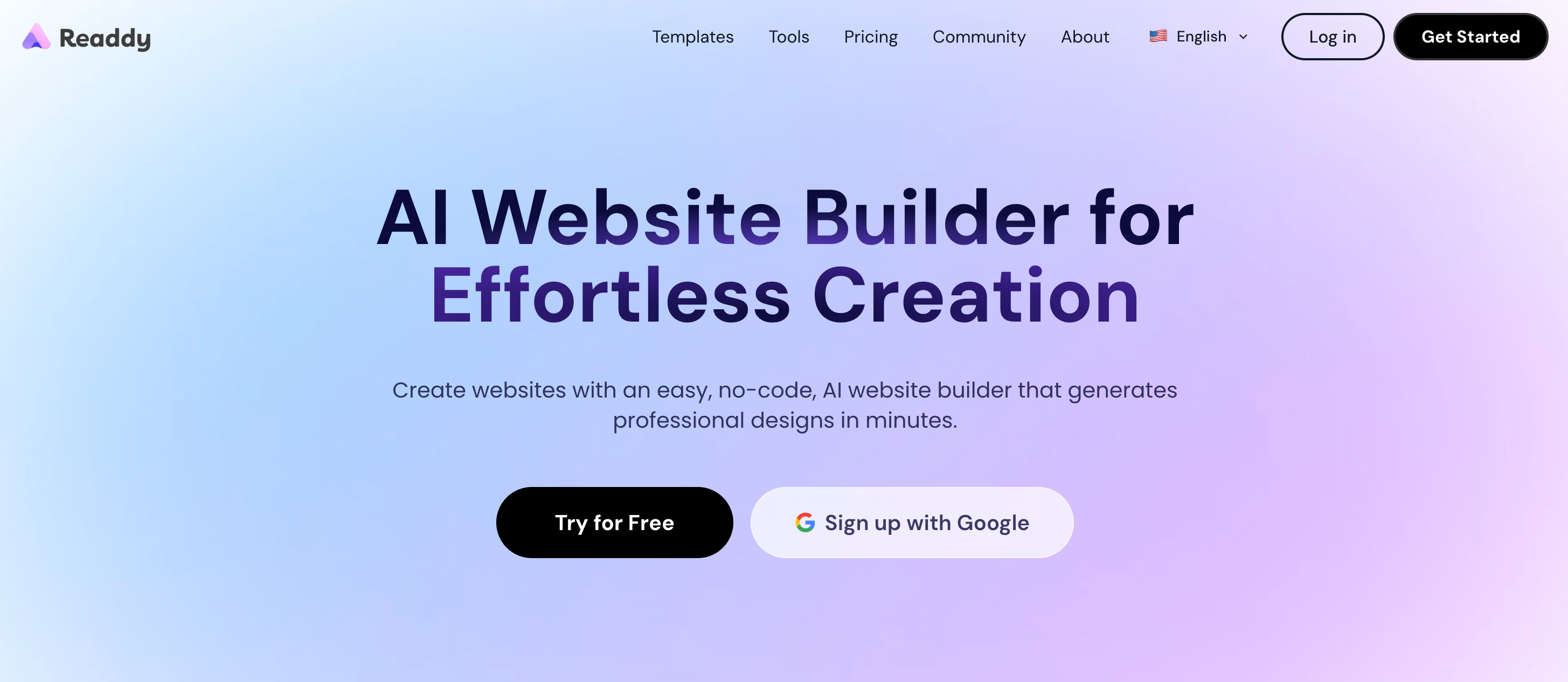
Readdy sits in its own category among no-code website builders because it starts with AI generation rather than a template. You describe your business in a few sentences, upload a screenshot of a site you like, or paste a URL. Within a minute, Readdy produces a complete, multi-page website with layout, copy, images, and responsive design already in place. From there you refine everything through a visual editor or by typing natural language instructions to the AI.
Core features: Full AI site generation from text, screenshots, or URLs. Visual drag-and-drop editor with AI-assisted refinement. Built-in SEO tools including meta titles, descriptions, sitemaps, and robots.txt. Integrations with Shopify, Stripe, Google Analytics, Calendly, and Mailchimp. Domain registration, SSL, and hosting included.
Pros: The fastest path from zero to a published, presentable website. Meaningful AI throughout, not just at setup. No-code editing without sacrificing structure or SEO foundation.
Cons: Newer platform, so the integration ecosystem is smaller than Wix or Squarespace. Credit-based generation can feel constrained by the free plan.
Pricing: Free plan (250 credits/month, up to 2 projects). Starter at $19/month includes 5,000 credits, 10 projects, custom domain, Figma export, and removes Readdy branding. Pro at $24/month adds 11,000 credits, unlimited projects, and expanded lead collection.
SEO reality check: Readdy generates clean heading structures and handles technical SEO configuration automatically. You can edit meta data per page and manage sitemaps with one click. For most small business and portfolio sites, the SEO foundation is solid out of the box.
2. Webflow
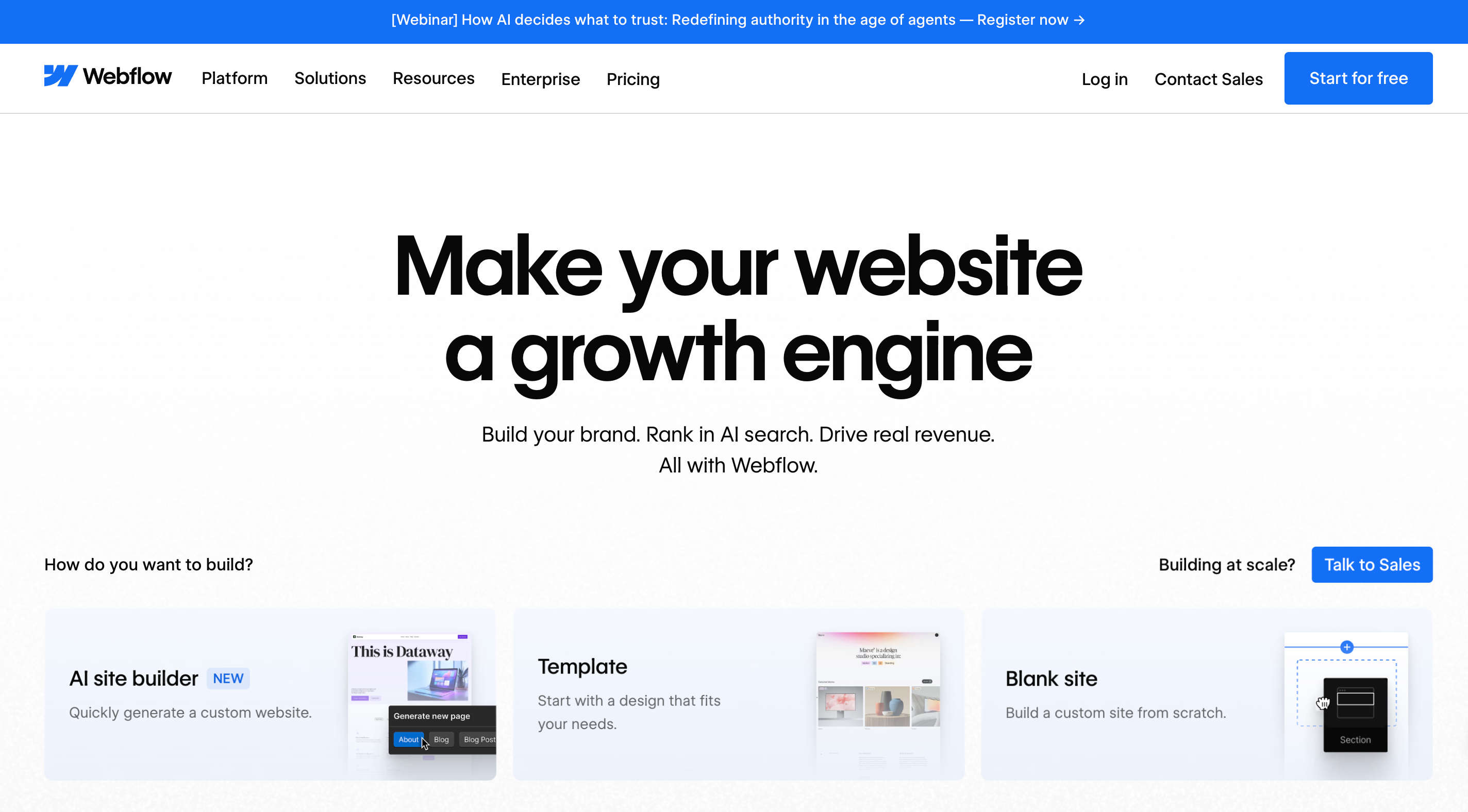
Webflow is the platform most often recommended when the brief is "professional results, no coding, maximum control." The learning curve is real. Webflow's canvas operates more like design software than a standard website builder, but the output quality justifies the investment for anyone who commits to it. Agencies tend to standardise on Webflow because sites load quickly, the code is clean, and the CMS handles complex content structures without plugins.
Core features: Visual canvas with CSS-level design control. Built-in CMS for dynamic content. Clean HTML and CSS export. Interaction and animation builder. Hosting on Fastly CDN.
Pros: Excellent SEO performance due to clean code output. Animations and interactions without plugins. Code export means you're not locked into Webflow's hosting.
Cons: Steeper learning curve than any other platform here. Pricing escalates for teams (collaborator access costs $19-45/month per person). CMS-heavy sites hit plan limits quickly.
Pricing: Free plan available (webflow.io subdomain). Basic from $14/month. CMS from $23/month. Business from $39/month.
SEO reality check: Webflow's Core Web Vitals scores consistently outperform Wix and Squarespace. If organic search performance is a primary concern and you have the patience for the learning curve, Webflow is one of the strongest platforms available for SEO.
3. Framer
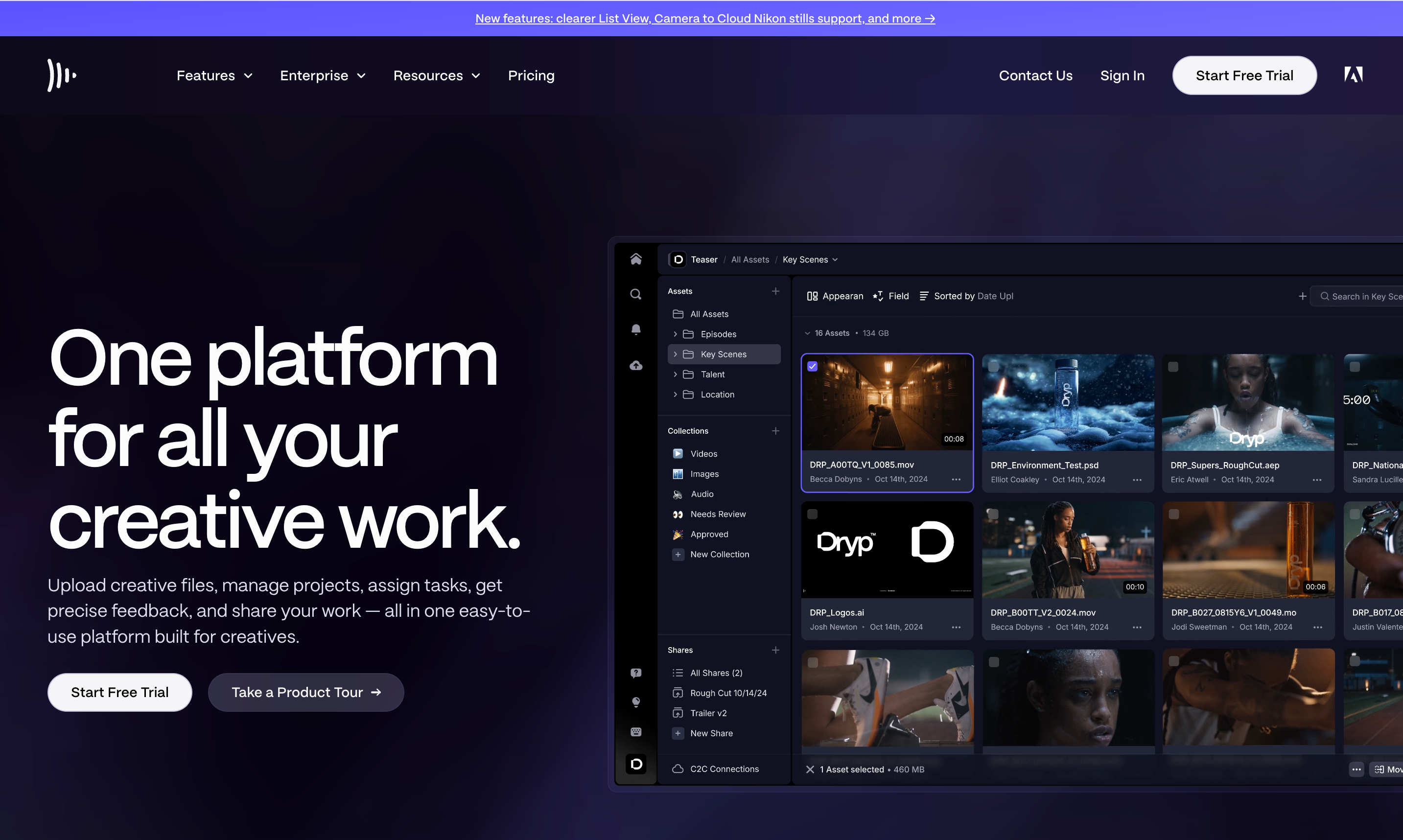
Framer appeals strongly to designers and design-forward teams. It grew out of a prototyping tool, which shows in how the editor works: it prioritises visual precision and animation over breadth of functionality. The AI features help with content generation and layout suggestions, but Framer's real strength is in making sites that look genuinely distinctive without custom development.
Core features: Design canvas with fine-grained layout control. Strong animation and interaction support. AI content generation. CMS for collections. Hosting on Cloudflare CDN. Free template marketplace.
Pros: Produces the most visually impressive results of any builder here. Fast page loads via Cloudflare. Free plan genuinely useful for testing.
Cons: Not built for ecommerce. Adding editors is expensive ($25/month each). Redirect management is limited below the $40/month Pro plan, which matters for larger content sites.
Pricing: Free plan available. Mini from $5/month (custom domain). Basic from $15/month. Pro from $30/month.
SEO reality check: Framer handles the technical basics well and loads fast. For portfolios, marketing sites, and landing pages it's more than adequate. Where it falls short is redirect management and CMS-driven SEO for large content operations.
4. Wix Studio
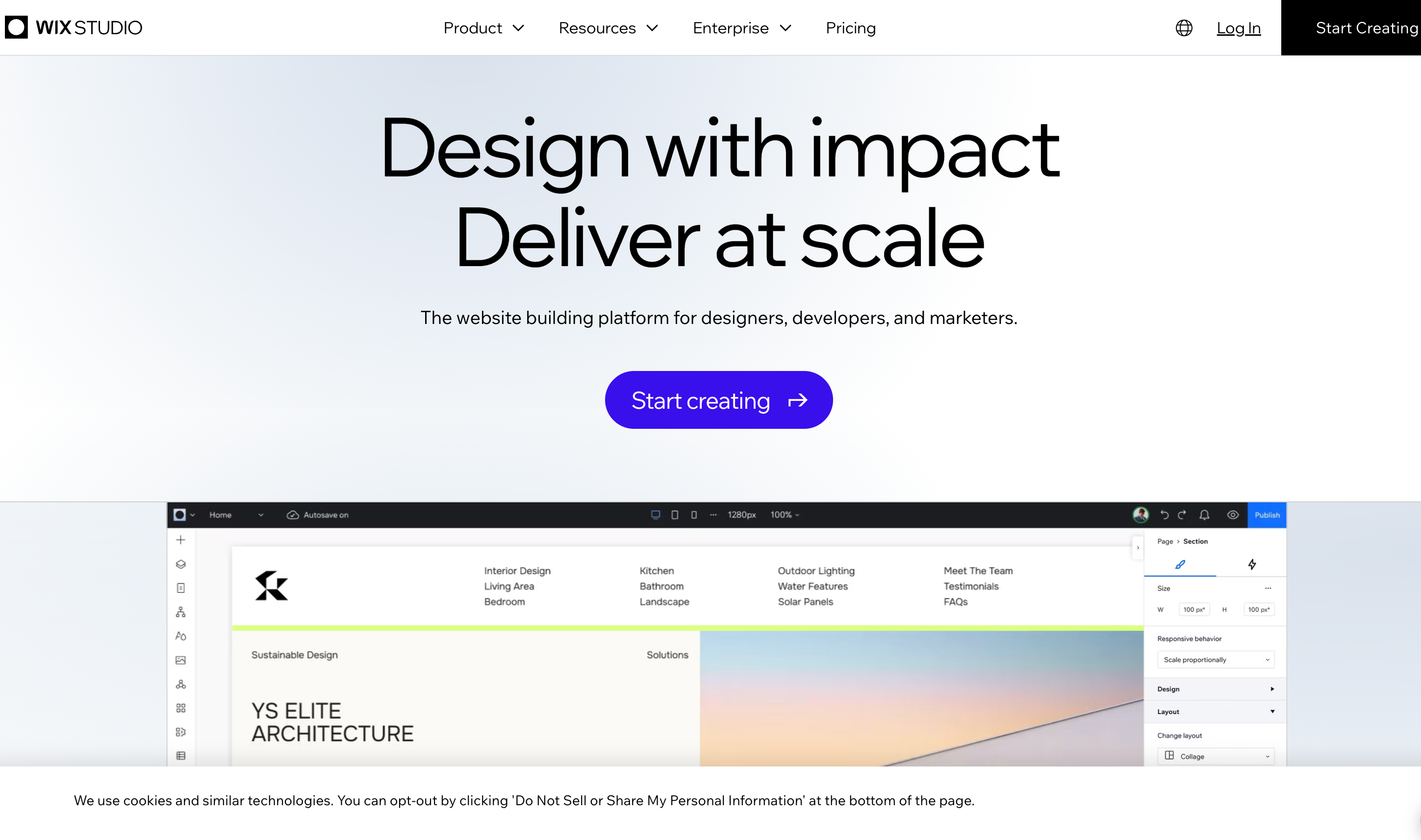
Wix Studio is the professional-tier version of Wix, designed for agencies and designers who need more control than the standard Wix editor offers. It adds responsive breakpoint editing, advanced CSS-like controls, and a collaborative workspace. AI tools generate initial sites, suggest design adjustments, and handle content creation throughout the editor.
Core features: Flexible section-based canvas with breakpoint-level control. AI site generation and design assistance throughout. Multi-site workspace and team management. 800+ app marketplace integrations. 2,500+ templates.
Pros: The largest integration ecosystem of any builder here. Strong AI tools integrated throughout the workflow. Good for agencies managing multiple client sites from one dashboard.
Cons: Sites carry more JavaScript than Webflow or Framer, which affects load speed. Template lock-in: once you've built on a template, switching requires rebuilding from scratch.
Pricing: Free plan available. Light from $17/month. Core from $29/month. Business from $36/month.
SEO reality check: Wix covers SEO essentials reliably: meta tags, canonical URLs, redirects, and structured data. Core Web Vitals scores sit around 70-75%, behind Webflow but ahead of Squarespace. For most small businesses it's sufficient; for SEO-competitive industries the performance gap matters.
5. GoDaddy Website Builder
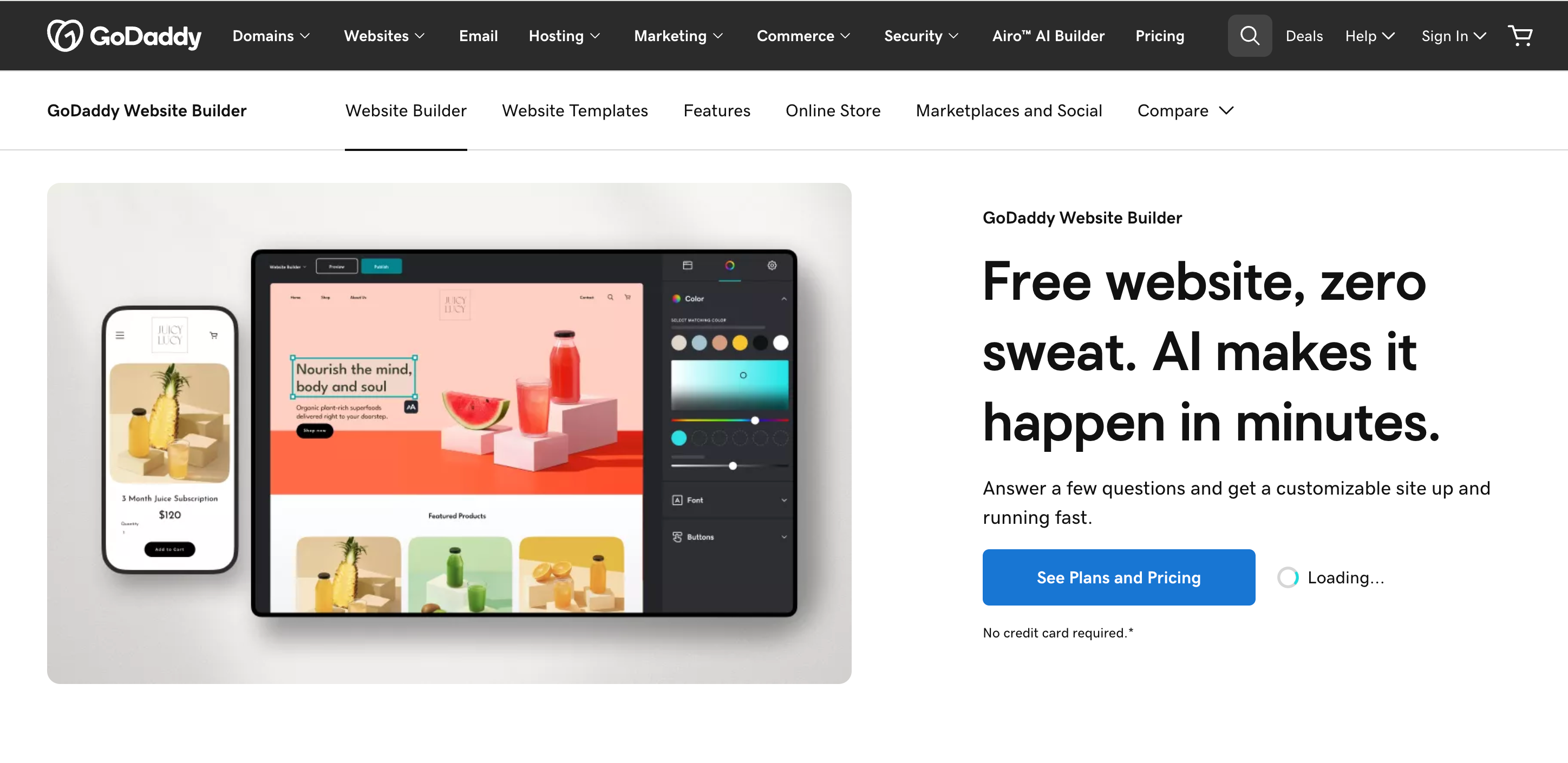
GoDaddy's website builder prioritises getting you online fast. The setup process asks a handful of questions, generates a starting point, and has you editing in minutes. It's not particularly flexible or feature-rich compared to the other platforms here, but for businesses already in the GoDaddy ecosystem for domain registration or hosting, it removes a step.
Core features: AI-assisted setup and content generation. Built-in marketing tools and email. Appointment and booking integration. Up to 5,000 products for ecommerce. GoDaddy Payments integration.
Pros: Genuinely fast to get started. Reasonable ecommerce for entry-level stores. Affordable entry pricing.
Cons: Design flexibility is limited. Output can feel generic. Less suitable for anything beyond a basic business website or small store. No free plan.
Pricing: Free trial available. Basic from $9.99/month. Standard from $14.99/month. Premium from $21.99/month. Ecommerce from $24.99/month.
SEO reality check: GoDaddy handles SEO basics but lacks the depth of control available on Webflow or WordPress. It's adequate for local businesses relying on Google Business Profile and simple on-page optimisation, less so for businesses pursuing competitive organic rankings.
6. Squarespace
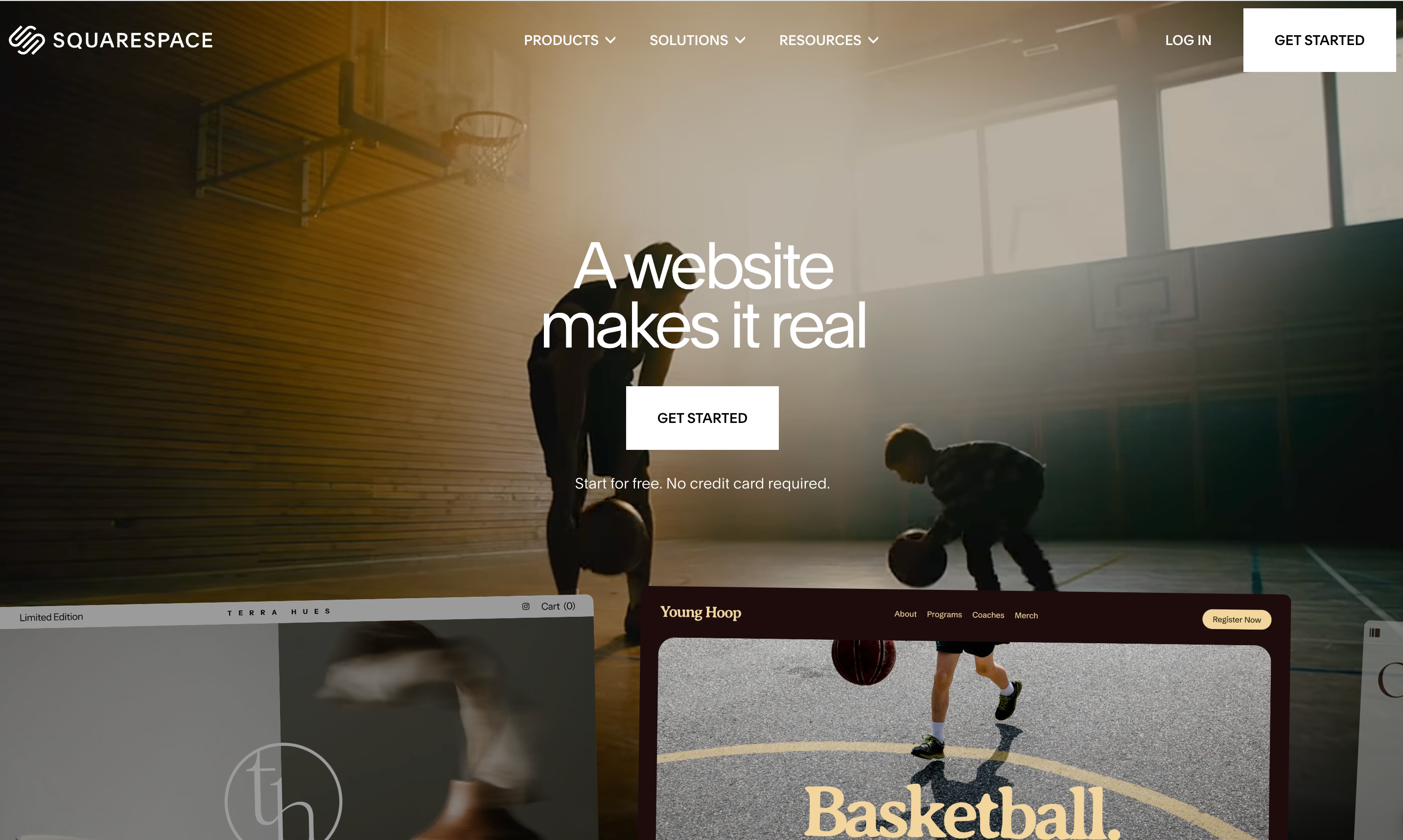
Squarespace templates are consistently the most polished in this category. The Blueprint AI guides you through setup with design decisions and content suggestions, though it's more structured than automated compared to prompt-based generators. The result typically requires more editing time but gives you more control over the aesthetic outcome.
Core features: Award-winning template library. AI-assisted Blueprint setup. Built-in scheduling, forms, and ecommerce. Email marketing tools built in. Fast, reliable hosting.
Pros: Template quality is genuinely above competitors. Built-in email marketing removes the need for a third-party tool. Reliable performance and page load times.
Cons: No free plan. Section-based editor limits layout flexibility compared to Webflow or Framer. Lower AI automation means more manual work at setup.
Pricing: Personal from $16/month. Business from $33/month. 14-day trial available.
SEO reality check: Squarespace handles meta data, heading structure, and XML sitemaps well. Page speed scores historically trail Webflow. The platform suits businesses where design credibility matters more than SEO dominance.
7. WordPress
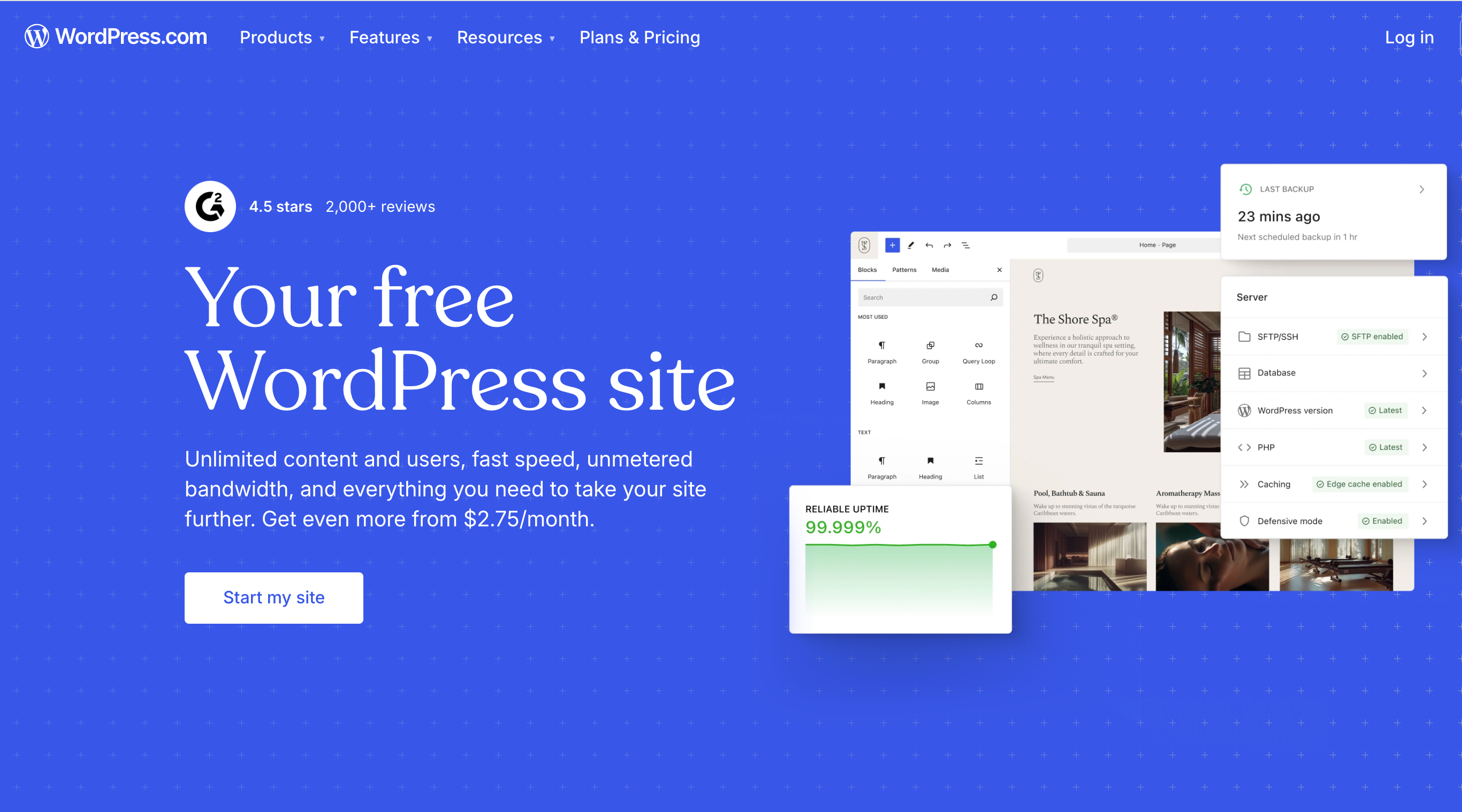
WordPress powers 43% of the internet. It's not a hosted website builder in the same sense as the others here. You install it on your own hosting, configure it yourself, and manage updates. But the combination of 60,000+ plugins and complete ownership of your site makes it unmatched for long-term flexibility.
Core features: Open-source CMS with complete ownership. 60,000+ plugins covering every functionality imaginable. Thousands of themes. Full code access. Self-hosted or managed hosting options.
Pros: No platform lock-in. Unmatched plugin ecosystem. Best-in-class for complex content sites and SEO-focused publishing.
Cons: Steepest learning curve here. Maintenance (updates, security, plugin compatibility) falls on you. Requires paid hosting ($4-30/month). No built-in drag-and-drop without additional plugins like Elementor or Beaver Builder.
Pricing: WordPress software is free. Hosting typically costs $4-30/month. Premium themes run $50-100 as a one-time cost. Plugin costs vary.
SEO reality check: WordPress with the right plugins (Yoast or RankMath) gives you the deepest SEO control of any platform here. Major publishers and SEO-focused content businesses choose it for this reason. If organic search is central to your business model, WordPress is worth the setup investment.
8. Weebly
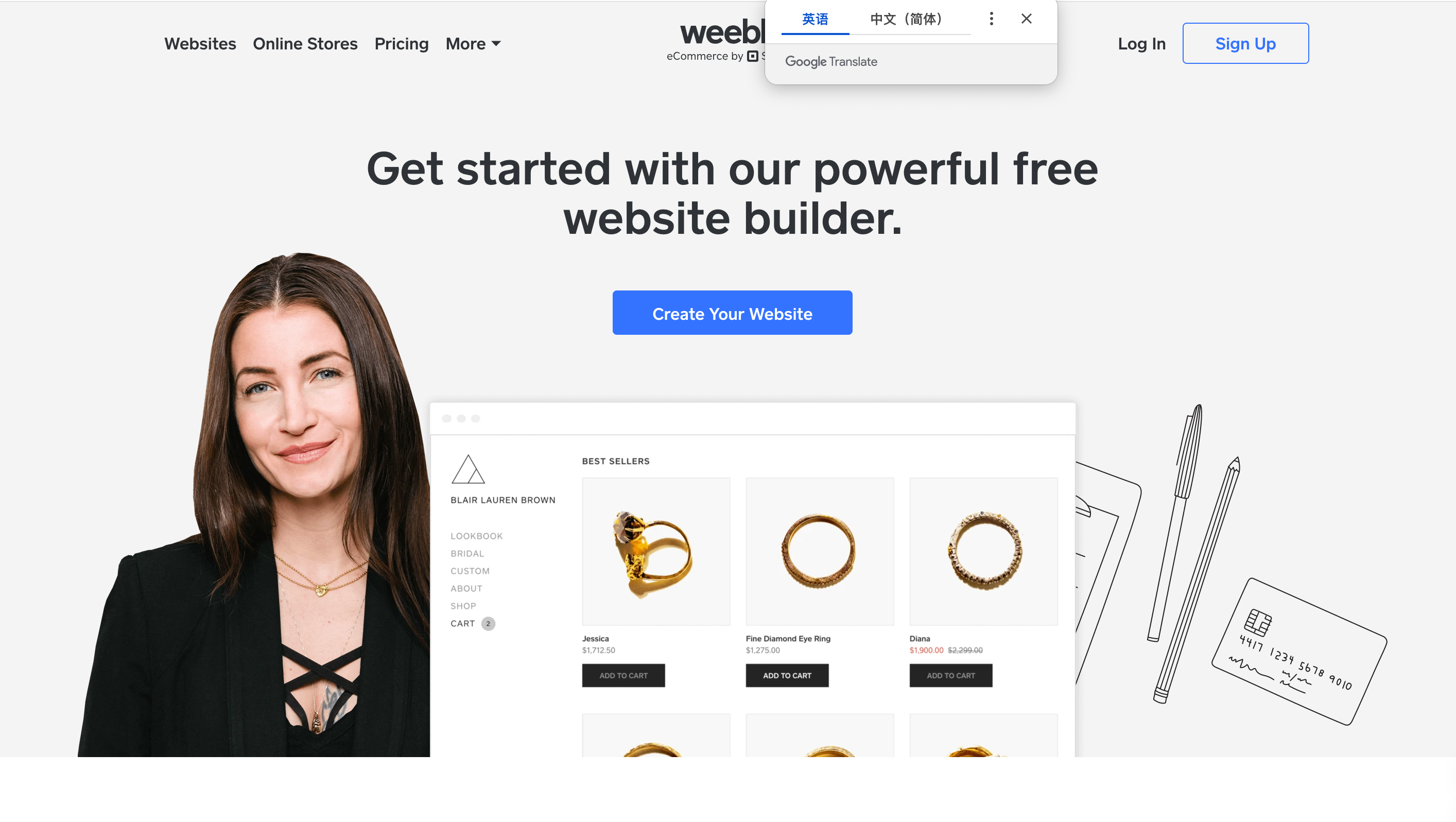
Weebly, now owned by Square, is built for simplicity. The editor is straightforward drag-and-drop, the templates are clean if unremarkable, and the standout feature is its tight integration with Square's payment and POS systems. For a small physical retail business already using Square, Weebly gives you an online store that shares inventory and payment data with your in-person setup without any integration work.
Core features: Drag-and-drop editor. Square payment integration and POS sync. Blog with comment management and RSS. Ecommerce across paid tiers. Free tier available.
Pros: The easiest path to ecommerce for Square users. Genuinely simple editor. Free tier available with basic features.
Cons: Design options are limited. Few third-party integrations outside the Square ecosystem. Less suitable for businesses that don't use Square.
Pricing: Free tier available. Connect from $10/month. Pro from $12/month. Business from $25/month.
SEO reality check: Weebly handles the basics (meta tags, page titles, sitemap generation) without much depth. For businesses relying primarily on local search and Square POS integration, it's sufficient. For content-driven SEO, other platforms serve better.
9. Carrd
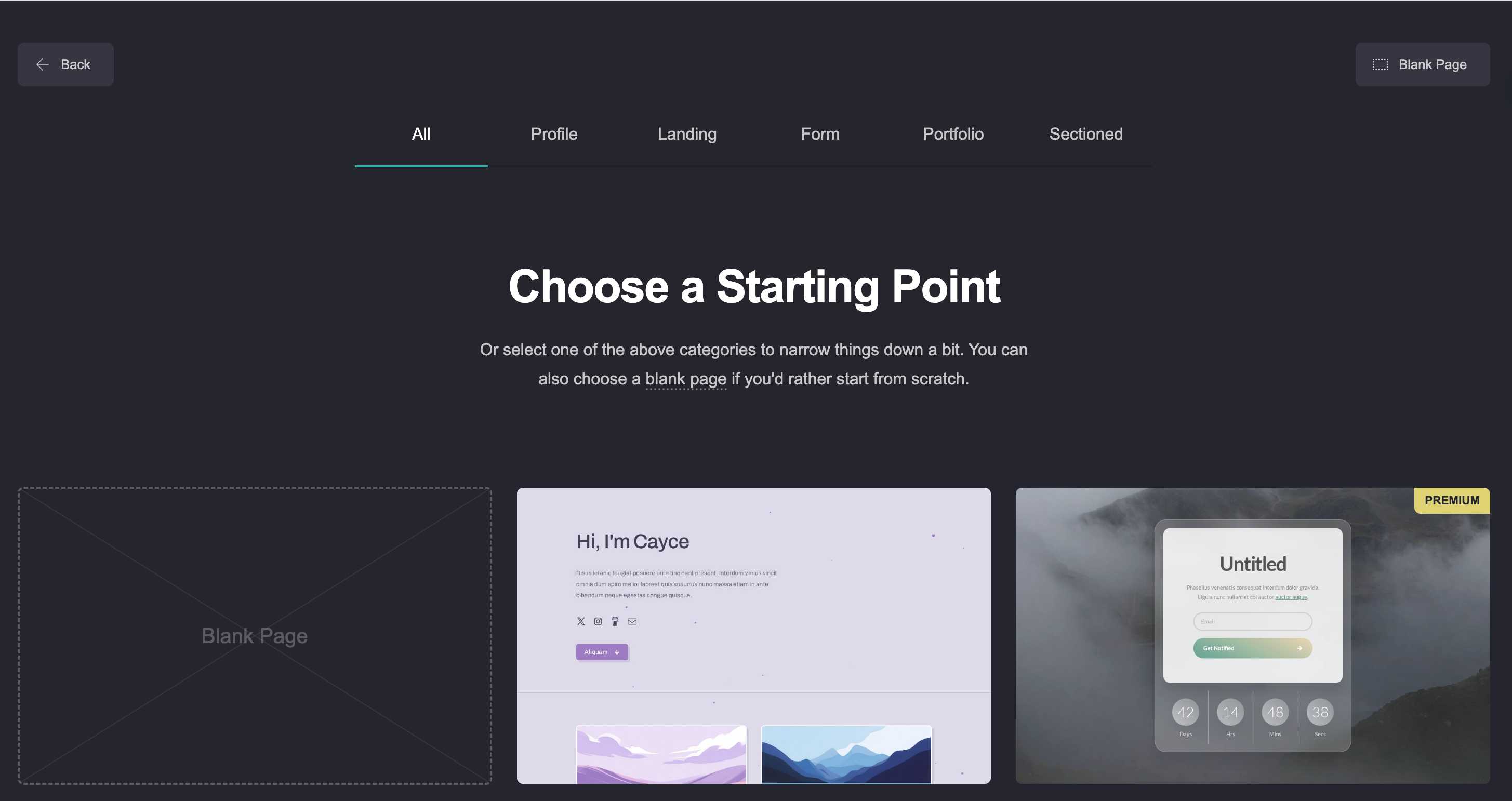
Carrd is deliberately minimal. It builds one-page websites, and it does that extremely well. For a personal profile, a link-in-bio page, a product landing page, or a simple portfolio, it's faster to launch and cheaper to run than any other platform here. There's no CMS, no blogging, and no multi-page navigation, and for many use cases, none of that is needed.
Core features: One-page site builder with responsive templates. Forms with integrations (Mailchimp, ConvertKit). Custom domain on paid plans. Embed support for video, maps, and external content.
Pros: Exceptionally cheap at $9 to $49 per year for paid plans. Extremely fast to launch. Sites load quickly due to their simplicity.
Cons: Genuinely limited to one-page sites. No blogging, no CMS, no ecommerce. No good path forward if your needs grow beyond a single page.
Pricing: Free plan available. Pro Lite from $9/year. Pro Standard from $19/year. Pro Plus from $49/year.
SEO reality check: One-page sites have inherent limitations for SEO. You can optimise a single page well, but you can't build topical authority or target multiple keyword intents across pages. Carrd suits situations where the site's purpose is conversion from a known traffic source, not organic discovery.
10. Dorik
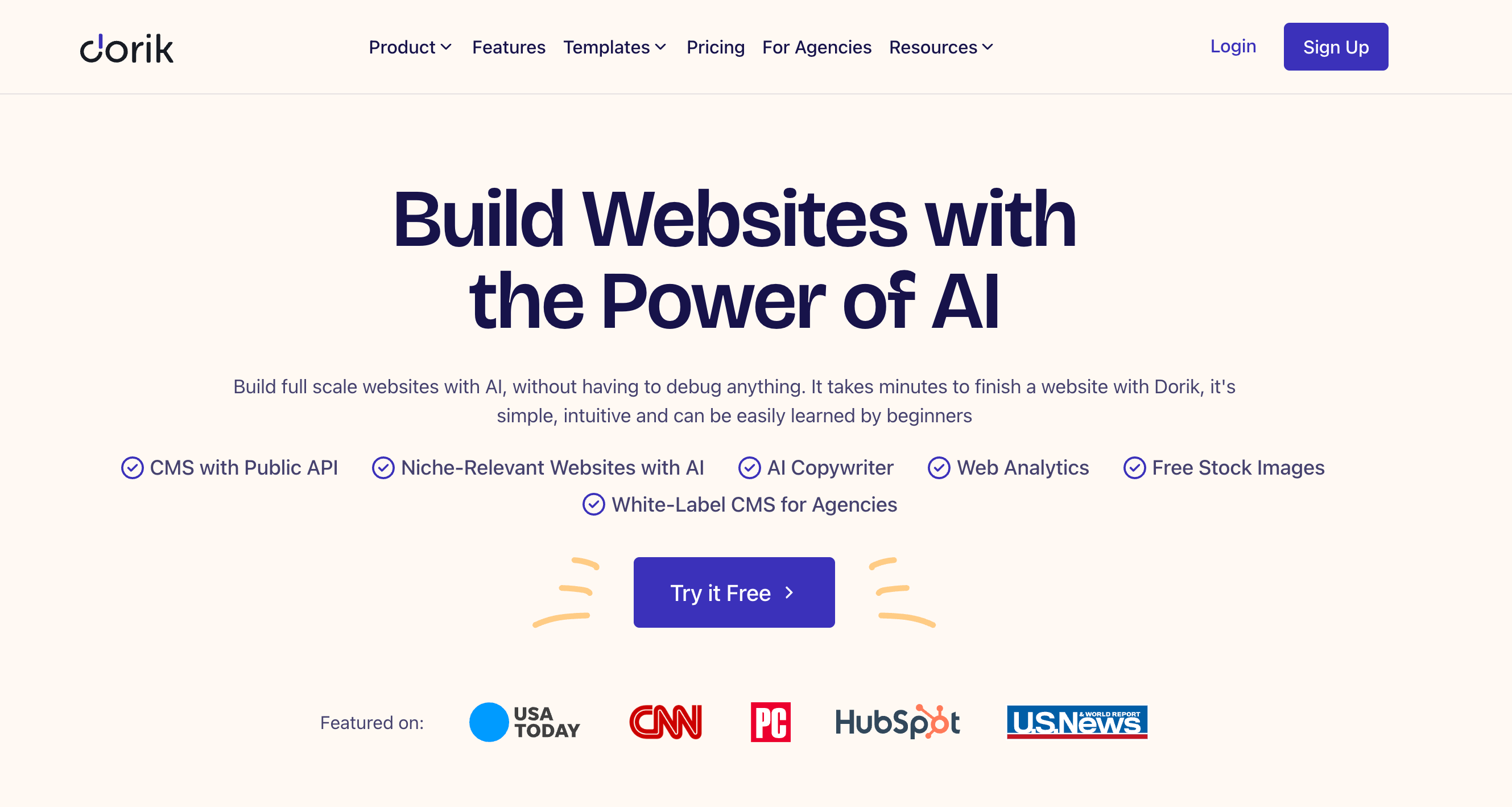
Dorik sits at the intersection of simplicity and value. It's a block-based builder with a built-in CMS, membership features, and an AI site generator. These are features often sold separately on competing platforms. The white-label offering makes it particularly useful for agencies building client sites under their own brand. Sites load fast because the platform keeps its code lean.
Core features: Block-based visual editor. Built-in CMS for dynamic content. Memberships and content gating. AI site generator. White-label dashboard. Fast static site hosting.
Pros: Strong value for money, particularly for agencies. White-label capabilities on business plans. CMS and memberships included without plugin configuration.
Cons: Smaller template library and integration ecosystem than Wix or Squarespace. Limited design flexibility for complex layouts.
Pricing: Free plan available (single page with Dorik branding). Personal from $15/month billed annually. The business plan adds white-label and agency features.
SEO reality check: Dorik's lean code produces fast-loading sites, which helps Core Web Vitals scores. The built-in CMS supports blog content for organic search. For agencies where page speed matters, Dorik's performance advantage over heavier platforms is worth noting.
How to Choose Based on Your Growth Stage
The best no-code website builders for your situation now may not be the right choice two years from now. The right platform at launch isn't necessarily the right platform as you scale.
Solo creator or freelancer: Start with Carrd for a one-pager at near-zero cost. If you need multiple pages or want AI to handle structure, Readdy gets you further without design skills.
Small business owner with no technical background: The no-code AI website builder approach that Readdy uses gets you live quickly without a developer. Wix Studio's app marketplace gives you more options as you grow.
Creative or photographer: Squarespace for the most refined templates. Framer for more distinctive, design-led results if you're comfortable with a steeper editor.
Design agency or freelance designer: Webflow or Wix Studio for client work at scale. Dorik for white-label control and clean client handoffs. Framer for motion-rich, design-forward client briefs.
Content-heavy business or SEO-focused publisher: WordPress. The plugin ecosystem and complete control over technical SEO make it the right long-term choice when organic search drives most growth. The setup investment is higher, but you won't hit a ceiling.
Early-stage startup validating quickly: Build a website with AI for a fast, professional-looking site without a long-term commitment. Carrd for a single landing page to test messaging before building further.
How to Build a No-Code Website With Readdy
If you want to see how the no-code website builder workflow works in practice using AI generation, here's what the process looks like with Readdy.
Step 1: Describe your business
Start a new project and tell Readdy what your site is for. A few sentences covering your business type, what you offer, and who you serve is enough. The more specific, the more relevant the generated output.
Step 2: Choose your starting point
You have three options: generate from a text description, upload a screenshot of a site whose layout you like, or paste a URL. The screenshot and URL options are useful when you have a clear visual reference. Readdy analyses the layout and generates a structurally similar site you can then make your own.
Step 3: Review the generated site
Within a minute you have a complete multi-page site. Check structure more than content at this stage. The AI typically gets layout logic and section order right; placeholder copy and stock images are what you'll replace.
Step 4: Edit using natural language or the visual editor
Type instructions to the AI ("make the hero section background darker," "rewrite the about section with a more personal tone") or click and edit directly in the visual editor. Both approaches work; use whichever is faster for each change.
Step 5: Replace content and publish
Swap placeholder copy for your actual content, replace stock images, and work through each page. Connect your domain, preview across device sizes, and publish. Hosting, SSL, and speed optimisation are handled automatically.
Frequently Asked Questions About No-Code Website Builders
What is a no-code website builder?
A no-code website builder lets you create, design, and publish a website without writing HTML, CSS, or JavaScript. You build through a visual interface, and the platform handles the underlying code automatically. AI-powered builders like Readdy's AI website generator go further by generating the initial site structure from a text prompt, so you're refining rather than building from scratch.
Can no-code builders handle workflows, databases, or apps?
It depends on the platform. Standard website builders are designed for marketing sites and aren't built for complex application logic. Webflow's CMS handles structured content well. WordPress with the right plugins can manage surprisingly complex workflows. For true web application functionality (user authentication, relational databases, dynamic dashboards), dedicated no-code app builders like Bubble are more appropriate than website builders.
Are no-code website builders secure enough for sensitive data?
For most business websites, yes. Hosted platforms handle SSL certificates, security updates, and server-level protection automatically. For sites collecting sensitive personal, financial, or health data, you need to verify that your platform is compliant with relevant regulations (GDPR, HIPAA, PCI-DSS) and that you've configured data handling correctly.
Which builders are best for ecommerce, blogging, or small businesses?
For ecommerce: Squarespace handles small to medium stores with clean design. Weebly suits businesses already using Square POS. For high-volume selling, Shopify is a better fit than any pure no-code website builder. For blogging: WordPress leads, followed by Webflow with CMS. For small businesses needing a professional presence quickly: Readdy's AI generation and Wix Studio's feature depth are both strong choices depending on how much you want to handle yourself.
Finding the Right Platform
The best no-code website builders in 2026 span a wide range of approaches, from platforms that generate an entire site in under a minute to those that let you control every pixel of a layout. The right choice depends on your budget, technical comfort level, what you need the site to do, and how much time you're willing to invest in setup.
If you're starting from scratch and want a complete, professional site with the least friction, the best AI website builder for that job is Readdy. Describe your business, let the AI generate a starting point, and refine from there. If you're building for clients and need code-quality output, Webflow earns its reputation. If you need one page and want to spend almost nothing, Carrd is unbeatable. And if your business will eventually require a full content operation with complex SEO needs, WordPress is the platform that won't limit you.
Frank Zhu
Frank is the founder of Readdy.ai. A developer-turned-founder with 10+ years of product experience, Frank loves great design, and he's building the tools he wishes he had when launching his first startup.