How to Use a White Label Website Builder
Learn how to use a white label website builder to brand your platform, streamline client delivery, and launch websites faster. Includes setup steps, key features, pricing factors, and FAQs.

Kael
Kael is an editor and content strategist covering AI tools, website creation, and online growth. Interested in how people build and share on the internet, Kael writes practical content around digital products and modern web experiences.
Last updated: June 2026
A white label website builder lets you deliver professional websites under your own brand while the underlying platform handles the real work: AI generation, hosting, client collaboration, and ongoing management. You can scale a web design business without scaling your headcount. Whether you run a marketing agency, work as a freelancer, or manage a SaaS team, this guide covers exactly what this tool is, who it serves best, and how to deploy it from day one.
What Is a White Label Website Builder?
A white label website builder is a platform that lets you create, customize, and deliver websites under your own brand name. The software itself is built by a third-party provider, but every client-facing detail appears to come from your business. Your logo, your colors, your domain, your login page, even your emails. Nothing points back to the original platform.
Standard tools like Wix or Squarespace leave their branding everywhere. Clients see the platform name in footers, URLs, and emails. A true white label solution strips all of that out. Readdy, for example, lets agencies deliver the entire experience under their own brand across four layers: visual identity, access URLs, published site domains, and email delivery. Clients see your logo on login and project pages, your favicon in browser tabs, your brand name in page titles, and they receive emails from your domain. Even the published site domain carries no trace of the underlying platform.
You get enterprise-grade technology without building it yourself, and your clients get a consistent, branded experience that makes you look like the product owner.
Who Should Use It?
White label builders are not just for large agencies. They fit any team that delivers websites at scale and needs to keep brand consistency locked down.
Marketing agencies probably need this most. If you juggle multiple client accounts, you can offer web design as a core service without hiring a room full of developers. Generate complete responsive sites from a single prompt, batch-produce service pages, and run everything under your own visual identity. Your clients never know you are using a third-party engine.
Freelancers and solopreneurs get a force multiplier. Instead of hand-coding every site or fighting bloated WordPress themes, you produce layouts, copy, and images in minutes, then hand them off through a portal that looks like your own custom product.
SaaS teams embed a white-labeled editor inside their own platform so users can publish sites without them building a CMS from scratch. Website maintenance providers manage updates, SEO, and client communication for dozens of sites from one unified dashboard. No more logging into ten different backends.
How to Use a White Label Website Builder
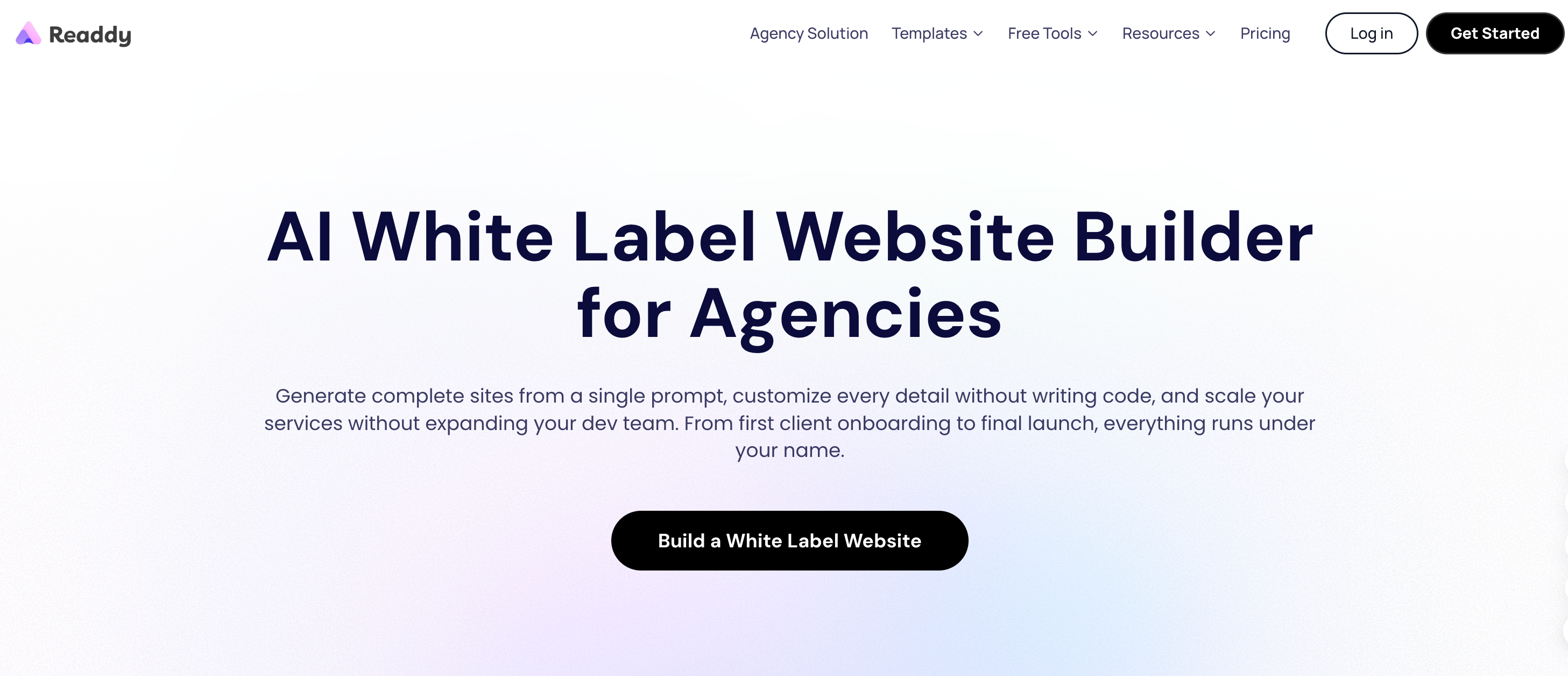
Getting a white label platform live breaks down into six practical stages. Move through them in order and you can go from selection to client delivery within days.
Step 1: Choose the Right Platform
Some platforms claim to be white label but only let you swap a logo. That is not enough. Before you commit, check five things:
White label depth. Can you actually hide the platform's branding, or does its name still leak into emails, footers, or source code? You need control over the brand name, logo, favicon, browser tab title, platform domain, site domain, and email sender identity. Readdy, for example, lets you move client access from its default URL to your own subdomain (app.youragency.com) and publish sites to a custom base subdomain (sites.youragency.com).
Ease of use. If your project managers or junior designers struggle with the interface, your efficiency gains disappear. Test the editor with a non-technical team member before you buy.
Feature set. AI generation, template libraries, collaboration tools, client permissions, SEO controls, and analytics matter. A platform that generates 100+ pages in ten minutes and runs built-in performance analysis will save far more time than a basic drag-and-drop editor.
Pricing model. Check whether white label features are included in your tier or locked behind a premium plan. Some platforms reserve full branding control for agency-level subscriptions.
Support quality. When you are managing live client projects, you cannot wait three days for an answer. Look for documented setup workflows and response times within one business day.
Step 2: Set Up Branding
Once you have selected your platform, strip out every default visual and URL element. Replace it with your own agency identity.
Upload your logo in PNG, JPG, or SVG format (up to 2 MB). Set your favicon as PNG, JPEG, or ICO (up to 500 KB). Enter your brand name and custom browser tab title. These assets appear on the login and project pages your clients see.
Next, configure your platform domain. This is the URL your team and clients use to access the builder. You need DNS provider access and a dedicated subdomain, such as app.youragency.com. Root domains like youragency.com are not supported. Be careful here. Changing a live platform domain immediately invalidates the previous login URL. Plan this step before you announce the new access link to clients.
For published site domains, you can use a de-branded default or connect a custom base subdomain through a wildcard DNS record, such as sites.youragency.com. When you apply changes, decide whether they affect new publishes only or all published sites. If you switch custom domains and apply the change to all existing sites, the old URLs stop working immediately. That can break live client traffic.
Finally, configure email white-labeling. Verify your domain through a service like Resend, then set custom sender names and subject lines across invitation, verification, form submission, appointment, and receipt emails. Clients receive every message from your domain, not the platform's. Use the built-in preview tool to check both the login page and editor page before you publish changes.
Step 3: Configure Templates and Services
Pre-configured assets are what separate fast agencies from slow ones. Before you bring on clients, build a template library, a set of page modules, and reusable components that match your agency's design standards.
Start with the platform's AI generation. If you can build complete responsive websites from single prompts, create standardized prompt frameworks for your most common verticals. Restaurants, law firms, SaaS landing pages, ecommerce stores. Batch-generate service-specific pages so you have ready-to-deploy content sitting in the dashboard.
Set up a template hierarchy so junior team members can pick a base, apply brand colors, and customize copy without starting from scratch. That cuts delivery time and keeps every project inside your visual identity.
Define your delivery workflow inside the platform. Map out how a project moves from initial generation to internal review, client feedback, revision, and final publish. The more standardized this process, the less time you waste on one-off requests.
Step 4: Train Your Team
Even the best platform slows down if your team does not know how to use it. Dedicate time to onboarding every person who will touch the dashboard.
Set up role-based permissions so editors, designers, project managers, and account leads only see what they need. Readdy offers collaborative editing with shared credits and real-time synchronization. If multiple people work in parallel, assign clear ownership of each project phase so two people do not accidentally overwrite each other.
Run hands-on training sessions. Cover the basics: starting a project from a template or AI prompt, using the editor, applying brand assets, inviting clients, setting permission levels, handling feedback, running revisions, and republishing. Also cover custom domains, SEO settings, and analytics so your team can answer client questions without escalating.
Write down your internal SOPs in a shared knowledge base. The platform has its own docs, but your agency-specific workflows matter more. How you name projects. How you tag clients. How you handle rush requests. Get it out of people's heads and into a document everyone can access.
Step 5: Onboard Clients
Client onboarding is where the white label investment pays off. You are not sending clients to some third-party tool they have never heard of. You invite them to a platform that looks like your own proprietary product.
Send invitations from your branded email domain. When they log in, they see your logo, your colors, your domain. The effect is immediate. They see you as more established and technically capable, even if you are a solo operator running the backend on a shared platform.
Use granular permission controls to limit what each client can touch. Let them view the site, edit content, and leave feedback. Lock publishing, custom domain changes, SEO settings, and analytics. Untrained clients can break live sites if you give them full admin access. Keep them involved but contained.
Set clear expectations about the review process. Most platforms include a client portal where they review sites, share feedback, and track progress. Train them to use it. Do not let comments scatter across email threads and Slack channels. A single feedback portal keeps communication overhead low and moves projects to completion faster.
Step 6: Launch and Manage Projects
After launch, the builder becomes your ongoing operations hub. Handle modifications, maintenance, and renewal conversations from the same dashboard.
When a client asks for an update, your team opens the project, makes changes, and republishes. No code. No FTP. No server access. If the platform includes AI optimization, run one-click SEO checks and performance analysis before each update goes live.
Package maintenance as a retainer. The platform hosts and manages the infrastructure, so your margins stay high. You sell ongoing value: content updates, security monitoring, performance optimization, and AI-powered social post generation. The labor cost does not scale proportionally with the service price.
Use the platform's analytics and lead tracking to report concrete outcomes back to clients. Form submissions, appointment scheduling, lead radar. Show them numbers in monthly review calls. That makes renewals much easier to close.
Features to Look For
Before you buy, check these four feature areas. They separate tools that accelerate your agency from tools that create new friction.
Custom Branding
The real question is whether the white label layer is complete, not just cosmetic. Some platforms let you swap a logo but leave their name in email footers, source code, or error pages. A proper solution covers login and project page logos, favicons, and titles. Platform subdomain (app.youragency.com). Published site subdomain (sites.youragency.com). Email sender identity and subject lines. De-branded client-facing interfaces across every touchpoint.
If the platform cannot fully hide its own identity, clients will eventually find out. That weakens your brand positioning and can cost you trust.
Ease of Use
The interface needs to work for your team and your clients. A cluttered or overly technical editor slows delivery and increases support requests. Look for a clean, minimal editor. AI-assisted generation that handles layouts, copy, and images from prompts. Point-and-click editing without code. Built-in preview and mobile responsiveness checks. Onboarding should take hours, not weeks. If your non-technical staff hesitate to build or modify pages, the platform is costing you time, not saving it.
SEO and Performance Features
A beautiful site that no one finds is useless. Check whether the platform handles one-click SEO optimization, page performance analysis, custom meta titles and descriptions, URL slugs, accessibility checks, mobile responsiveness, and fast load times.
The newer category to watch is Generative Engine Optimization (GEO). Features like structured llm.txt files help ChatGPT, Perplexity, and other AI engines discover and cite your content. If your clients care about showing up in AI-generated answers, this is not optional anymore.
Integrations and API
Your clients already use CRMs, email marketing, payment processors, and analytics. The builder should plug into those ecosystems without custom development. Form submission routing and lead capture. Email marketing and newsletter tools. Appointment scheduling and calendar syncing. Analytics and reporting dashboards. Outreach and mailbox management, such as Instantly integration for cold email campaigns. API access for custom workflows or third-party data syncs.
A connected platform lets you sell a full-stack digital service, not just a website.
Common Mistakes to Avoid
You can buy the right tool and still misuse it. Here are four mistakes agencies make most often.
1. Choosing based on price alone
The cheapest platform usually cuts corners on white label depth, support quality, or AI generation. A higher monthly cost pays for itself if it saves ten hours per project or prevents a client from discovering the underlying brand.
2. Ignoring migration costs
If you plan to move existing client sites into the new platform, understand the migration process before you sign a contract. Not every builder supports easy content import. Manual migration is labor-intensive. Ask the provider about import tools, supported formats, and whether published URLs will change during the transition.
3. Underestimating training time
These platforms are designed to be easy, but easy does not mean zero effort. Your team needs training on permissions, client workflows, and your internal standards. Skip this and you get inconsistent output, frustrated employees, and clients who receive broken sites.
4. Over-relying on templates without customization
Templates are a starting point, not a finish line. If every client site looks identical, your portfolio turns generic and your SEO suffers from duplicate content structures. Use templates for speed, then customize layouts, copy, and visual assets to match the client's brand and market position.
White Label Website Builder Pricing
Most platforms use one of three pricing models: per-site fees, seat-based subscriptions, or tiered agency plans.
Per-site models charge a flat fee or a small monthly hosting fee for each published site. Predictable for low volume, but costs climb fast once you manage dozens or hundreds of sites.
Seat-based subscriptions charge per user account on your team. Fine for small agencies with stable headcount, but your costs grow with team size rather than client count. That is a mismatch if you want to scale without hiring.
Tiered agency plans bundle white label features, unlimited or high-volume AI generation, team collaboration, and client management into one monthly or annual fee. Usually the best value once you scale past ten clients. Some platforms reserve full white label control—custom domains, branded emails, and client portals—for their Agency Pro tier and above. If you downgrade, your configuration stays intact but editing locks until you upgrade again.
Hidden costs to watch for:
- Domain verification and SSL propagation. Usually free, but can take up to 72 hours.
- AI generation overage charges. Look for platforms with unlimited credits.
- Email delivery volume limits. Branded email via Resend or similar may carry separate pricing.
- Support or onboarding fees for enterprise configurations.
A solo freelancer or small team should budget roughly $50–150 per month for a capable builder with basic white label features. A growing agency managing 20+ sites usually finds the best ROI in agency plans at $200–500 per month, once you factor in labor savings and recurring maintenance revenue.
FAQs
Is a white label website builder good for agencies?
Yes. It is one of the most effective ways for agencies to add or expand web design services without expanding payroll. AI generation and pre-built templates cut project timelines from weeks to days. You do not need in-house developers for every project. Clients interact with a branded platform that feels like a proprietary product, which reinforces your authority. Maintenance, updates, and AI-assisted content generation can be packaged as monthly retainers with high margins.
Agencies that adopt white label builders often report 10x faster delivery and 80%+ lower labor costs compared to traditional hand-coded workflows.
Do I need coding skills to use it?
No. These platforms are built for non-technical users. You generate complete responsive websites from text prompts, customize layouts with point-and-click editors, and manage client projects through visual dashboards.
That said, basic technical literacy helps. You will need to configure DNS records for custom domains, upload brand assets, and set up email verification. These are not coding tasks, but they require attention to detail. If someone on your team can handle domain and email setup, the rest of the platform can be operated by designers, marketers, and project managers with no development background.
Can I migrate existing websites?
Migration depends on the platform and the source of your existing sites. Some builders offer import tools for common CMS formats, HTML, or CSV content. Others require you to rebuild the site inside the new platform using AI generation or manual editing.
Key migration considerations:
- URL structure. If published URLs change, set up redirects to preserve SEO equity.
- Content formats. Images, text, and metadata usually transfer. Complex plugins, custom code, or database-driven features may not.
- Domain switching. If you move a site to a new white-labeled domain, the old URLs may stop working immediately. Plan the cutover carefully and communicate timing to clients.
- Downtime. Domain verification and SSL issuance usually complete within minutes, but can take up to 72 hours. Schedule migrations during low-traffic periods.
Before migrating, run a trial with one low-risk site. Understand the process and document the steps for your team.
Is it good for SEO?
A white label builder supports SEO as well as any modern CMS, provided you use the built-in features correctly. Most platforms include custom meta titles, descriptions, and slugs. Automatic sitemap generation. Page speed optimization and performance scoring. Mobile responsiveness. Accessibility checks. One-click SEO audits and recommendations.
The newer advantage is AI visibility. Features like Generative Engine Optimization (GEO), built-in llm.txt files, and structured content help AI engines like ChatGPT and Perplexity discover and cite your clients' sites. That is an emerging traffic channel traditional SEO does not cover.
The platform is only the foundation, though. You still need a content strategy: targeted keywords, original copy, regular updates, and backlink building. The builder makes technical SEO easy. The strategy is still your job.
Kael
Kael is an editor and content strategist covering AI tools, website creation, and online growth. Interested in how people build and share on the internet, Kael writes practical content around digital products and modern web experiences.