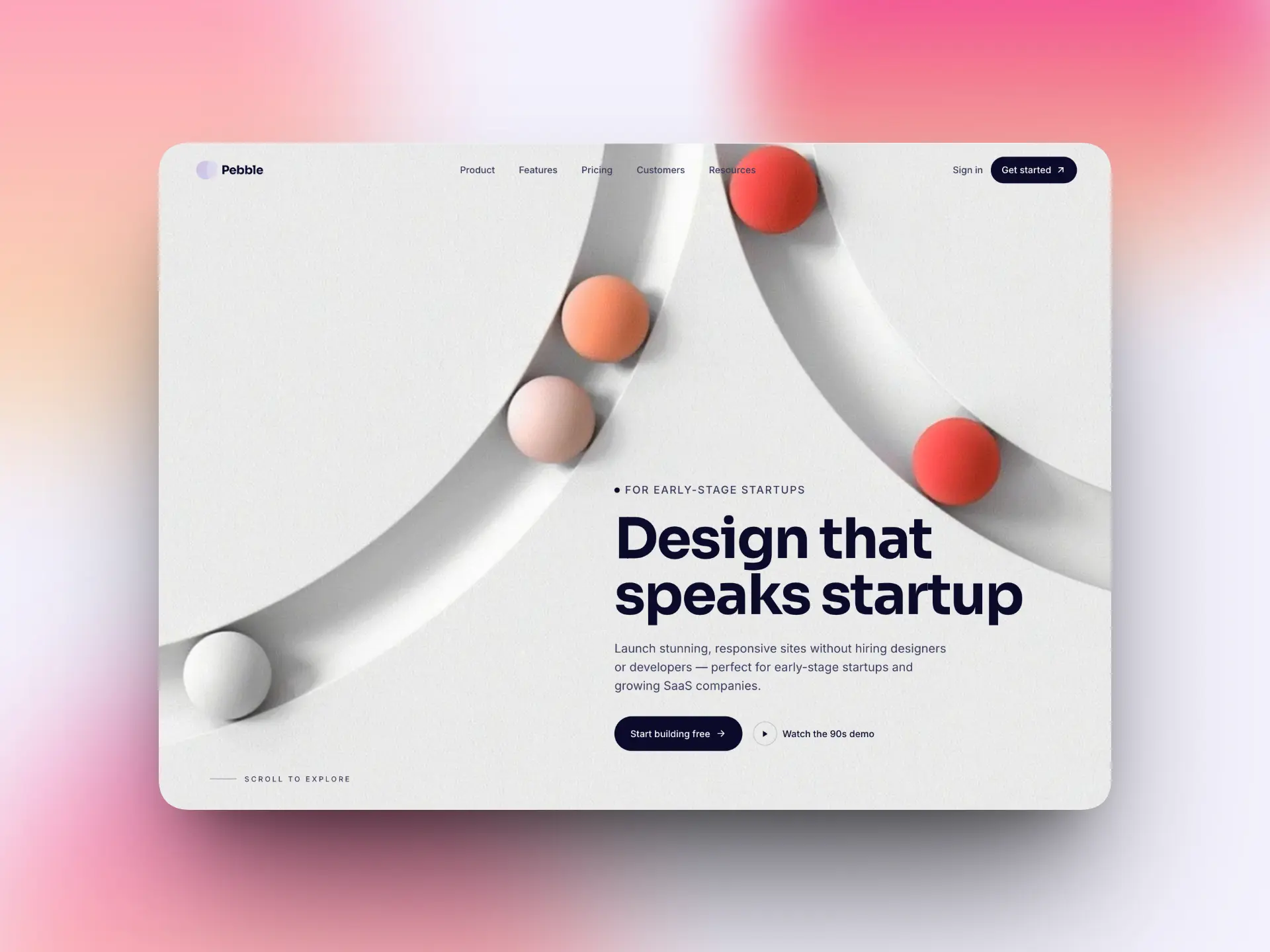
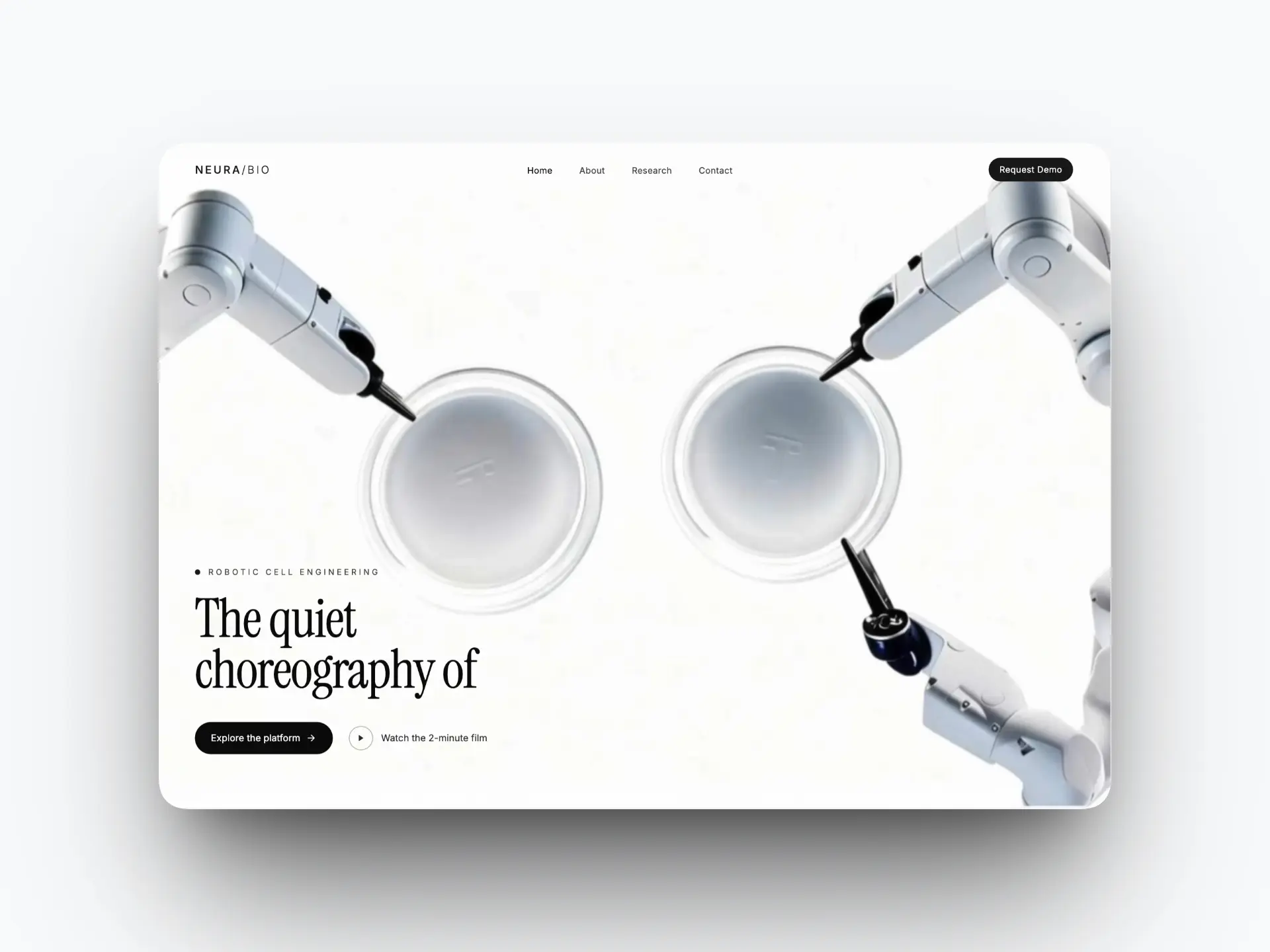

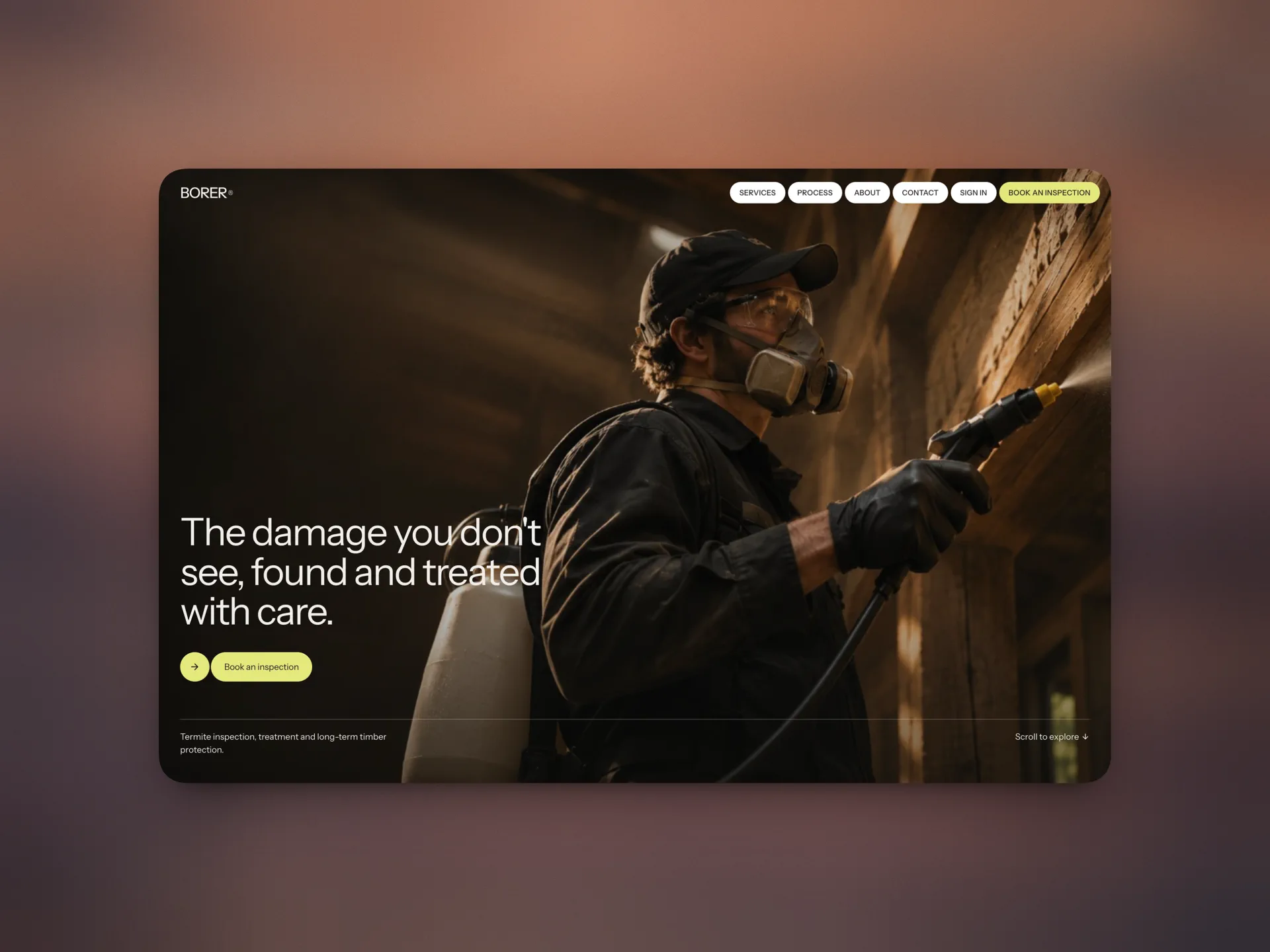
Start with a template. Make it your own.
Start with a prompt or one of 500+ templates. Use AI to customize the design, content, and layout for your business.
Browse all 500+ templates
Create a website with AI. Everything you need to build, launch, and grow, all in one place.
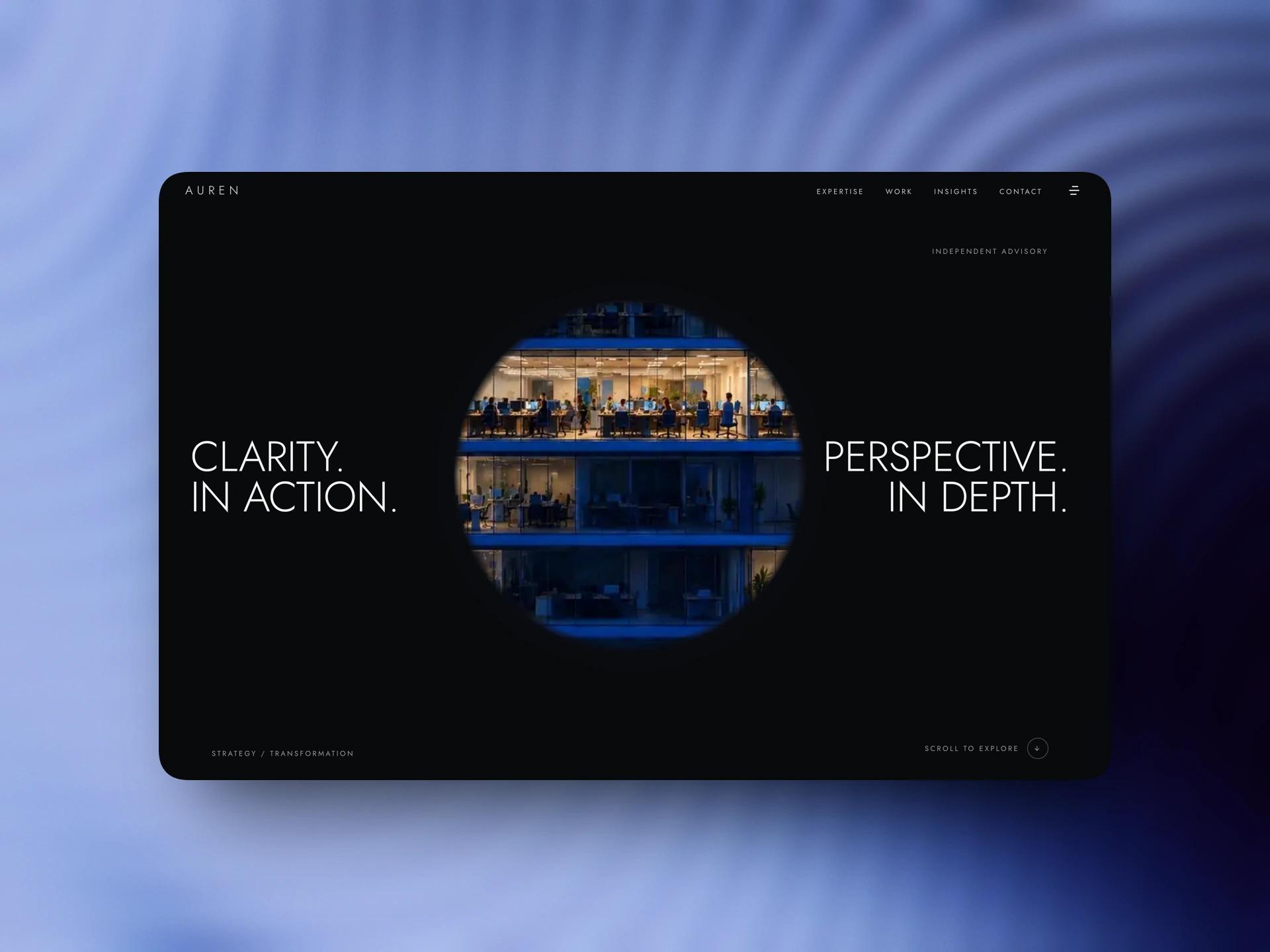
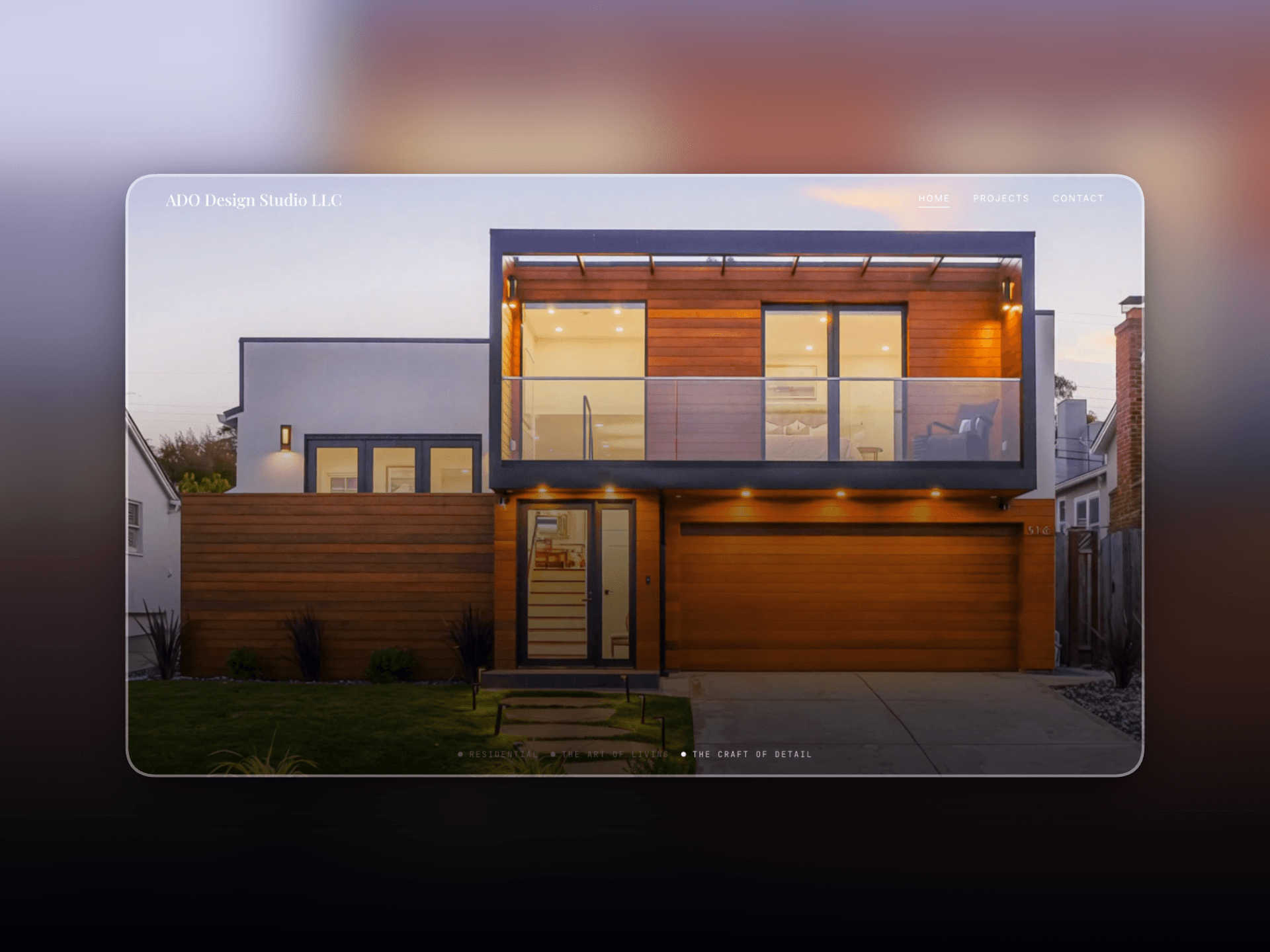
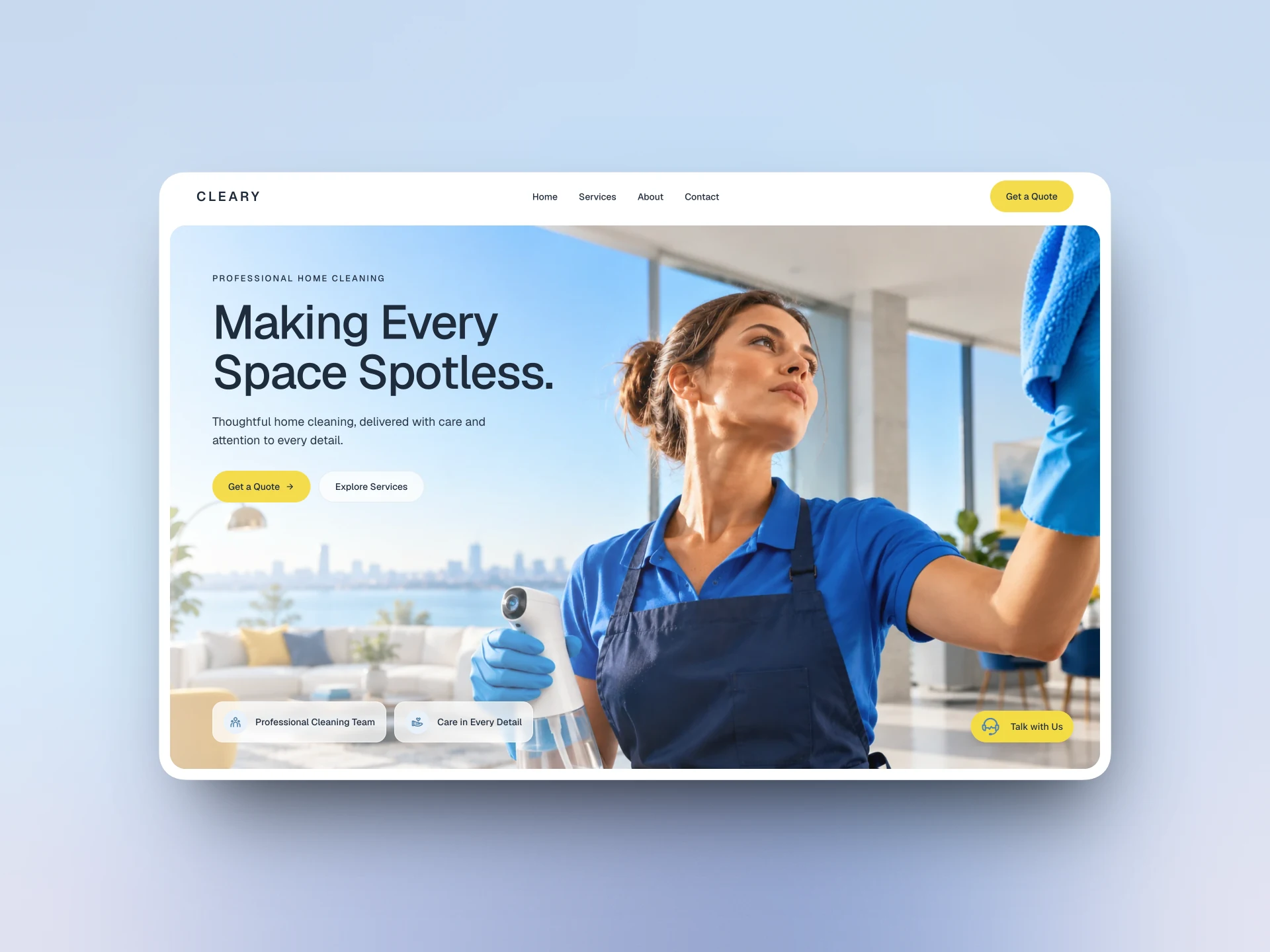
Start with a prompt or one of 500+ templates. Use AI to customize the design, content, and layout for your business.
Browse all 500+ templatesCreate
Start with a prompt, screenshot, or reference website. Readdy generates an editable draft you can shape around your brand and goals.
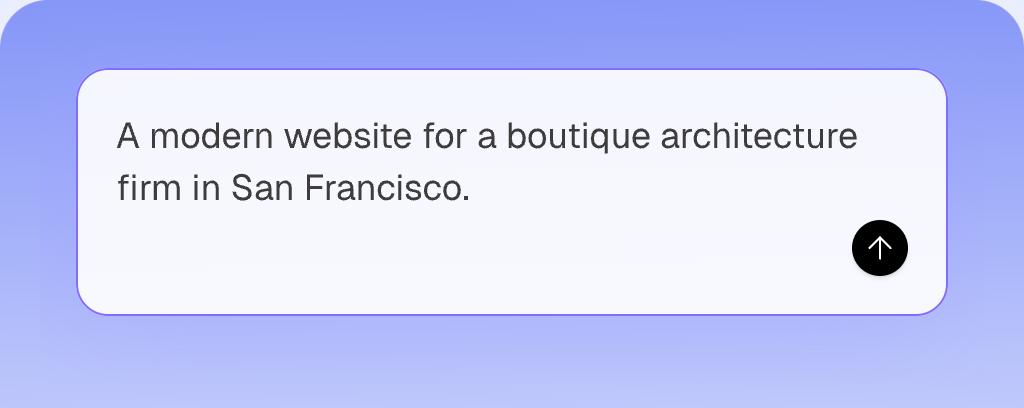
Prompt
Describe your business, audience, and goals. Tell AI which pages to include and what visitors should do next.

Image
Upload a screenshot or design reference. Use it to guide your layout and style, then adapt it to your brand.
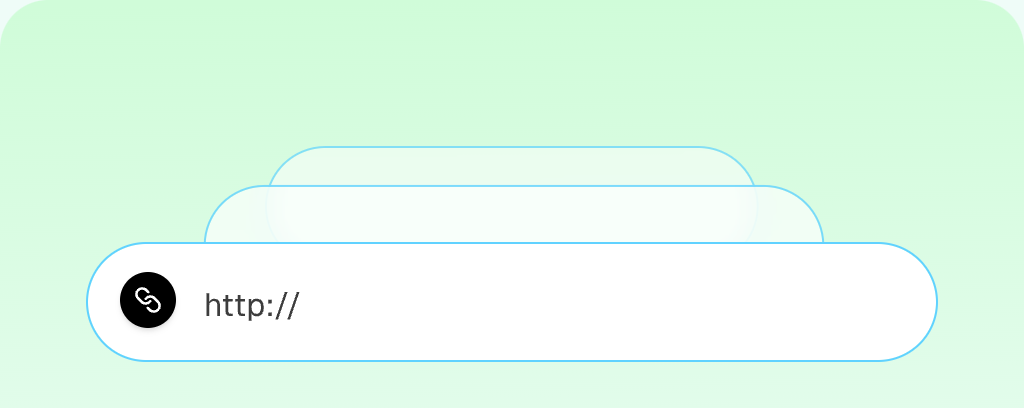
Reference
Share a website URL as a reference. Readdy uses it to create an editable website draft you can make your own.
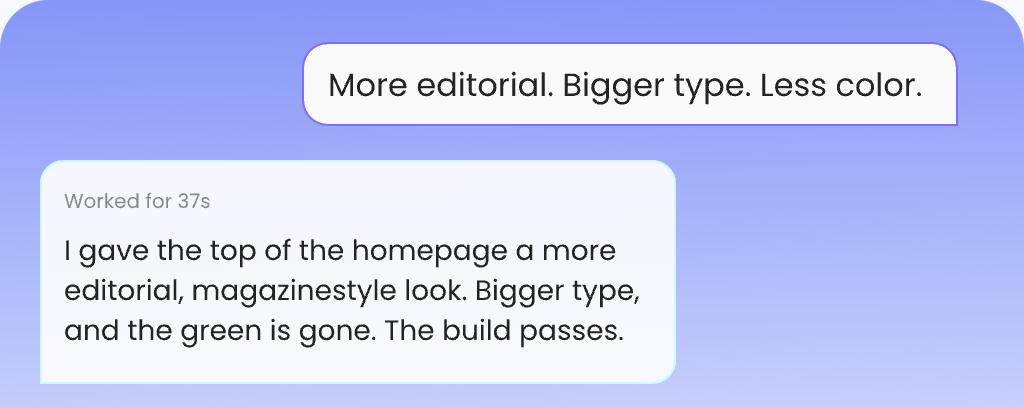
Style
Describe the look you want, from colors and fonts to mood. AI creates a design you can refine for your brand.
Customize
Use AI prompts or direct visual editing to adjust your website. Review each change, check the mobile layout, and keep refining before you publish.
Select text, images, colors, or spacing to make changes directly. Adjust individual details without rebuilding the rest of your page.
Describe a change, such as a new hero image or a different pricing layout. Review the result and refine the details before publishing.
Preview your website on desktop, tablet, and mobile. Refine layouts and content so visitors can browse comfortably on different devices.
Add hover effects, scroll animations, or video backgrounds. Use them to support your content and help visitors find their way.
Add service pages, campaign landing pages, or blog pages with AI. Review the content and navigation to keep your website consistent.
Try a new layout or change your content while keeping earlier versions available. Restore a previous version to revisit a design.
Run
Give visitors a way to book, buy, sign up, or get in touch. Readdy's built-in backend supports the workflows your business needs.
Bookings
Let customers choose an appointment time and receive a confirmation. Set up the booking details and test the process before you invite customers.
Leads
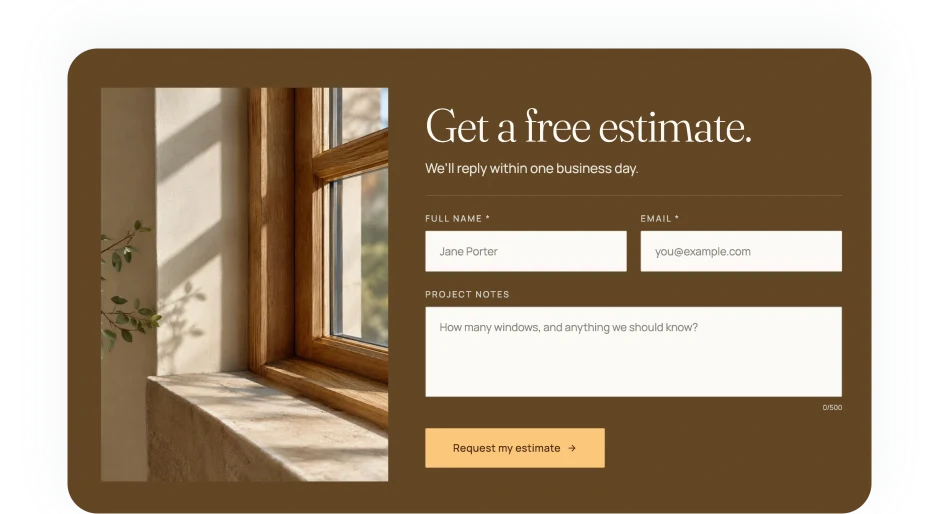
Collect inquiries through contact or quote request forms. Save submissions in your database so your team can review leads and follow up with customers.
Members
Create sign-up and login pages for your visitors. Use authentication and saved data to support member areas, gated content, or customer accounts.
Store
Connect payment or ecommerce tools to sell products and services. Configure your catalog and checkout, then test the purchase process before launch.
Creators
Present your projects, articles, and creative work on your own website. Customize the layout and content so visitors can explore what you do.
Agencies
Build client websites with AI and deliver them under your agency's brand. Use white-label options for a client experience that reflects your business.
Also included
Beyond launch
Launch your website, then keep working on growth with SEO and GEO tools, social publishing, lead capture, and visitor analytics.
SEO settings
Set page titles, descriptions, indexing, and sitemap inclusion for your published website on a custom domain.
AI SEO analysis
Run an AI SEO analysis to review website health, then send a suggested fix to the editor for AI to apply.
GEO optimization
Once your custom domain is live, enable GEO and republish to generate llms.txt and structured data for your pages.
AI social posts
Turn website content into social posts, schedule them across connected accounts, and review their performance.
Email marketing
Embed a Mailchimp signup form on your website to collect subscribers for newsletters and email campaigns.
Outreach campaigns
Find or upload prospects, create personalized websites, and send outreach emails through a connected mailbox.
Lead capture
Add forms to collect inquiries, review saved submissions, and set up email notifications for new requests.
AI receptionist
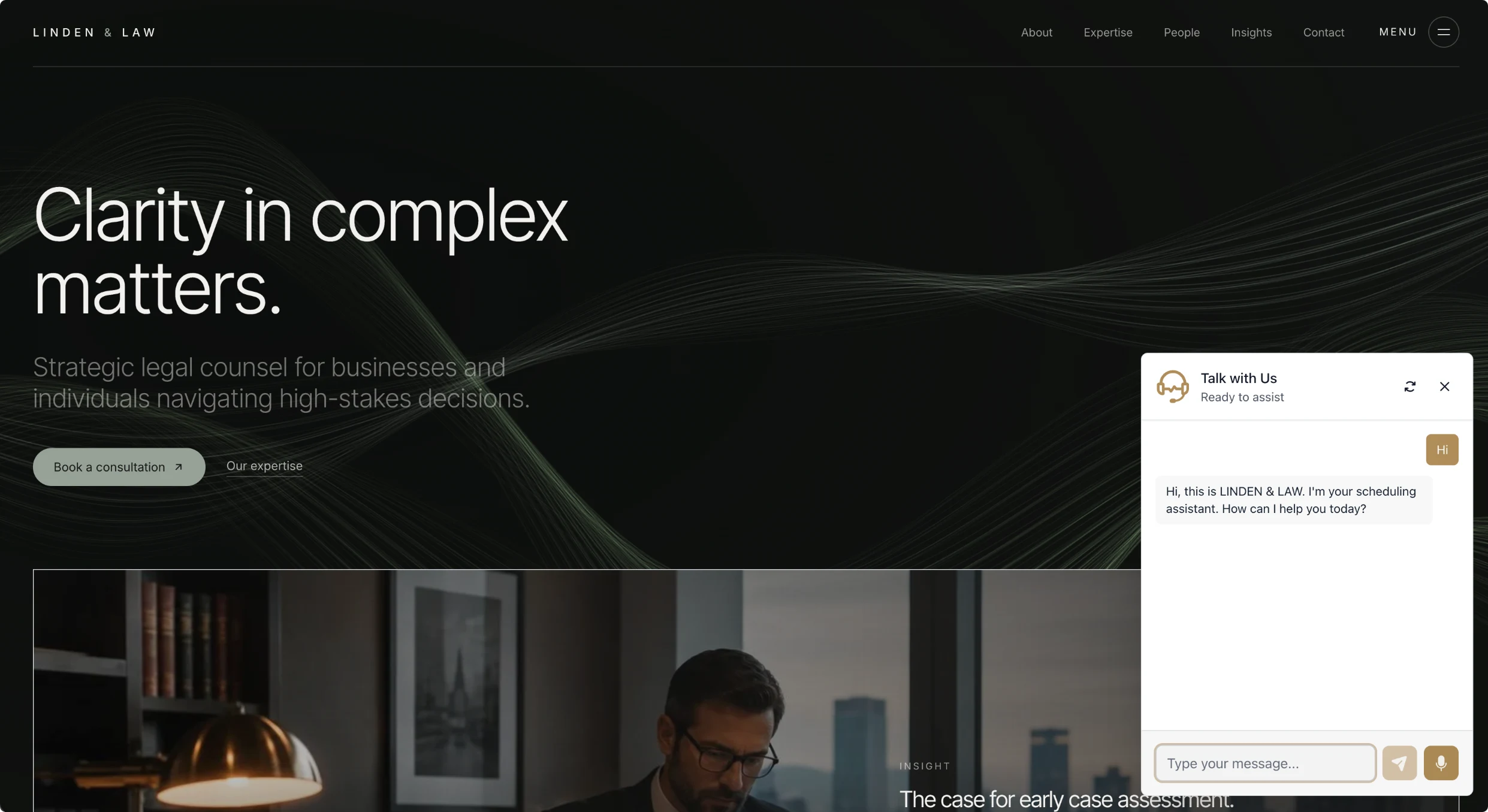
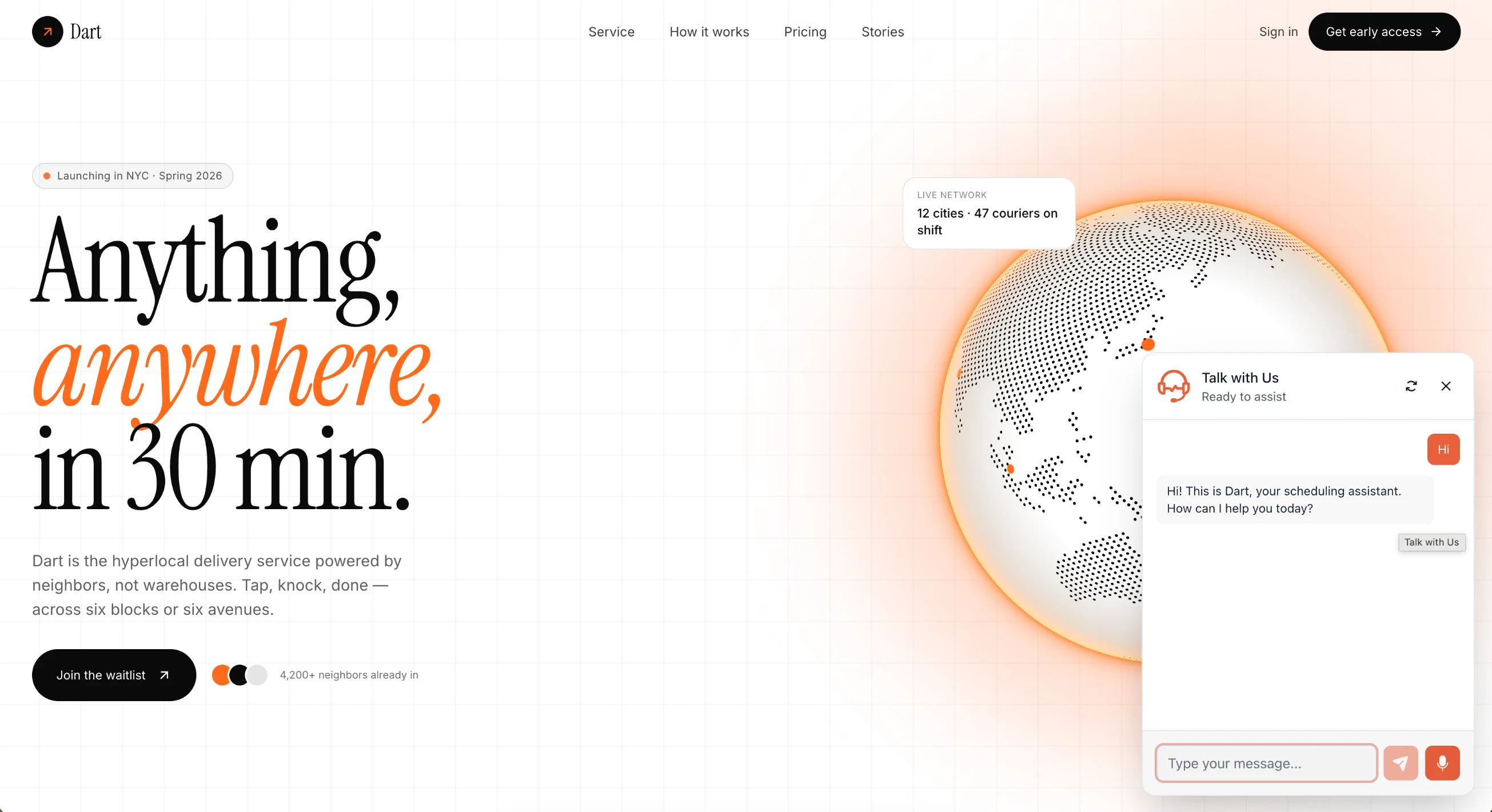
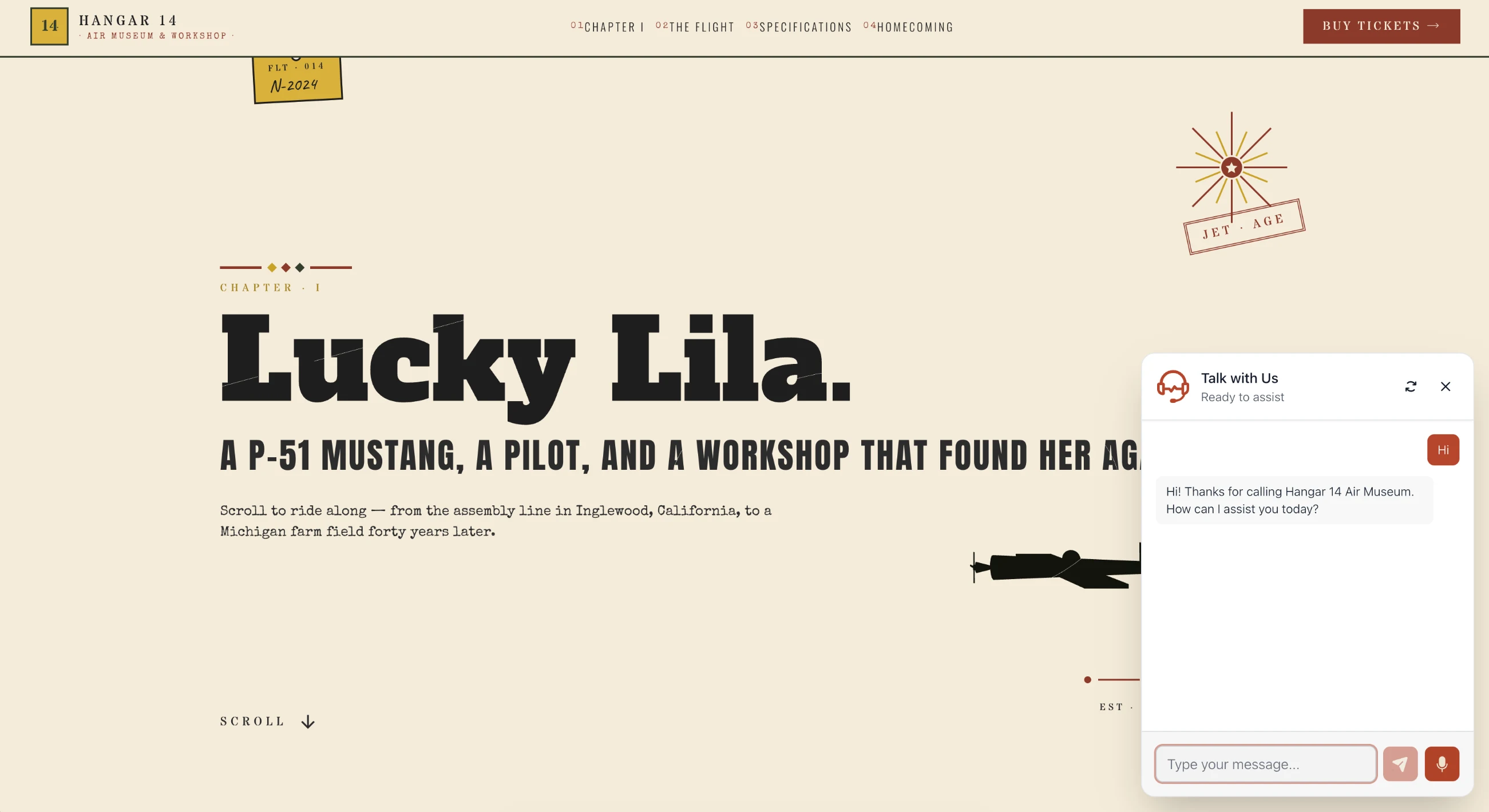
Let an AI receptionist answer questions, collect contact details, and help visitors book through chat or voice.
Web analytics
Track visitors, popular pages, traffic sources, and leads from forms and AI Receptionist to review site performance.
WHY READDY
Readdy AI website builder
Start with a prompt, a template, or a reference.
Other website builders
Manual setup. Weeks to learn.
Readdy AI website builder
Refine your website with AI prompts or direct visual editing.
Other website builders
Limited to templates.
Readdy AI website builder
Add forms, bookings, payments, and member areas with built-in backend capabilities.
Other website builders
Static pages. Plugins for the rest.
Readdy AI website builder
Publish with built-in hosting and connect your custom domain.
Other website builders
You set it up yourself.
Readdy AI website builder
Manage SEO settings and use Readdy Agent to identify and apply website improvements.
Other website builders
SEO settings only. You do the work.
Readdy AI website builder
Export your website code for further development.
Other website builders
Limited access. Hard to move.
Readdy AI website builder
Deliver client websites under your own brand with white-label options.
Other website builders
Often no white-label option.
Readdy AI website builder
Manage multiple clients and their website projects in one place.
Other website builders
Single-user management.
Readdy AI website builder
Five specialized bots for growth, SEO, GEO, social media, development, and leads.
Other website builders
Often not available.
Readdy AI website builder
One plan covers building, hosting, backend, and growth tools.
Other website builders
Extra fees for plugins, hosting, and features.
Who uses Readdy

Freelancers and agencies
Create and manage websites for multiple clients. Use shared projects and white-label options to organize delivery and keep each project consistent.

“Built and published a landing page without writing a line of code, and actually made sales from it.”

“Saving me over 90% of my budget. Within minutes, a professional website, ready.”

“We quoted a five-page site on Monday and had the client reviewing it Tuesday morning.”

“I designed a whole site in under 30 minutes, then exported it to Figma and to code.”

“It highlights my work and attracts clients effortlessly. Supercharged my consulting practice.”

“It's like having a buddy who builds websites. I finally took control of my own online presence.”
Explore guides for your business or project. Find practical ideas for the pages, design, and features your customers need.
An AI website builder turns a description of your business or project into a website draft, including layouts, copy, and images. You can refine the result with follow-up prompts or a visual editor, check how it looks on mobile, and publish when you are ready.
Meet your Readdy AI bot team. Get help creating, refining, and launching your website, with tools to keep growing after you go live.
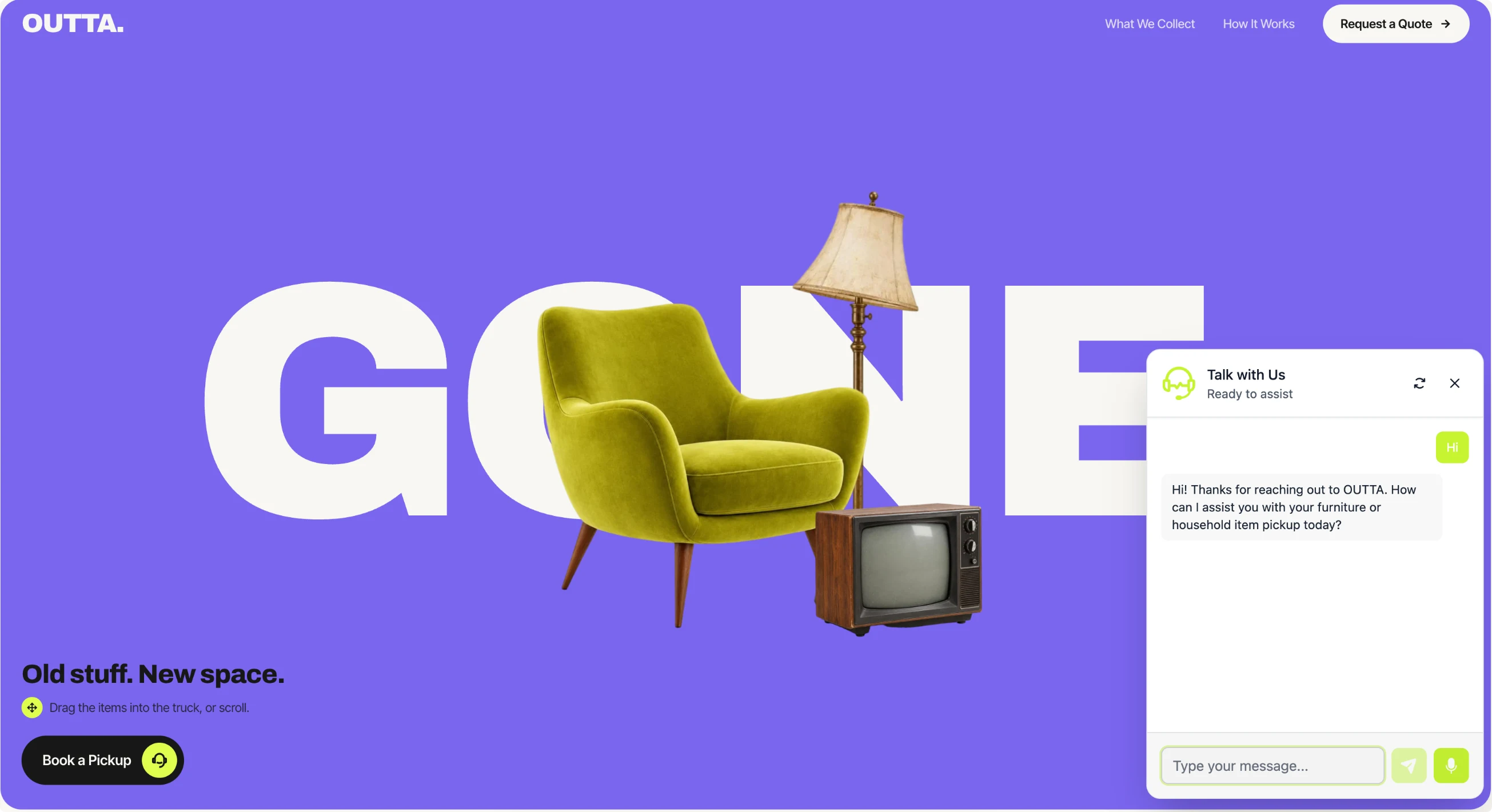









 Figma export